
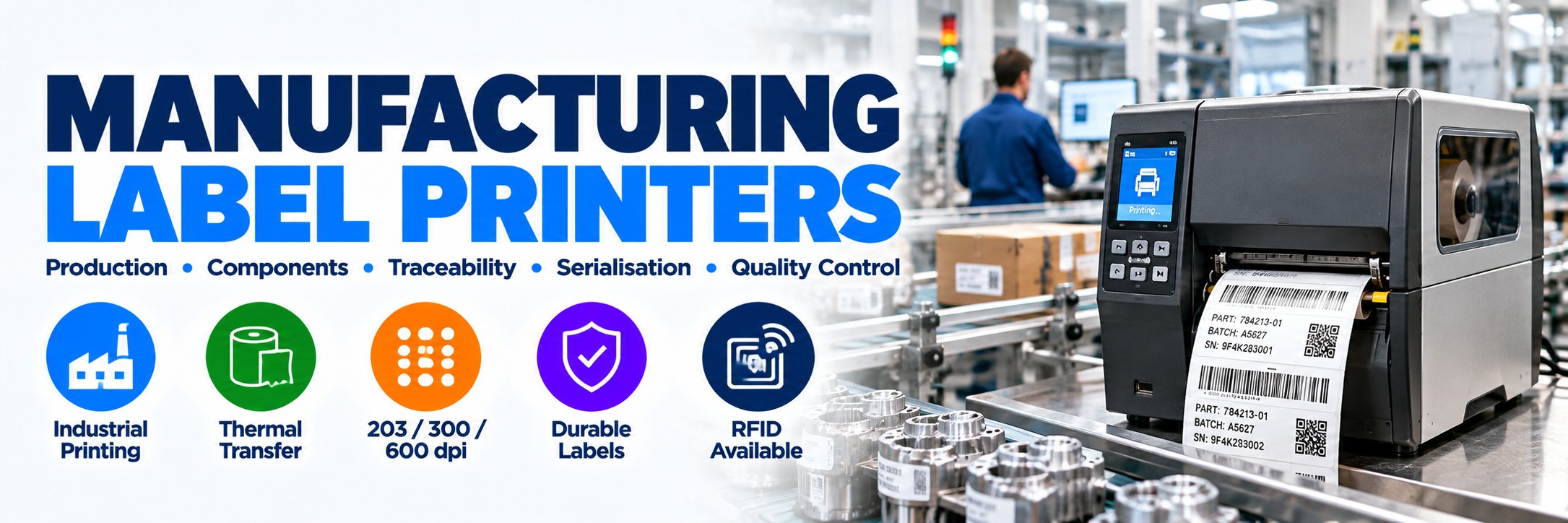
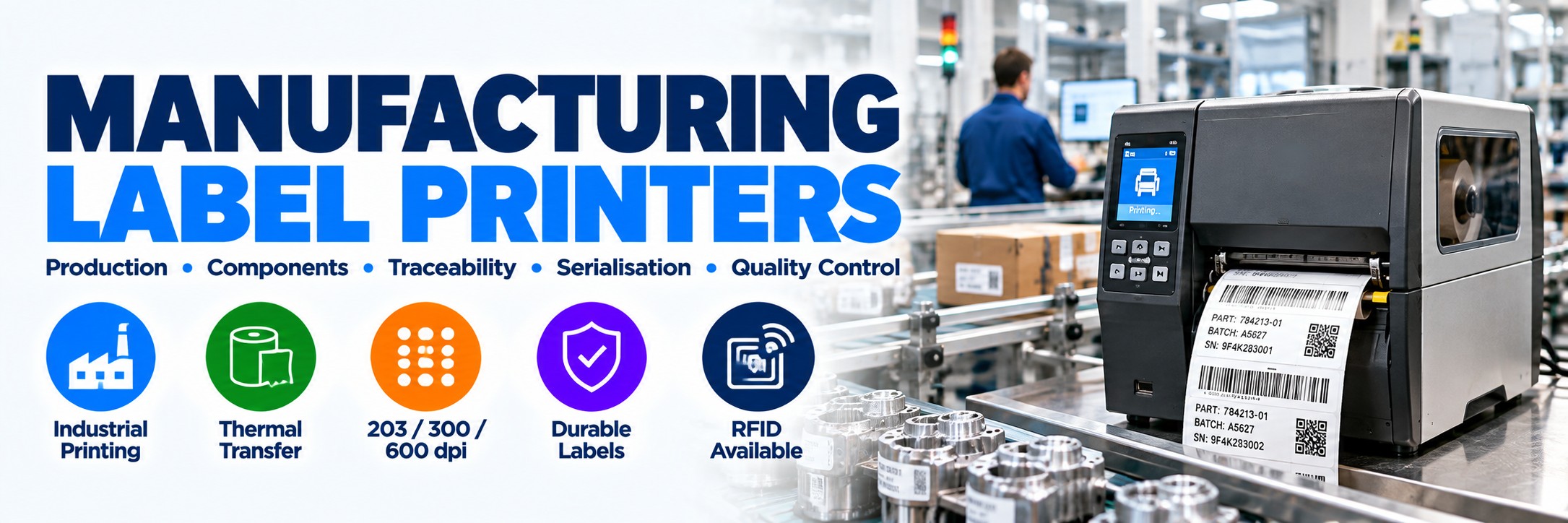
Label Printers for Manufacturing
Industrial, desktop and mobile label printers for product identification, component tracking, work-in-progress, serialisation, batch control, quality assurance and manufacturing traceability.
Manufacturing labels have to do more than display a product name. They can identify components, link products to production records, carry serial and batch information, support quality-control processes and remain readable as goods move through production and beyond.
Tek Direkt supplies professional label printers from Zebra, TSC, Honeywell and other established manufacturers, from compact workstation printers through to high-volume industrial printing systems.
Choose the printer around print volume, label size, label lifespan, resolution, media durability, production environment and required connectivity .
Label Printing Across the Manufacturing Process
Component Identification
Identify parts and components before, during and after assembly.
Work-in-Progress
Identify products, batches and production orders as they move between manufacturing stages.
Serial Numbers
Produce unique item identifiers with human-readable information and machine-readable barcodes.
Batch & Lot Labels
Print variable batch, lot and production information as manufacturing takes place.
Quality Control
Identify inspection status, test results or products requiring further action.
Asset Identification
Label machinery, tools, equipment and other manufacturing assets.
Durable Asset Labels →Finished Goods
Apply product and identification labels before items move into storage or distribution.
Pallet & Logistics
Extend identification into warehousing, shipping and distribution.
Identify → Produce → Inspect → Dispatch
Manufacturing label printing can create a physical identification layer throughout the production workflow.
1
Identify
Label raw materials, components, production orders and incoming items.
2
Produce
Use work-in-progress and variable labels as products move through production.
3
Inspect
Apply appropriate quality-control, test or inspection identification.
4
Dispatch
Produce finished-goods, carton, pallet and shipping identification.
Which Type of Manufacturing Label Printer Do You Need?
Desktop Label Printer
Compact printing for individual workstations, inspection areas and lower-volume production points.
Best for: decentralised printing, smaller batches and limited workspace.
Industrial Label Printer
Built for higher-volume printing, larger media capacity and demanding production environments.
Best for: production lines, central print stations and continuous manufacturing workflows.
Mobile Label Printer
Portable printing where labels need to be created close to the item rather than at a fixed workstation.
Best for: WIP, inspection, inventory, assets and production replenishment.
Mobile Label Printing at the Point of Work →Quick Manufacturing Printer Guide
| Requirement | Printer Type to Consider |
|---|---|
| Occasional workstation labels | Desktop thermal-transfer printer |
| Component identification | 300 dpi desktop or industrial printer where smaller text/barcodes are required |
| High-volume production labels | Industrial thermal-transfer printer |
| Very small labels / fine detail | 300 or 600 dpi printer depending on actual label design |
| Long-life durable labels | Thermal-transfer printer with appropriately matched synthetic media and ribbon |
| WIP / mobile production | Mobile direct-thermal printer where label durability requirements allow |
| RFID labels | RFID printer/encoder matched to the required inlay and application |
| Automated production line | Industrial printer with the required interface and integration capabilities |
Manufacturing Label Printers Worth Considering
Explore industrial label printers from Zebra, TSC, Honeywell, Bixolon and SATO. These printer families support applications ranging from component identification and serialisation to high-volume production, durable labels and manufacturing traceability.
Zebra Industrial Label Printers
Zebra ZT231
Entry-level industrial printing
A practical step up from desktop printers for production identification, barcode labels and manufacturing operations.
Explore Zebra ZT231 →Zebra ZT411
High-performance industrial printing
A versatile 4-inch industrial platform with multiple resolution and configuration options for demanding production environments.
Explore Zebra ZT411 →Zebra ZT421
Wider industrial label printing
A 6-inch-class industrial printer for larger manufacturing, logistics and identification labels.
Explore Zebra ZT421 →Zebra ZT610
High-volume industrial printing
Designed for demanding industrial operations requiring high-performance label printing and precise barcode identification.
Explore Zebra ZT610 →Zebra ZT620
Wide-format high-volume printing
Industrial label printing for larger labels and demanding manufacturing or logistics applications.
Explore Zebra ZT620 →TSC Industrial Label Printers
TSC MH241
Industrial barcode and identification printing
A robust industrial thermal-transfer printer for production labels, traceability and high-volume manufacturing applications.
Explore TSC MH241 →Honeywell Industrial Label Printers
Honeywell PM45
High-performance industrial printing
An industrial printing platform for manufacturing, product identification and production environments requiring reliable barcode labelling.
Explore Honeywell PM45 →Bixolon & SATO Industrial Label Printers
Bixolon XT5-40
Industrial thermal label printing
A professional industrial label printer for manufacturing, warehousing, distribution and product identification.
Explore Bixolon XT5-40 →SATO CL4NX Plus
Industrial manufacturing and traceability
A rugged industrial label printer for production identification, compliance labels and demanding manufacturing applications.
Explore SATO CL4NX Plus →Industrial Label Printers for Manufacturing
Industrial printers are designed around heavier workloads than typical desktop devices and are usually the starting point for production lines, central print areas and high-volume manufacturing.
Larger Media Capacity
Industrial printers can accommodate larger media rolls, reducing the frequency of label changes.
Longer Ribbons
Thermal-transfer industrial printers can support larger ribbon capacities for extended production runs.
Higher Duty Work
Industrial construction is better suited to demanding print volumes and manufacturing environments.
Integration Options
Selected models support additional interfaces and media-handling options for production deployments.
Zebra ZT411 for Manufacturing
The Zebra ZT411 is particularly well suited to manufacturing where businesses need a configurable 4-inch industrial printer capable of supporting different resolutions, media-handling requirements and connectivity options.
203 / 300 / 600 dpi
Select resolution around the size and detail of the label rather than assuming the highest resolution is always required.
Up to 356 mm/sec
203 dpi configurations can print at up to 356 mm per second for suitable high-volume applications.
Direct Thermal / Thermal Transfer
Supports both methods, providing flexibility across short-life and more durable label applications.
RFID Available
Specialist ZT411 RFID configurations are available where printing and UHF RFID encoding are required.
Zebra ZT231 – When You Need Industrial Without Over-Specifying
The Zebra ZT231 sits in a useful position between desktop label printers and higher-specification industrial platforms.
4-Inch Industrial
A manufacturing-focused industrial format for production and operational label printing.
203 or 300 dpi
Choose 203 dpi for many standard labels or 300 dpi where additional definition is required.
Thermal Transfer
Suitable configurations support durable thermal-transfer label production.
RFID Option
ZT231R configurations provide an RFID route where required by the application.
Desktop Printers for Manufacturing Workstations
Industrial does not automatically mean better. If a workstation only produces a modest number of labels, a desktop printer may be the more practical choice.
Zebra ZD421
Compact 4-inch desktop printing for component identification, inspection stations, packing benches and lower-volume production labelling.
Explore Zebra ZD421 →Zebra ZD621
A premium desktop option where manufacturing workstations require additional performance and configuration choices without moving to an industrial chassis.
Zebra ZD621 →Direct Thermal or Thermal Transfer?
Direct Thermal
Uses heat-sensitive label material and does not require a ribbon.
Consider for: shorter-life WIP, temporary inventory, shipping and operational labels where long-term durability is not required.
Thermal Transfer
Uses a ribbon to transfer the printed image onto the label material.
Consider for: component identification, assets, serial-number labels and applications requiring greater durability or longer label life.
203, 300 or 600 dpi?
203 dpi
General manufacturing labels.
Suitable for many conventional barcode, product, carton, pallet and identification labels.
300 dpi
Smaller labels & finer detail.
Useful for smaller text, more compact barcodes and applications where additional print definition is required.
600 dpi
Very small & detailed printing.
Relevant to specialist applications involving very small labels, fine graphics or compact 2D codes.
Small & High-Density Barcode Applications →Higher resolution is not automatically better. Higher-resolution configurations may print more slowly, so choose the resolution required by the actual label design.
Durable Manufacturing Labels
Printer choice is only part of the solution. The label construction and ribbon must also match the conditions the identifier will encounter.
Abrasion
Repeated handling can damage poorly matched print and label materials.
Moisture
Consider synthetic materials and suitable adhesives where labels may encounter water or humidity.
Oils & Chemicals
Industrial environments may require specialist materials and resin-based ribbon combinations.
Heat & Cold
Temperature can affect the facestock, adhesive and printed image as well as the printer itself.
Wax, Wax/Resin or Resin Ribbon?
Wax
Common choice for general-purpose paper labels where extreme durability is not required.
Wax / Resin
Provides greater resistance to handling and abrasion and works with a broader range of suitable label materials.
Resin
Used for more demanding durability requirements and commonly paired with suitable synthetic label materials.
The ribbon and label should be selected together. A more expensive ribbon does not automatically produce a better result on every label material.
Manufacturing Traceability: Print + Scan
A printed barcode creates the physical identifier. Scanning that identifier allows the item to be captured as it moves through the manufacturing process.
1
Create the product, component, batch or serial identifier.
2
Apply
Attach the appropriate label to the product, component or container.
3
Scan
Capture the barcode or 2D code at relevant manufacturing stages.
4
Record
Pass the captured identifier into the organisation's chosen production or traceability system.
Manufacturing Labels by Application
| Label | What to Consider |
|---|---|
| Component labels | Size, surface, adhesive, barcode dimensions and expected lifespan |
| WIP labels | Print speed, variable information and whether the label is temporary |
| Serial-number labels | Long-term readability, durable media and barcode/2D-code quality |
| Batch / lot labels | Variable data, production-system integration and print-on-demand workflow |
| Asset labels | Long lifespan, abrasion, cleaning, chemicals and adhesive performance |
| Quality-control labels | Point-of-use printing, variable inspection information and workflow |
| Shipping / pallet labels | Print volume, barcode readability, label dimensions and downstream scanning |
| Electronics / small parts | Small media, fine text and potentially 300 or 600 dpi printing |
Mobile Printing on the Factory Floor
Not every label needs to come from a fixed workstation. Mobile printers can move with the operator and produce identification closer to the item.
Work-in-Progress
Produce temporary or operational labels closer to the production process.
Inspection
Print appropriate labels at quality-control and inspection points.
Inventory
Create suitable inventory labels while moving through production or storage areas.
Asset Identification
Produce labels closer to equipment and assets where the media requirements permit mobile direct-thermal printing.
Connectivity & Production Integration
USB
Simple direct connection to a nearby PC or workstation.
Ethernet
Useful for fixed networked printers shared by production systems or multiple users.
Wi-Fi
Provides additional positioning flexibility where suitable wireless infrastructure exists.
Industrial Interfaces
Selected industrial printers offer additional interfaces for specialist integration and automation requirements.
Interface availability varies by configuration. Check the complete manufacturer part number rather than assuming every version of a printer family has the same connectivity.
RFID Label Printing for Manufacturing
RFID can add machine-readable identification that does not always require direct line of sight. Selected industrial printers can print the visible label while also encoding a compatible UHF RFID inlay.
Work-in-Progress
RFID can support suitable production tracking workflows where compatible systems are deployed.
Assets
RFID labels can be used in suitable equipment and asset-identification applications.
Inventory
Suitable RFID deployments can enable different inventory capture workflows from conventional barcode-only systems.
Printer Compatibility
The printer, RFID inlay, label construction and reader infrastructure all need to be matched to the application.
Label Printing or Direct Part Marking?
Printed Label
Useful where an adhesive label can provide the required identification, durability and barcode quality.
Advantages: flexible variable printing, multiple materials and relatively easy replacement where appropriate.
Direct Part Marking
DPM places the identifier directly onto the component using processes such as laser marking or dot peen.
It can be appropriate where a conventional label is impractical or where the identifier needs to remain with the component throughout its life.
DPM Barcode Scanners →Scanning Barcodes on Metal Parts →
Manufacturing Label Printer Brands
Zebra
Desktop, industrial, mobile and RFID printer platforms covering workstation through to demanding production applications.
Explore Zebra →TSC
Desktop and industrial label printers including high-performance 203, 300 and 600 dpi manufacturing platforms.
Explore TSC →Honeywell
Industrial and desktop printing platforms for manufacturing, warehouse and production identification.
Explore Honeywell →Need Help Choosing a Manufacturing Label Printer?
Our interactive Label Printer Selector helps you compare suitable Zebra, TSC, Honeywell, Bixolon and SATO printers based on your printing requirements.
Choose your label width, printing technology, expected daily print volume and preferred printer type to explore suitable models for your manufacturing operation.
How to Choose a Manufacturing Label Printer
1. What Are You Printing?
Components, WIP, serial numbers, batches, assets, finished goods or shipping labels?
2. How Many Labels?
Estimate realistic daily volume to determine whether desktop or industrial hardware is appropriate.
3. How Large Are They?
Confirm label width, length and the size of the barcode or 2D code.
4. How Long Must They Last?
A temporary WIP label and a lifetime component label require very different media.
5. DT or TT?
Choose direct thermal or thermal transfer according to required label lifespan and durability.
6. Which Resolution?
203 dpi for many general labels; 300 or 600 dpi where smaller or more detailed printing requires it.
7. Which Connectivity?
Check USB, Ethernet, Wi-Fi, Bluetooth, serial and specialist interface requirements.
8. Which Media?
Match the label material, adhesive and thermal-transfer ribbon to the actual environment.
Why the Exact Printer MPN Matters
Two printers carrying the same model name can have very different specifications.
Resolution
203, 300 and 600 dpi versions normally have different manufacturer part numbers.
Print Method
Direct-thermal and thermal-transfer configurations can differ.
Connectivity
Ethernet, Wi-Fi, Bluetooth and specialist interfaces vary between configurations.
Media Handling
Cutter, peel, rewind, RFID and other options may require a different configuration.
If you already know what you need, send the full manufacturer part number and quantity. That lets us price the exact printer rather than a similar-looking configuration.
Build the Complete Manufacturing Identification Setup
Label Printers
Desktop, industrial and mobile printing for production identification.
Barcode Scanners
Capture printed 1D and 2D identifiers throughout production.
Manufacturing Scanners →Labels & Ribbons
Match media, adhesive and ribbon to the label lifespan and operating environment.
Barcode Supplies →RFID
Add RFID printing, encoding and reading where the application requires it.
RFID Readers & Scanners →Manufacturing Label Printer FAQs
What type of label printer is best for manufacturing?
It depends on print volume and the application. Desktop printers can suit individual workstations, while industrial printers are generally more appropriate for higher-volume and demanding production environments.
Should manufacturing labels use direct thermal or thermal transfer?
Thermal transfer is often appropriate where labels need greater durability or a longer lifespan. Direct thermal can work well for shorter-life operational labels where those durability requirements do not apply.
Do I need 300 dpi?
Not necessarily. 203 dpi works well for many general manufacturing labels. 300 dpi becomes useful where labels, text or barcodes are smaller and require greater definition.
When would I need 600 dpi?
600 dpi is mainly relevant to specialist small-label and fine-detail applications. It should be selected because the label design requires it, not simply because it is the highest resolution available.
Which printer is suitable for high-volume manufacturing?
Industrial platforms such as the Zebra ZT411, TSC MH Series and Honeywell PM45 are designed around demanding industrial printing applications.
Can manufacturing printers produce Data Matrix codes?
Suitable thermal label printers can print 2D symbols including Data Matrix. The resolution, symbol dimensions, media and printer setup must support the required code quality.
Can I print RFID labels?
Yes, using an appropriate RFID printer/encoder and compatible RFID media. The exact printer configuration and inlay need to be matched to the application.
Can Tek Direkt quote my existing printer?
Yes. Send the complete manufacturer part number and quantity. If you already have another supplier quote, send the same MPN and quantity for another price to compare.
Related Manufacturing & Labelling Solutions
Explore specialist solutions for demanding manufacturing label applications, mobile workflows and specialist identification requirements.
GHS Chemical Label Printing
Produce on-demand colour chemical labels for applications requiring GHS hazard pictograms and variable product information.
Explore GHS Chemical Label Printing →Durable Asset Labels
Create identification labels for tools, machinery and equipment exposed to abrasion, moisture, weather and demanding industrial environments.
Explore Durable Asset Labels →Mobile Label Printing
Print labels closer to production, inspection, inventory and equipment rather than returning to a fixed printing station.
Explore Mobile Label Printing →Small & High-Density Barcodes
Explore identification and scanning requirements for electronics, small components and compact high-density barcodes.
Explore Small & High-Density Barcodes →Need Label Printers for Manufacturing?
Tell us what you're printing, your label size, approximate print volume, required durability and how many printers you need.
If you've already selected the hardware, send the manufacturer part numbers and quantities and we'll price the exact configurations.
Already have another supplier quote? Send the same MPNs and quantities and we'll give you another price to compare.
No calls. No meetings. No messing about. Just straightforward hardware and a price.