
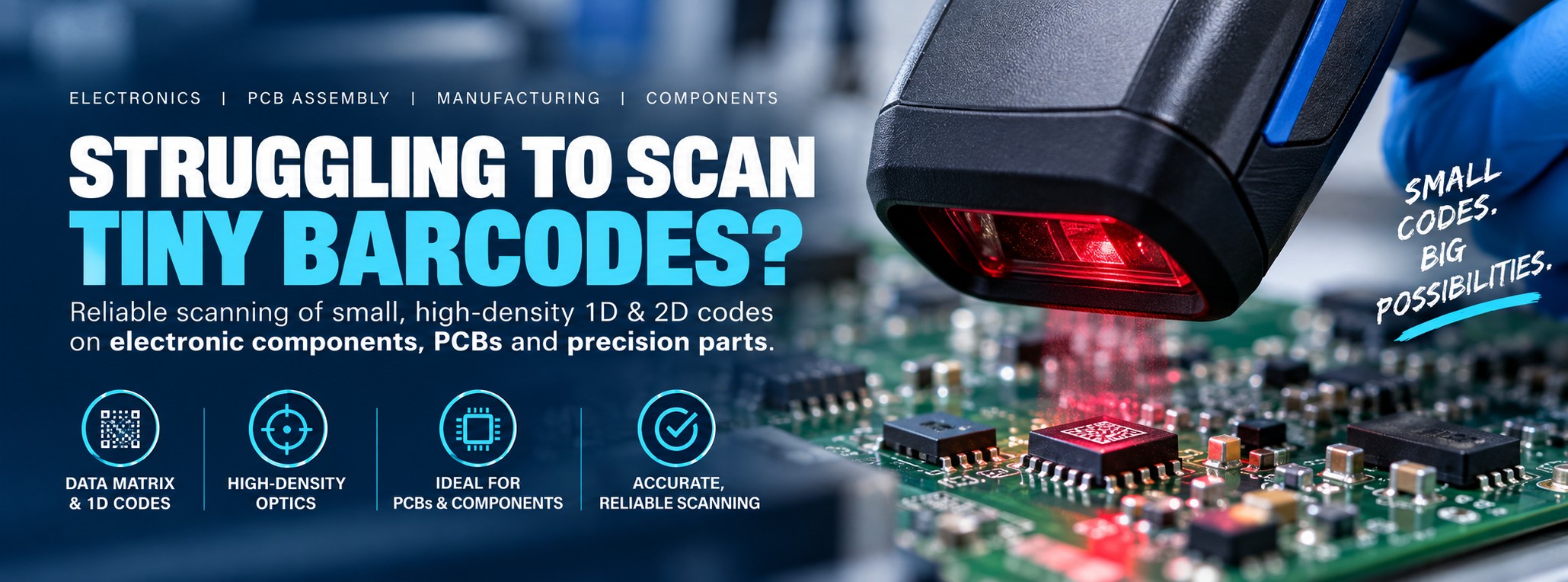
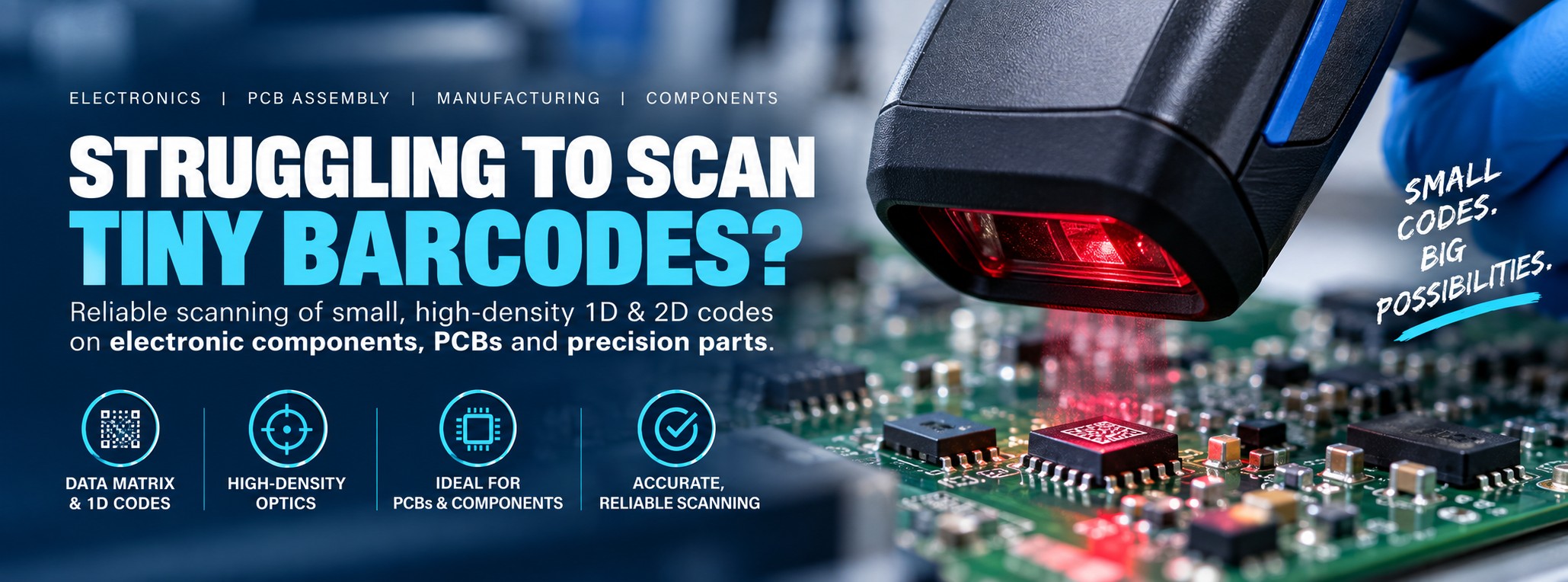
Electronics • PCBs • Components • Manufacturing
Struggling to Scan Tiny Barcodes & Data Matrix Codes?
Your barcode scanner might read a normal product barcode perfectly.
Put a tiny, high-density Data Matrix or barcode on an electronic component, PCB or small manufactured part in front of it and the result can be very different.
For applications involving very small codes, the scanner's optics and intended scanning range can matter just as much as the barcode symbology itself.
It Reads the Box. Why Won't It Read the Component?
This is where barcode-scanner specifications can become confusing.
A scanner can be excellent at reading normal retail, warehouse and shipping barcodes but still be poorly suited to a very small code containing a lot of information in a tiny area.
Same Scanner. Completely Different Challenge.
A large Data Matrix code printed on a carton may be easy to capture. A tiny Data Matrix code on a PCB or electronic component can require a scanner designed to resolve much finer detail at close range.
Why Are Tiny Barcodes Harder to Scan?
Very Small Elements
As a code becomes smaller, the individual bars or Data Matrix cells can become extremely fine.
High Data Density
A relatively large amount of encoded information may be packed into a very small physical area.
Close Working Distance
Small-code applications may require the scanner to focus effectively at a relatively close distance.
Print Quality
Imperfect edges, low contrast or poor printing become more significant when the complete barcode is only a few millimetres across.
Component Size
The available area on PCBs, electronic assemblies and precision components may restrict how large the code can physically be.
Surface & Position
Code placement, surrounding components and the surface itself can all affect how easily the scanner sees the mark.
That's Where High-Density Scanning Comes In
Barcode scanner families are often available with different scanning engines or optical configurations.
A high-density (HD) configuration is intended for applications where smaller, denser codes need to be resolved at closer working distances.
HD Doesn't Mean “Better at Everything”
A high-density scanner is optimised for a different job. If your application mainly involves larger warehouse barcodes at greater distances, another scanner configuration may be more appropriate.
The aim is to match the scanner's optics to the codes you actually need to read.
What Are You Trying to Scan?
PCB Data Matrix Codes
Small 2D codes used to identify boards and assemblies during production and traceability workflows.
Electronic Components
Compact barcodes and 2D codes used on components, packaging and small electronic parts.
Small Product Labels
High-density printed labels where the available label area is limited.
Precision Components
Small machine-readable identification used on compact manufactured parts.
Serialised Items
Capture individual serial numbers encoded in compact 1D or 2D barcodes.
Tray & Reel Labels
Scan identification used around electronic component storage, handling and production supply.
Who Needs High-Density Barcode Scanning?
Electronics Manufacturing
Capture compact identification codes during assembly, testing, inspection and production traceability.
PCB Assembly
Read small Data Matrix and other codes used on printed circuit boards and assemblies.
Electronic Components
Scan small labels and codes during component receiving, storage, kitting and production supply.
Medical Manufacturing
Capture compact machine-readable identification used on suitable components and manufactured devices.
Aerospace Electronics
Support identification and traceability where electronic components and assemblies use compact codes.
Precision Engineering
Read small codes used to identify compact engineered components and assemblies.
Small Barcode or Direct Part Mark?
These are related problems, but they're not necessarily the same scanning application.
Small / High-Density Code
The main challenge is resolving a very small barcode or Data Matrix code containing fine detail.
A high-density scanner configuration may be appropriate.
Direct Part Mark (DPM)
The code is permanently laser etched, dot-peened, engraved or otherwise marked directly onto the component.
That can require specialist DPM illumination and scanning technology.
Start With the Smallest Code You Need to Scan
Scanner selection becomes much easier when we can look at the actual barcode rather than working from a general description such as “small Data Matrix”.
If possible, send us a clear photograph of the smallest or most difficult code in your application together with its approximate dimensions.
1. Code Dimensions
Measure the approximate width and height of the complete barcode or Data Matrix code in millimetres.
2. Barcode Type
Tell us whether you're scanning Data Matrix, QR, Code 128 or another barcode symbology if you know it.
3. Working Distance
Approximately how far will the scanner normally be from the code when the operator needs to capture it?
4. What It's Printed On
Is the barcode on a label, PCB, component packaging, tray, reel or another surface?
5. Smallest Element
If your barcode specification gives the module, X-dimension or minimum element size, include that information too.
6. Current Scanner
If you're replacing an existing scanner, tell us its model and what happens when you try to read the difficult code.
Why the Overall Barcode Size Isn't the Whole Story
Two Data Matrix codes can have similar outside dimensions but present different scanning challenges.
One useful specification is the size of the individual elements that make up the code.
Look for Module Size or X-Dimension
For a 2D code such as Data Matrix, the individual squares are often referred to as modules. For a linear barcode, the X-dimension relates to the width of the narrowest element.
The smaller these elements become, the more important it is that the scanner can resolve the required level of detail.
If you don't know the module size or X-dimension, don't worry. Send us the overall dimensions and a good example of the actual barcode and we can start from there.
Standard Range or High Density?
Standard-Range Scanner
General-purpose scanners are typically a good fit for everyday product, warehouse, retail and logistics barcodes at normal working distances.
- General product barcodes
- Carton labels
- Normal warehouse labels
- Typical QR and Data Matrix codes
- General-purpose scanning
High-Density Scanner
HD configurations are intended for applications where scanners need to resolve smaller and denser barcode elements, often at closer range.
- Tiny Data Matrix codes
- Small electronic-component labels
- Compact PCB identification
- Small serialisation labels
- High-density 1D and 2D codes
Smaller Codes Can Change the Working Distance
A scanner designed to resolve very small barcode elements may need to be positioned relatively close to the code.
That's why we need to consider code size and working distance together.
Don't Choose HD Just Because It Sounds Higher Specification
If operators need to scan larger labels from further away, a high-density configuration may not be the best fit for the overall application.
If the same worker needs to capture both very small component codes and larger warehouse labels, tell us. That mixed requirement should be considered before selecting the scanner.
High-Density Barcode Scanner Options
Many professional scanner families are available in different optical configurations, including versions intended for high-density barcode capture.
Rather than choosing purely by model name, check the complete manufacturer part number and scan-engine configuration.
General-Purpose HD
Suitable where small-code scanning is required at workstations, benches or general production areas.
Good for:- PCB assembly
- Electronics benches
- Small labels
- Component identification
Rugged HD
For manufacturing and industrial environments where small-code capability needs to be combined with more rugged hardware.
Good for:- Production floors
- Industrial electronics
- Engineering
- Manufacturing traceability
Cordless HD
Useful where workers need high-density scanning without being tied to a fixed workstation by a cable.
Good for:- Mobile inspection
- Production areas
- Component stores
- Kitting operations
We'll Match This to Your Catalogue Requirement
Send us the smallest code you need to scan and we'll help narrow down suitable HD-capable scanner configurations rather than assuming that every version within a scanner family performs the same way.
Sometimes the Scanner Isn't the Only Problem
When a barcode is extremely small, print and code quality become increasingly important.
- Check that individual elements remain clearly defined
- Make sure there is sufficient contrast between code and background
- Avoid distortion when labels are applied
- Check whether printing is bleeding into neighbouring elements
- Look for damage, contamination or poor-quality marks
- Test representative production samples rather than an ideal test label
A specialist scanner can improve the ability to capture difficult codes, but it cannot make every badly produced barcode reliably readable.
For Small Codes, Testing the Real Barcode Matters
Specification sheets are useful for narrowing down potential scanners, but real-world testing is particularly valuable when the code is close to the limits of the application.
Test the Smallest Code
Don't test only the easiest or largest barcode in the application. Include the smallest code workers will actually encounter.
Test Real Production Samples
Use representative PCBs, components, labels, trays or assemblies rather than relying entirely on a barcode printed specifically for testing.
Test the Actual Distance
Make sure the scanner works at a distance that's practical for the operator and production process.
Test Repeatedly
A successful read once isn't the same as reliable scanning throughout a production workflow.
Send Us Your Smallest Barcode
If your current scanner struggles with a tiny barcode or Data Matrix code, send us a clear photograph of the actual code.
If possible, include:
- Approximate code dimensions in millimetres
- Barcode type, if known
- What the code is printed or marked onto
- Approximate working distance
- Current scanner model
We'll use that information to help narrow down the scanner configurations worth considering.
Send Us a Photo of Your CodeIs the Code Marked Directly Onto the Component?
If the difficult code is laser etched, dot-peened, engraved or otherwise marked directly onto metal, plastic or another component, you may be dealing with a Direct Part Marking (DPM) application instead.
Already Know Which Scanner You Need?
If you've already identified an HD scanner configuration, send us the manufacturer part number and quantity and we'll provide another business price to compare.
Don't Start With the Scanner. Start With the Code.
Tell us what the smallest barcode looks like, how big it is, how far away you need to scan it and what you're using now.
That's a much better starting point than simply choosing the scanner with the longest specification sheet.
Help Me Choose a ScannerImportant: barcode-reading performance depends on factors including symbology, module or X-dimension, print quality, contrast, working distance, scanner optics and the surface or material involved.
Scanner families may be available with different scan engines and optical configurations. Always check the specification of the exact manufacturer part number rather than assuming every version of a scanner family has the same small-code capability.
For challenging applications or larger deployments, testing representative production samples with the proposed scanner configuration is recommended before purchasing the full quantity.