
Direct Part Marking • Manufacturing • Engineering
Can't Scan a Barcode Marked Directly on a Metal Part?
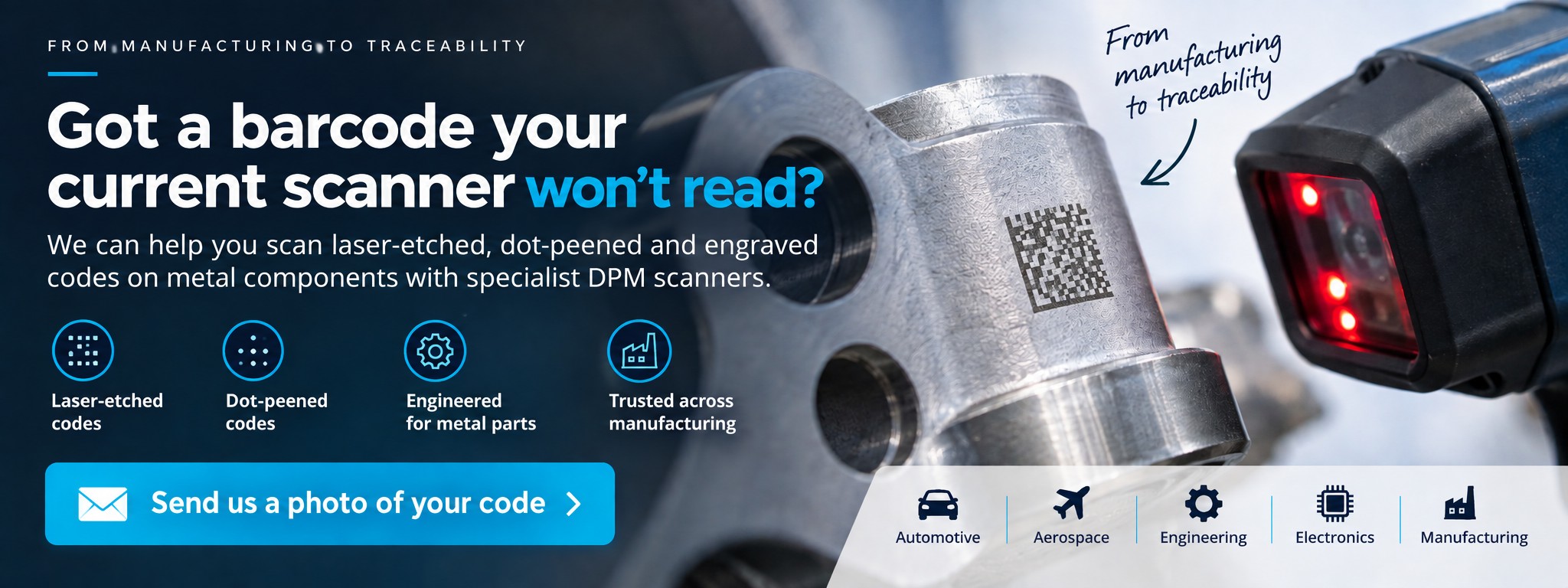
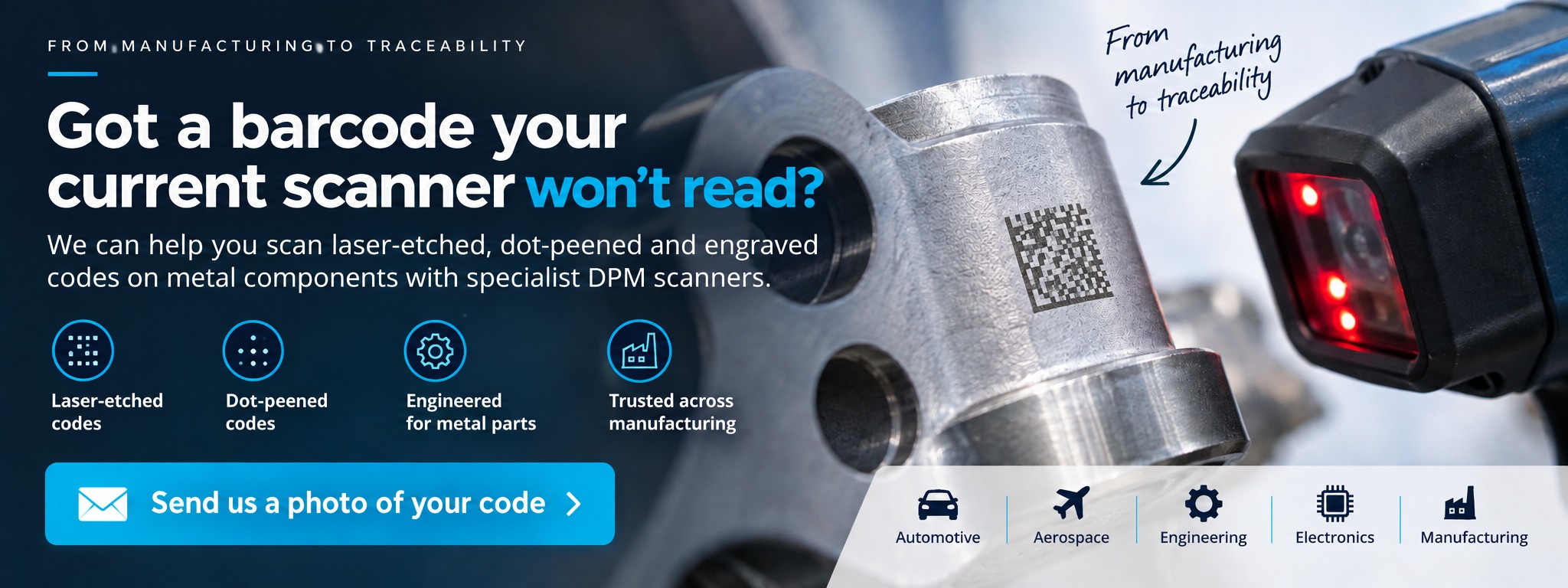
If you're trying to scan a Data Matrix or other code that's laser etched, dot-peened, engraved or marked directly onto a component, an ordinary 2D barcode scanner may not be enough.
Specialist Direct Part Marking (DPM) scanners are designed for these more challenging manufacturing and traceability applications.
Does This Look Familiar?
Your scanner reads ordinary barcode labels without a problem. Then you point it at a code marked directly onto a component and suddenly it struggles — or doesn't read it at all.
Laser-Etched Codes
Permanent codes created directly on metal, plastic or another component surface can have much lower contrast than a conventional printed barcode.
Dot-Peen Codes
Dot-peened Data Matrix codes are formed from physical indentations, making lighting and viewing angle particularly important for reliable capture.
Engraved Codes
Engraved and etched identification marks can be affected by surface finish, reflections, code size and the material being scanned.
The Barcode Symbology Isn't Necessarily the Problem
A standard 2D scanner may successfully read a Data Matrix code printed on a white label but struggle with the same symbology when it is permanently marked onto reflective or textured metal.
Why Won't My Barcode Scanner Read the Code?
Printed barcode labels normally give a scanner a predictable, high-contrast image. Directly marked components can present a much harder optical problem.
Low Contrast
The code and the surrounding component may be very similar in colour.
Reflective Metal
Scanner illumination can reflect from polished metal and obscure parts of the code.
Surface Texture
Machining marks, casting and other textures can interfere with the image captured by the scanner.
Very Small Codes
Electronics and precision components can use very small Data Matrix codes requiring suitable optics.
Curved Parts
The complete code may not sit on one flat plane facing the scanner.
Physical Indentations
Dot-peen marks depend partly on how light interacts with the indentations in the component surface.
That's Where a DPM Scanner Comes In
Direct Part Marking scanners use specialised imaging, illumination and image processing designed for more challenging permanent marks.
They're commonly used where components need to remain identifiable throughout manufacturing, assembly, inspection and later maintenance.
- Laser-etched Data Matrix codes
- Dot-peened codes
- Engraved or etched identification
- Low-contrast marks
- Reflective metal components
- Small high-density codes
- Machined and textured surfaces
- Permanent component traceability
Where Are DPM Scanners Used?
Precision Engineering
Read permanent identification on machined, cast, polished and other engineered components.
Automotive Manufacturing
Capture codes on engine components, transmission parts, bearings and other automotive assemblies.
Aerospace Manufacturing
Support component identification and traceability throughout production, inspection and maintenance.
Electronics
Capture compact Data Matrix codes on electronic components and assemblies.
Medical Manufacturing
Read permanent machine-readable identification used on suitable medical components and devices.
Industrial Manufacturing
Track individual components through production, assembly, quality control and finished-goods processes.
Got a Code Your Current Scanner Won't Read?
Don't guess from a scanner specification sheet.
Send us a clear photograph of the actual code you're trying to scan and tell us what it's marked onto. That gives us much more useful information for narrowing down the type of DPM scanner you need.
Send Us a Photo of Your CodeWhat Do We Need to Know?
Direct Part Marking applications can vary considerably. Two Data Matrix codes of the same physical size can behave very differently depending on how they're marked and the surface they're marked onto.
1. A Photo of the Code
Send us a clear photograph showing the actual code and, if possible, some of the surrounding component.
2. Marking Method
Tell us whether the code is laser marked, dot peened, engraved, etched or produced using another process.
3. Component Material
Is the mark on steel, aluminium, another metal, plastic, glass or another material?
4. Code Dimensions
Give us the approximate width and height of the complete Data Matrix, QR code or other machine-readable mark.
5. Surface Finish
Tell us whether the surface is matt, polished, reflective, cast, textured, curved or otherwise unusual.
6. Working Distance
Approximately how close can the scanner get to the component during normal use?
Finding the Right DPM Scanner Doesn't Need to Be Complicated
1
Take a Photo
Photograph the actual code you're struggling to scan.
2
Send the Details
Tell us the material, marking method and approximate code size.
3
Narrow the Options
We'll help identify the type of DPM scanner worth considering.
4
Test Where Needed
For difficult marks or larger deployments, test representative production parts before committing to the full quantity.
Handheld or Fixed DPM Scanning?
Handheld DPM Scanners
A handheld scanner allows the operator to move the scanner and adjust the angle relative to the component.
- Components vary in size
- Codes appear in different positions
- Parts are manually inspected
- Operators need to adjust the scanning angle
- One scanner may be used for several tasks
Fixed DPM Readers
A fixed industrial reader can capture codes automatically as components pass a controlled point in the production process.
- Parts follow a consistent path
- Production is automated
- The code position is controlled
- Automatic scanning is required
- Higher throughput is needed
Corded or Cordless?
Corded DPM Scanner
A good option for production benches, inspection stations and other locations where the scanner remains close to the host computer.
- No scanner battery to manage
- Suitable for fixed workstations
- Simple USB connectivity options
Cordless DPM Scanner
Useful where operators need to move around larger components, vehicles, assemblies or a wider production area.
- Greater operator mobility
- Useful around large components
- Suitable where cable movement is restrictive
Scanning performance against the actual mark should come first. Corded versus cordless should normally be considered after we've established which scanning technology can reliably capture the code.
For Difficult Codes, Test Before a Larger Deployment
DPM is one of the applications where testing the real production component can be far more useful than comparing specification sheets alone.
Same Symbology. Completely Different Scanning Challenge.
A Data Matrix code printed in black on a white label may be straightforward to capture. The same Data Matrix symbology dot-peened into polished metal can present a completely different optical challenge.
For difficult marks or larger scanner quantities, testing representative production parts with the proposed scanner is strongly recommended before purchasing the full deployment.
Specialist Barcode Scanners for Metal Parts
Several leading barcode scanner manufacturers offer specialist configurations designed for Direct Part Marking applications. These can include enhanced illumination, specialised imaging and optics intended for challenging marks on metal and other component surfaces.
The following scanner families are worth investigating when dealing with laser-etched, dot-peened, engraved or low-contrast codes.
Zebra DPM Barcode Scanners
Zebra DS4608-DPE
Specialist DPM and high-density scanning
A specialist configuration of the Zebra DS4608 family for challenging direct-part marks and compact barcodes.
Zebra DS3608 DPM
Ultra-rugged corded DPM scanning
Specialist configurations within the DS3608 family for industrial and manufacturing applications involving permanently marked codes.
Zebra DS3678 DPM
Ultra-rugged cordless DPM scanning
Specialist configurations within the DS3678 family for demanding industrial applications where cordless operation is required.
Datalogic PowerScan DPM Barcode Scanners
Datalogic PowerScan PD9630-DPX
Corded industrial DPM scanning
A specialist PowerScan configuration for demanding Direct Part Marking applications in manufacturing and engineering.
Datalogic PowerScan PBT9600-DPX
Bluetooth cordless DPM scanning
A rugged cordless configuration for scanning directly marked components in industrial environments.
Datalogic PowerScan PM9600-DPX
Industrial cordless DPM scanning
A specialist cordless scanner configuration for challenging component identification and manufacturing traceability.
Important: These links lead to general scanner-family CMS pages. Standard configurations may not support DPM. Confirm the exact manufacturer part number and, for challenging applications, test representative marked components before ordering.
Want the Technical Detail?
This page is designed to help businesses dealing with a specific scanning problem. If you're researching Direct Part Marking in more depth, our complete DPM guide covers scanner technology, marking methods, handheld versus fixed readers, industries, manufacturers, buying considerations and frequently asked questions.
Already Know Which Scanner You Need?
If you've already tested a scanner or know the exact manufacturer part number required, send us the MPN and quantity and we'll provide another business price to compare.
Let's Start With the Code
If your current scanner won't reliably read a code that's marked directly onto a component, send us a photograph of the actual mark.
Include the material, marking method, approximate code size and working distance if you know them.
We'll use that information to help narrow down the DPM scanner options worth considering.
Send Us a Photo of Your Code Ask About DPM ScannersImportant: DPM performance depends on the actual mark, component surface, code dimensions, optics, illumination and scanning conditions.
A scanner being described as DPM-capable does not guarantee reliable performance against every direct part mark.
For challenging applications or larger deployments, representative production samples should be tested with the proposed scanner configuration before the full quantity is ordered.