
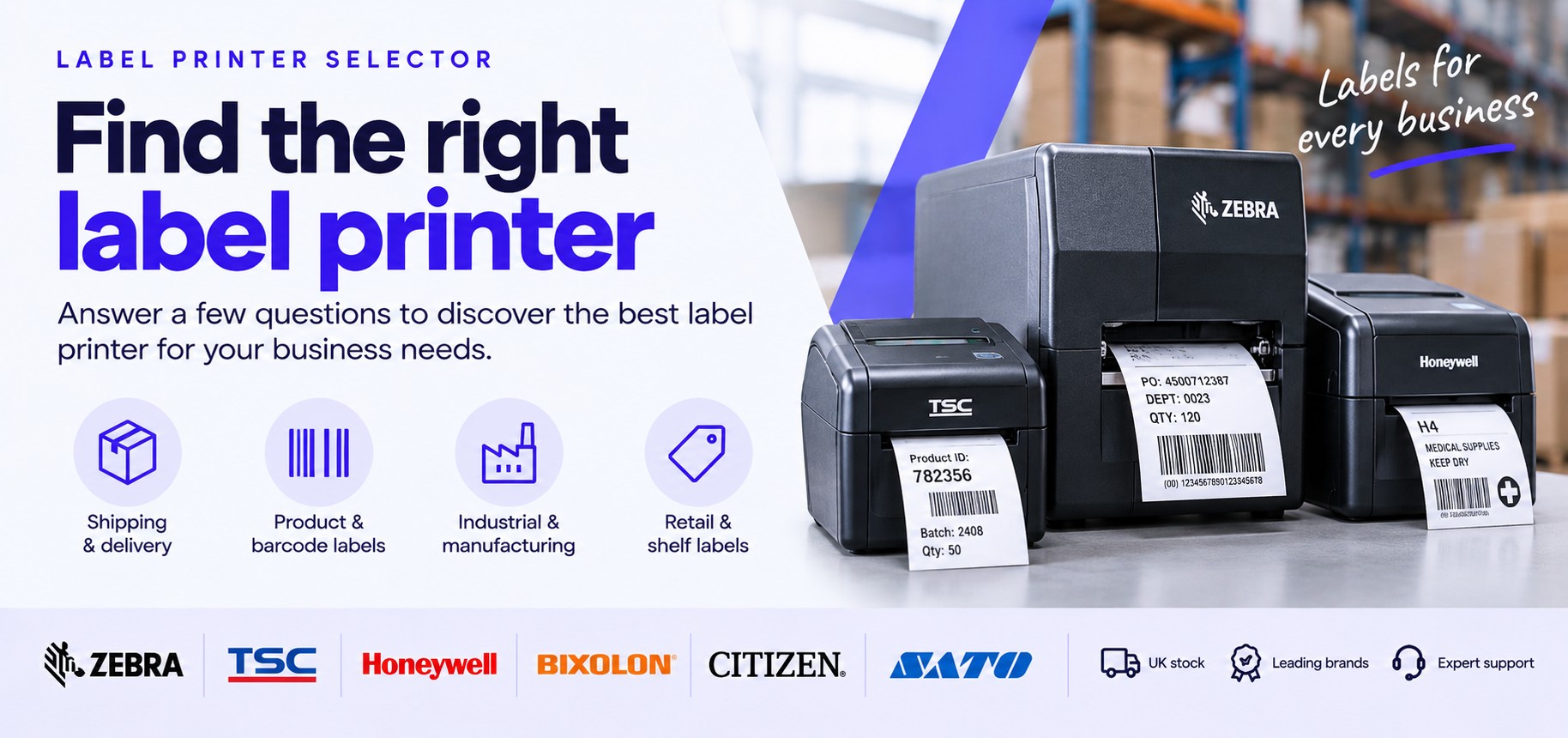
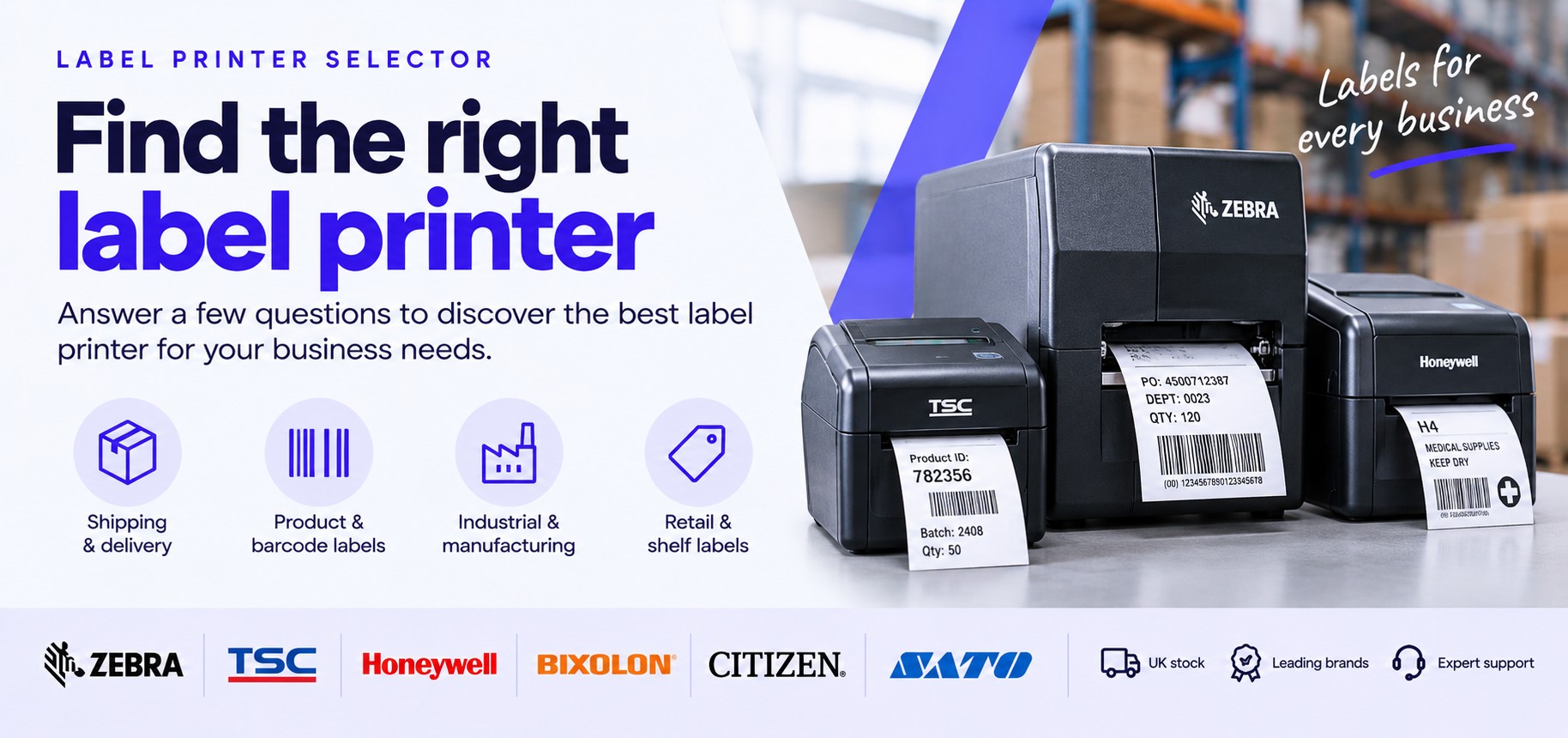
GUIDED LABEL PRINTER FINDER
What do you need your printer to do?
1. What will you print?
2. What print method do you need?
3. Your requirements
Choose your requirements to find suitable label printers.
YOUR RECOMMENDATIONS
Suggested label printers
Need help choosing a label printer?
Tell us your label dimensions, print volumes, media type and application. We can help identify suitable printers, labels and ribbons.
Ask Tek Direkt →How to choose the right label printer
Choosing a label printer depends on what you need to print, the size and material of your labels, how many labels you produce and the environment in which the printer will operate.
Tek Direkt supplies desktop and industrial label printers from Zebra, TSC, Honeywell, Bixolon, Citizen and SATO, covering shipping labels, barcode identification, product packaging, manufacturing and healthcare applications.
Use our interactive selector above to narrow down suitable printer families based on your requirements.
Label printers for different applications
Shipping and delivery labels
Print courier labels, address labels, parcel identification and dispatch barcodes.
Direct thermal desktop printers are commonly used at packing stations, while industrial models suit higher-volume operations.
Popular families: Zebra ZD421, TSC DA220 and Honeywell PC45D.
Barcode and inventory labels
Create barcode labels for stock control, inventory identification, asset tracking and warehouse management.
Choose between direct thermal and thermal transfer printing according to how long labels need to remain readable and the conditions they will face.
Popular families: Zebra ZD621, TSC TE200 and Citizen CL-E321.
Product and packaging labels
Print product identification, ingredients, batch numbers, barcodes and packaging information.
Thermal transfer printing is often suitable for durable monochrome product labels. Full-colour branding may require a dedicated colour label printer.
Popular families: Zebra ZD421, TSC TX610 and Honeywell PC45T.
Retail and shelf labels
Produce price labels, shelf-edge identification, stock labels and product barcodes for retail environments.
Compact desktop printers can suit shops, stockrooms and smaller retail operations.
Popular families: Zebra ZD220, TSC DA210 and Bixolon XD3-40d.
Industrial and manufacturing labels
Print high volumes of identification, tracking, carton, pallet and manufacturing labels.
Industrial printers are designed for more demanding workloads and may offer larger media capacities, rugged construction and specialist connectivity options.
Popular families: Zebra ZT411, TSC MH241 and Honeywell PM45.
Healthcare and laboratory labels
Print labels for specimen identification, patient-related workflows, laboratory tracking and healthcare inventory.
Consider print resolution, label material, durability and compatibility with existing healthcare systems.
Popular families: Zebra ZD611, Zebra ZD621 and TSC TX610.
Not sure which printer you need?
There is no single label printer suitable for every application. Label width, printing method, print volume, durability and software compatibility all influence the choice.
Use the selector above or contact Tek Direkt with your requirements. We can help identify suitable printers, labels and ribbons.
Understanding label printer types
Different printing technologies and printer classes are suited to different applications. Understanding the main differences can help you choose a printer that meets your current requirements and allows room for future growth.
Direct thermal label printers
Direct thermal printers use heat-sensitive label material to produce an image without ink, toner or ribbons.
They are commonly used for shipping labels, courier labels, receipts and short-term identification.
Best for: Shipping, dispatch, temporary labels and applications where long-term durability is not essential.
Thermal transfer label printers
Thermal transfer printers use a ribbon to transfer the printed image onto compatible label materials.
This method can provide greater durability and resistance to handling, moisture and environmental conditions when suitable ribbons and media are selected.
Best for: Product identification, asset labels, manufacturing, inventory and longer-life labels.
Desktop label printers
Compact desktop printers suit offices, retail counters, packing stations and businesses printing low to moderate volumes of labels.
Many models support USB, Ethernet or wireless connectivity, depending on configuration.
Popular families: Zebra ZD421, TSC TE200, Honeywell PC45 and Bixolon XD5.
Industrial label printers
Industrial printers are designed for demanding environments and higher-volume printing.
They typically offer robust construction, larger media capacities and options for integration into warehouse and production workflows.
Popular families: Zebra ZT411, TSC MH241, Honeywell PM45 and SATO CL4NX Plus.
2-inch and 4-inch label printers
Two-inch printer classes are useful for narrower labels, including small product identification, shelf labels and certain healthcare applications.
Four-inch printer classes are widely used for shipping labels, inventory identification and general business labelling.
Important: Always check the printer's actual maximum print width against your label dimensions.
6-inch label printers
Six-inch printer classes support wider label formats for applications such as carton identification, logistics, manufacturing and larger product labels.
They can be useful where standard four-inch printers cannot accommodate the required print width.
Popular families: Zebra ZT421 and Zebra ZT620.
What else should you consider?
Print volume and workload
Occasional printing may only require a compact desktop model, while continuous or high-volume production may justify an industrial printer.
Consider daily label quantities, print speed, media capacity and how often operators will need to change labels or ribbons.
Print resolution
203 dpi is suitable for many standard shipping and barcode labels. Higher resolutions, such as 300 dpi or 600 dpi, may be useful for smaller text, fine detail and high-density barcodes.
Resolution options vary by printer model and configuration.
Label materials and ribbons
Paper labels are suitable for many everyday applications, while synthetic materials may be required for moisture resistance, outdoor use or demanding industrial environments.
Thermal transfer ribbon selection should match the label material and durability requirements.
Connectivity and software
Check whether the printer needs USB, Ethernet, Wi-Fi or Bluetooth connectivity and whether it supports your existing software.
For business systems, consider printer command languages, drivers, barcode software and integration requirements.
More label printing advice from Tek Direkt
Explore our related guides and tools to find suitable printers and consumables.
- Label Printer Selector – compare suitable printer families for your requirements.
- Label & Ribbon Finder – find compatible supplies for your printer.
- Zebra Labels Guide – guidance on Zebra printer labels and consumables.
- Packaging Labels, Printers & Scanners – equipment for product packaging, shipping and dispatch.
- Ask Tek Direkt – get advice on printers, labels and ribbons.
Before ordering: Confirm the exact printer SKU, printing method, maximum print width, resolution, connectivity, label material and ribbon compatibility. Models within the same printer family may have different specifications.