
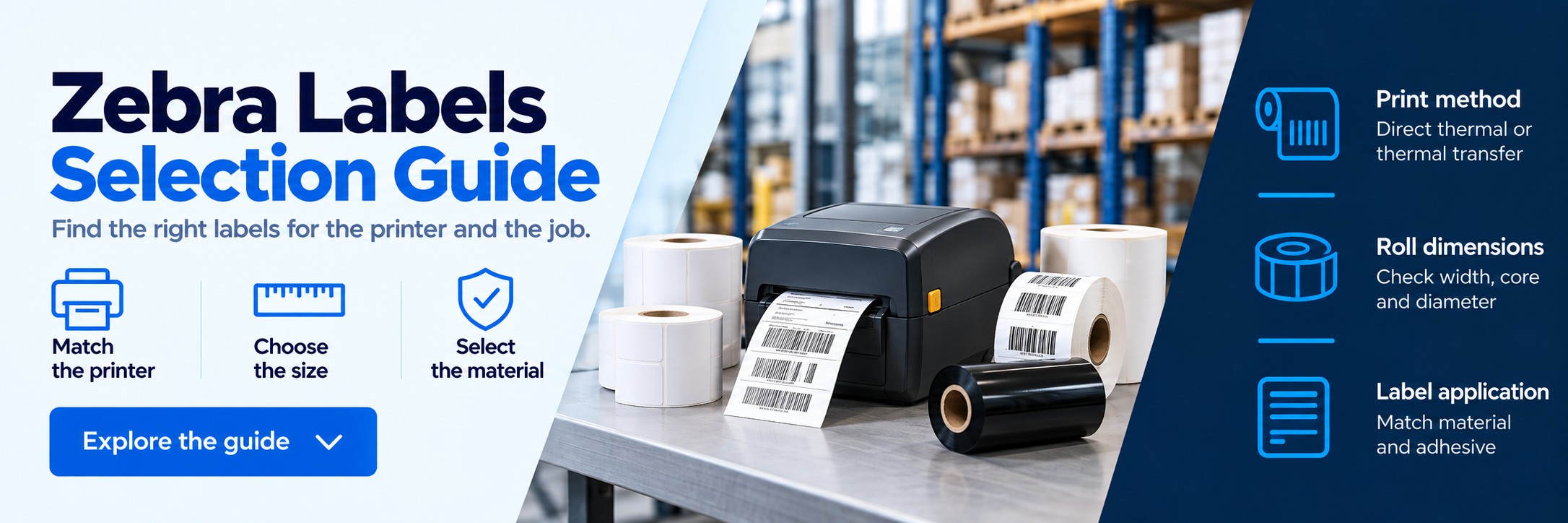
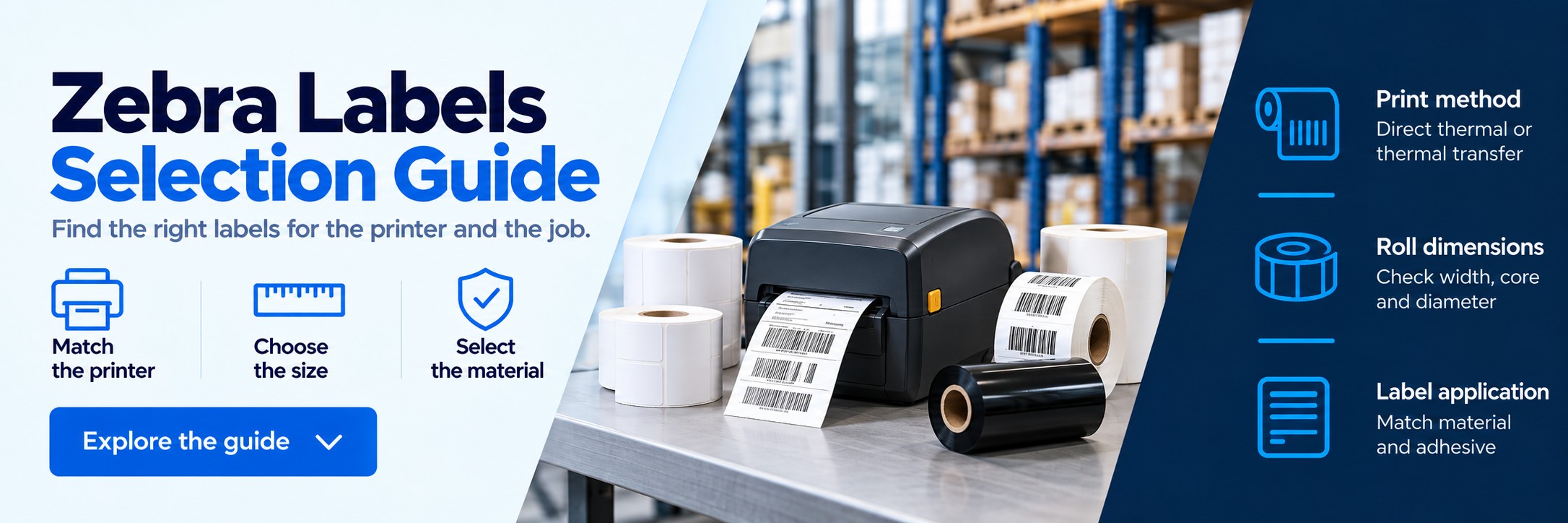
Zebra label selection guide
Find the right labels before you reorder
Choosing labels for a Zebra printer involves more than matching the label dimensions. The print method, roll size, core, material and adhesive all need to suit the printer and the application.
Start with the full printer model or part number, then use the checks below to narrow down the right specification.
1. Check the printing method
Zebra offers direct-thermal and thermal-transfer printers. Some printer families include both versions, so the family name alone may not identify the supplies needed.
No ribbon required
Direct-thermal labels
Heat from the printhead creates the image directly on heat-sensitive label material.
- Often used for shipping, retail and short-life identification.
- No ink cartridge or separate ribbon is needed.
- Choose a material rated for the expected heat, light, moisture and handling.
Printer examples: ZD421D and GK420d. Confirm the exact configuration of other models.
Ribbon required in thermal-transfer mode
Thermal-transfer labels
A heated ribbon transfers the printed image onto the label. The ribbon and label material must be selected together.
- Paper and synthetic materials support different applications.
- Suitable combinations can provide greater resistance to rubbing, moisture, chemicals or outdoor exposure.
- Match ribbon formulation, width, length, core and winding.
Printer examples: ZD421T, GK420t and suitable ZT-series configurations.
Do not choose by “thermal labels” alone.
Direct-thermal and thermal-transfer labels are different.
A direct-thermal-only printer cannot print ordinary
thermal-transfer labels. Many thermal-transfer printers can also
print direct-thermal media when configured for that mode.
2. Match the roll to the printer
Two rolls can contain the same size labels but have different cores and outside diameters. Check the physical roll specification before ordering.
| Printer type | What to check | Common buying mistake |
|---|---|---|
| Desktop printers For example, ZD421 and ZD621 |
Exact printer version, media width, core diameter and maximum internal roll diameter. | Choosing a large industrial roll that will not fit inside the printer. |
| Industrial printers For example, ZT231 and ZT411 |
Supported media and core sizes, print method and ribbon specification where applicable. | Assuming every industrial printer uses the same label roll or ribbon. |
| Mobile printers For example, ZQ-series models |
Exact model, compact roll dimensions, core and whether the printer uses lined or linerless media. | Ordering desktop rolls or linerless labels for a printer not configured to use them. |
| 2-inch printers For example, ZD611 |
The narrower media-width limit and the required label orientation. | Ordering standard 4-inch shipping labels. |
- Core diameter: the internal diameter of the cardboard tube in the centre of the roll.
- Roll diameter: the outside diameter of a full roll.
- Media width: the total width including the backing liner, which may be wider than the label itself.
- Label sensing: check gap, black-mark or continuous media compatibility and printer settings.
3. Choose the label dimensions
Measure the individual label, not the full roll. Dimensions below are width × height and are examples of useful formats, not a compatibility guarantee or a list of stocked part numbers.
| Example label size | Typical application | Selection point |
|---|---|---|
| 102 × 152mm | Shipping and courier labels | Check the carrier template and printer width. |
| 102 × 102mm | Carton and stock identification | Allow space for the required barcode and text. |
| 102 × 76mm | Product and warehouse labels | Check the available area on the item. |
| 76 × 51mm | General product and barcode labels | Match the width and feed direction to the template. |
| 57 × 32mm | Smaller product and price labels | Check barcode size and text readability. |
| 51 × 25mm | Compact identification labels | Check print resolution and the amount of information. |
A 102mm-wide label needs a different printer width from a 51mm-wide label. Also allow for the backing liner and the printer’s printable area.
4. Match the material and adhesive to the job
Everyday indoor labelling
Paper labels are often suitable for cartons, product packaging and routine identification. Choose direct thermal or thermal transfer to suit the print method and required label life.
Removable labels
Consider a removable adhesive for temporary identification, promotions or reusable containers. Test removal on the actual surface, especially after extended use.
Chilled and frozen products
Check both the minimum application temperature and the service temperature. A label applied before freezing may need a different adhesive from one applied to an already-frozen surface.
Moisture, chemicals or outdoor use
Select a material and print system rated for the actual conditions. Synthetic thermal-transfer labels with a suitable ribbon are one option; specialist direct-thermal materials also exist.
The surface matters too.
Cardboard, glass, plastic, metal and curved packaging can require
different adhesives. Describe the surface and exposure conditions
when asking for a recommendation.
Worked example
Labels for Zebra ZD421D: ZD4A042-D0EE00EZ
This is a 203 dpi direct-thermal model. It uses direct-thermal labels without a ribbon or ink cartridge.
| Print method | Direct thermal |
|---|---|
| Standard core options | 12.7mm or approximately 25mm / 1 inch |
| Maximum internal roll diameter | 127mm |
| Media width including backing | 15–108mm |
| Maximum print width | 104mm at 203 dpi |
| Still to choose | Label width and height, material, adhesive and quantity |
Example enquiry: “Please quote for 102 × 152mm direct-thermal paper labels, permanent adhesive, on a 25mm core, with a maximum roll diameter of 127mm, for a Zebra ZD4A042-D0EE00EZ.”
Before ordering, check these details
- Full printer model and manufacturer part number.
- Direct-thermal or thermal-transfer printing.
- Label width × height and total backing width.
- Roll core diameter and maximum outside diameter.
- Paper or synthetic material and required adhesive.
- Gap, black-mark or continuous media format.
- Application surface, temperature and expected label life.
- Labels per roll, rolls per box and required order quantity.
- Ribbon specification if using thermal-transfer labels.
Already using a label that works? The existing consumable part number or a clear photograph of the box label is usually the best starting point.
Need help matching a Zebra label?
Send the printer model, current label code or a photograph of the packaging. Include the quantity needed and any changes to the material, adhesive or size.
We can help check the specification and provide a quote. No call or meeting needed.
Using thermal transfer? Browse Zebra ribbons and check the ribbon format against the exact printer model.
Zebra label questions
Do all Zebra printers use the same labels?
No. Print method, media width, roll diameter, core size and sensing requirements vary. Desktop, industrial and mobile printers can need different roll formats even when the individual labels have the same dimensions.
Does a Zebra label printer need ink?
Zebra thermal label printers do not use ink cartridges. Direct-thermal printing needs no ribbon. Thermal-transfer printing uses a ribbon matched to the label material and printer.
Can I use thermal-transfer labels in a direct-thermal printer?
Ordinary thermal-transfer labels will not produce the required image in a direct-thermal-only printer. Use media specifically intended for direct-thermal printing.
Are 4 × 6 inch labels suitable for every Zebra printer?
No. This is a common shipping format, but the printer must support the media width, print area and roll format. A 2-inch printer cannot accept a 4-inch-wide label.
Are direct-thermal labels waterproof?
Not automatically. Resistance to moisture, chemicals, heat and sunlight depends on the specific label material and coating. Check the product specification rather than relying on the print method alone.
Can I use linerless labels?
Only when the exact printer configuration supports the selected linerless media. Standard adhesive labels with a backing liner and linerless labels are not interchangeable by default.
What information is needed to find a replacement label?
Ideally, provide the current label part number and printer model. If the code is unavailable, send the label dimensions, core size, roll diameter, adhesive requirement and a description of the application.