
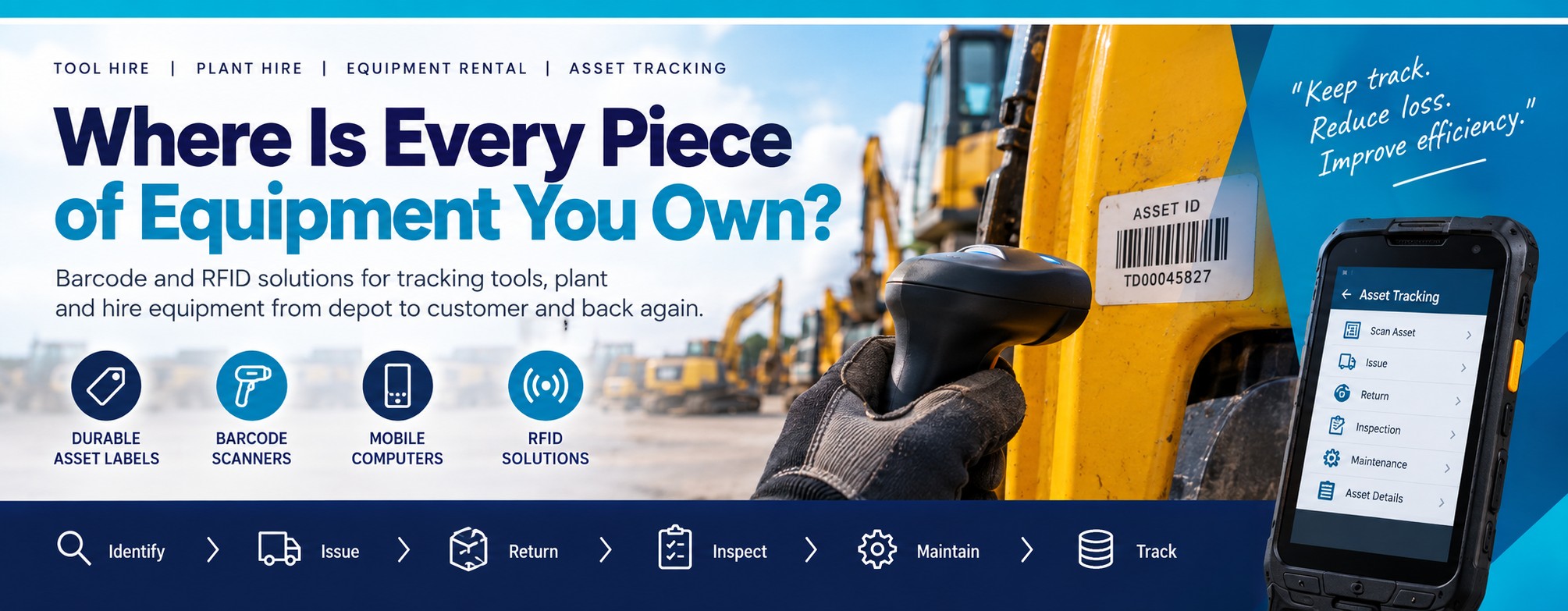
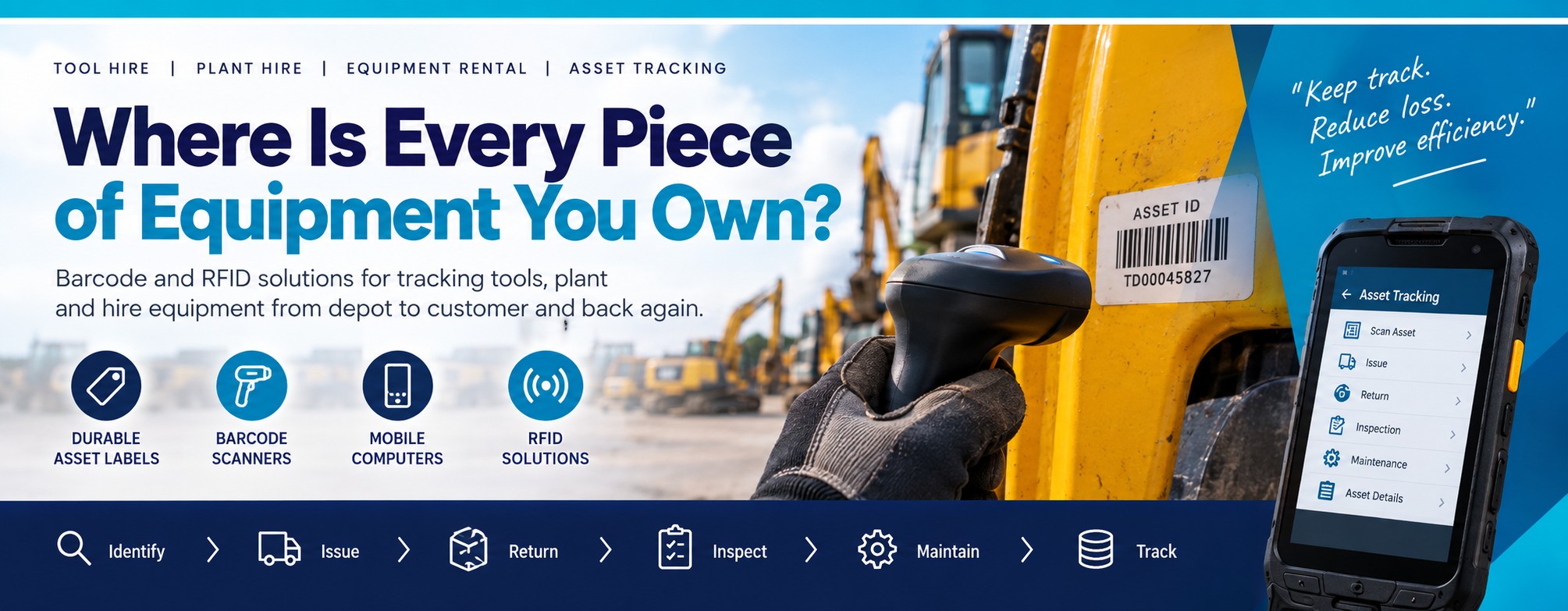
Tool Hire • Plant Hire • Equipment Rental • Asset Tracking
Where Is Every Piece of Equipment You Own?
A hire asset can spend its working life moving between depots, customers, construction sites, engineers and service workshops.
The equipment may be worth hundreds or thousands of pounds, but identifying it can still come down to somebody trying to read a damaged sticker or work out which of several near-identical items they're looking at.
Barcode and RFID hardware can help create a more structured way to identify equipment as it moves through issue, return, inspection, maintenance and storage.
The Equipment Came Back. But Which One Is It?
Hire businesses don't just need to know what type of equipment they own. They may need to identify the individual asset.
Ten Identical Tools. Ten Different Histories.
Two pieces of equipment can look identical while having completely different hire, inspection, repair and maintenance histories.
A unique machine-readable asset ID gives staff a way to identify the individual item rather than relying on appearance or manually entering a serial number.
Where Does Asset Identification Become Difficult?
Equipment Returns
Staff need to identify exactly which asset has returned before updating its status or sending it for inspection.
Missing Equipment
Knowing that an item isn't in the depot isn't the same as knowing which customer, site or job it was issued to.
Inspection History
Individual assets may have different inspection, certification and service records.
Repairs & Maintenance
The correct asset needs to be associated with the appropriate repair and maintenance information.
Multiple Depots
Equipment can move between branches and operational locations as demand changes.
Similar Assets
Fleets can contain many visually identical units that still need to be tracked individually.
Start by Giving Every Asset a Unique Identity
A barcode-based process doesn't have to be complicated. The basic principle is to give each asset a unique machine-readable identifier and capture that ID at the important points in its journey.
1
Identify
Give the individual asset a unique barcode or 2D code.
2
Issue
Scan the asset when it leaves the depot or is allocated.
3
Return
Scan it again when the equipment comes back.
4
Inspect
Use the asset ID during inspection, service or repair.
The Barcode Doesn't Contain the Whole Asset Record
The barcode can simply identify the asset. Your hire, maintenance or asset-management system can then associate that identifier with the relevant customer, status, inspection and service information.
The Hardware Behind the Workflow
Durable Asset Labels
Give equipment a unique barcode or 2D identifier designed for the surface and environment in which the asset operates.
Consider:- Outdoor exposure
- Abrasion
- Oil and dirt
- Cleaning
- Required lifespan
Barcode Scanners
Capture asset IDs during depot, counter, workshop and other scanning workflows.
Consider:- Barcode type
- Scanning distance
- Ruggedness
- Corded or cordless use
- Working environment
Mobile Computers
Give staff a handheld device that can scan the asset and interact with the wider hire, inspection or inventory workflow.
Consider:- Depot mobility
- Outdoor work
- Touchscreen or keypad
- Battery life
- Application requirements
What Can Be Tracked?
Plant & Machinery
Excavators, dumpers, telehandlers and other high-value mobile plant.
Power Tools
Drills, saws, breakers and other portable tools moving between customers and jobs.
Powered Access
Scissor lifts, boom lifts and other access equipment requiring individual identification.
Generators
Mobile generators and associated equipment used across construction and temporary-power applications.
Lifting Equipment
Lifting gear and equipment with individual inspection, testing and certification requirements.
Test Equipment
Instruments and measurement equipment with individual service and calibration histories.
AV & Event Equipment
High-value equipment moving repeatedly between warehouse, venue and customer.
Site Equipment
Lighting, barriers, welfare equipment and other assets deployed across temporary sites.
Specialist Machinery
Rental equipment requiring unique identification, inspection and maintenance records.
The Asset ID Has to Survive the Hire Environment
There's little benefit in creating a good tracking process if the barcode becomes unreadable or the label falls off the equipment.
For plant, tools and equipment, the label may need to cope with weather, dirt, oil, abrasion, cleaning and repeated handling.
What About RFID?
Barcode scanning normally requires the operator to locate and scan the individual code.
RFID can offer another approach for suitable applications, potentially allowing compatible tagged assets to be identified without scanning each printed barcode individually.
RFID Isn't Automatically the Better Answer
RFID suitability depends on the asset, tag, material, environment, read requirements and the system surrounding it.
For many operations, a well-designed barcode process may be the simplest and most cost-effective solution. For others, RFID can add useful capabilities.
Barcode or RFID for Hire Equipment?
Both technologies can be used to identify assets, but they solve the identification problem in different ways.
Barcode Asset Tracking
Give each asset a unique printed barcode or 2D code and scan it at the relevant point in the hire workflow.
Worth considering when:- Individual assets can be scanned directly
- Staff need positive confirmation of each item
- You want a relatively simple identification method
- Human-readable asset numbers are also useful
- Existing systems already support barcode entry
RFID Asset Tracking
Suitable RFID tags can be read without requiring the operator to position a scanner directly over a printed barcode.
Worth investigating when:- Many suitable tagged assets need identifying
- Direct line-of-sight scanning is inconvenient
- Assets move through repeatable controlled processes
- The physical asset can support an appropriate RFID tag
- The operational benefit justifies the additional system complexity
You Don't Necessarily Have to Choose One
An RFID asset tag can also carry a printed barcode and human-readable asset number, giving staff more than one method of identifying the equipment.
Issue It. Return It. Identify It.
One of the most obvious places to use asset identification is when equipment changes hands.
Equipment Going Out
Scan the individual asset as it is allocated or issued so the workflow records the correct piece of equipment, rather than simply the product type.
- Identify the exact asset
- Associate it with the appropriate transaction
- Reduce manual asset-number entry
- Confirm which unit actually left the depot
Equipment Coming Back
Scan returned equipment to identify it before the next stage of the process.
- Confirm the returned asset
- Update its status
- Route it for inspection if required
- Identify damage or service requirements
Link the Physical Asset to Its Inspection History
Hire equipment often requires inspection, servicing, testing or calibration during its working life.
A machine-readable asset ID can help staff identify the exact item before accessing or updating the appropriate record in the system being used.
LOLER
Lifting equipment may need individual identification as part of inspection and examination workflows.
PUWER
Equipment identification can form part of wider inspection, maintenance and equipment-management processes.
Calibration
Test and measurement equipment can have individual calibration records and due dates.
Service
Identify the correct unit before recording maintenance or repair work.
Damage
Record issues against the individual asset rather than only the general equipment type.
Return to Service
Help identify equipment as it progresses through inspection, repair and availability workflows.
What Happens When Equipment Moves Between Depots?
A growing hire operation may have equipment moving between branches as demand changes.
That creates another identification point: not just “Is this asset out on hire?” but also “Which depot currently has it?”
One Asset ID Throughout Its Working Life
The same machine-readable identifier can remain with the equipment as it moves between depot storage, customer hire, inspection, repair and another branch.
Take the Asset Workflow to the Equipment
A scanner connected to a fixed workstation can work well at a hire counter or dedicated depot station.
But equipment isn't always standing next to a desk.
Barcode Scanner
Useful where staff primarily need to capture the asset barcode and send that identifier to an existing computer or application.
Good for:- Hire counters
- Fixed return stations
- Workshop benches
- Dedicated scanning points
Mobile Computer
Useful when staff need to walk to the equipment, scan it and interact with the workflow on the same handheld device.
Good for:- Yards
- Large depots
- Equipment inspections
- Stock checks
- Mobile issue and return processes
Need to Create or Replace Asset Labels Away From a Desk?
Some equipment workflows also need identification to be printed close to the asset. A mobile printer can be useful where suitable labels need to be produced in a depot, yard, workshop or other mobile working area rather than at a fixed print station.
Mobile Data Capture
Scan the equipment and interact with the asset workflow using a compatible handheld computer.
Android Mobile Computers →Mobile Label Printing
Produce suitable operational or replacement labels closer to the equipment where the media and application allow.
Mobile Label Printing at Point of Work →Tell Us How Your Equipment Moves
You don't need to start by choosing scanners or RFID readers. Start with the workflow.
1. What Are the Assets?
Tools, plant, lifting equipment, powered access, generators, instruments or something else?
2. How Many Assets?
Are you tracking a few hundred individual items or a fleet containing many thousands?
3. Where Are They Used?
Indoors, outdoors, construction sites, workshops, vehicles or a mixture of environments?
4. What Happens at Issue?
How is an individual item currently associated with the customer, contract, site or job?
5. What Happens on Return?
Does the equipment go straight back into stock or through inspection, cleaning, service or repair first?
6. What System Do You Use?
Tell us what hire, asset, inventory or maintenance application needs to receive the scanned identifier.
What Does the Asset ID Have to Survive?
The identification method has to suit the equipment as well as the tracking process.
- Outdoor weather and sunlight
- Dirt, dust and mud
- Oil and grease
- Cleaning and washing
- Repeated handling
- Abrasion and impact
- Curved or textured surfaces
- Temperature changes
If you're unsure what label construction is appropriate, tell us what the asset is made from and the conditions it experiences.
Considering RFID?
Before selecting RFID hardware, we'd want to understand what operational problem you're trying to solve.
- How many assets need to be identified at once?
- How close will the reader be to the tags?
- Are the assets predominantly metal?
- Will tags be used indoors, outdoors or both?
- Are assets moving through a doorway, gate or controlled area?
- Will staff use handheld RFID readers?
- Does the tag also need a printed barcode?
- What system will receive the RFID data?
Test the Workflow Before Rolling It Across the Fleet
A successful asset-tracking deployment isn't just about whether a scanner can read a barcode.
The complete process needs to work for the people issuing, receiving, inspecting and maintaining the equipment.
Test the Label
Apply it to representative equipment and make sure the label remains attached and readable in the intended environment.
Durable Asset Labels →Test the Scanner
Make sure staff can capture the asset ID easily at the distances and positions encountered in real work.
Rugged Barcode Scanners →Test the Process
Follow an asset from issue through return and inspection to make sure the identification step fits naturally into the workflow.
Asset Tracking Technology →Related Asset Tracking & Mobile Solutions
The right setup may combine identification, scanning, mobile computing, RFID and printing depending on how your equipment moves and where the workflow takes place.
Durable Asset Labels
Explore identification for equipment exposed to weather, moisture, abrasion, dirt and demanding working environments.
Explore Durable Asset Labels →RFID Readers & Scanners
Explore handheld and fixed RFID hardware for suitable inventory and asset-identification applications.
Explore RFID Readers →Android Mobile Computers
Take barcode capture, applications and asset information to the equipment with enterprise handheld computers.
Explore Android Mobile Computers →Mobile Label Printing
Produce suitable labels closer to equipment, stock and operational tasks rather than relying entirely on a fixed print station.
Explore Mobile Label Printing →How Many Assets Are You Trying to Keep Track Of?
Tell us what equipment you hire, approximately how many individual assets you have and what happens when an item leaves and returns to the depot.
We'll help you narrow down the hardware worth considering — whether that's durable barcode labels, scanners, mobile computers, RFID or a combination.
Discuss Your Asset TrackingYou Don't Have to Start With RFID
If equipment currently has no consistent machine-readable identification, simply giving every asset a durable unique barcode and scanning it at issue and return can be a useful starting point.
Start With the Problem You're Actually Trying to Fix
Missing equipment, slow returns, manual asset-number entry, inspection identification and multi-depot movement are different problems.
Understanding which one matters most helps determine whether the appropriate solution is a barcode scanner, mobile computer, RFID reader, more durable label — or a combination.
Already Know Which Hardware You Need?
If you've already identified the scanner, mobile computer, RFID reader, printer or other hardware required, send us the manufacturer part number and quantity and we'll provide another business price to compare.
Know What You Own. Know Which One It Is.
A fleet of identical-looking equipment can contain hundreds of individual hire, inspection and maintenance histories.
Give each asset a reliable identity and capture it at the points where the equipment changes status.
Help Me Build an Asset Tracking Setup Explore Asset Tracking TechnologyImportant: Tek Direkt supplies barcode, RFID, mobile-computing, printing and identification hardware. The way scanned or RFID data is recorded against customers, contracts, inspections and maintenance records depends on the software and systems used within your operation.
RFID performance depends on factors including tag type, asset material, reader and antenna configuration, read distance, orientation and the surrounding environment. Metal assets in particular may require suitable tags designed for that application.
For larger deployments, testing representative assets, labels/tags, hardware and the complete operational workflow before full rollout is recommended.