We use cookies to make your experience better.
To comply with the new e-Privacy directive, you agree to the privacy policy and our use of cookies.

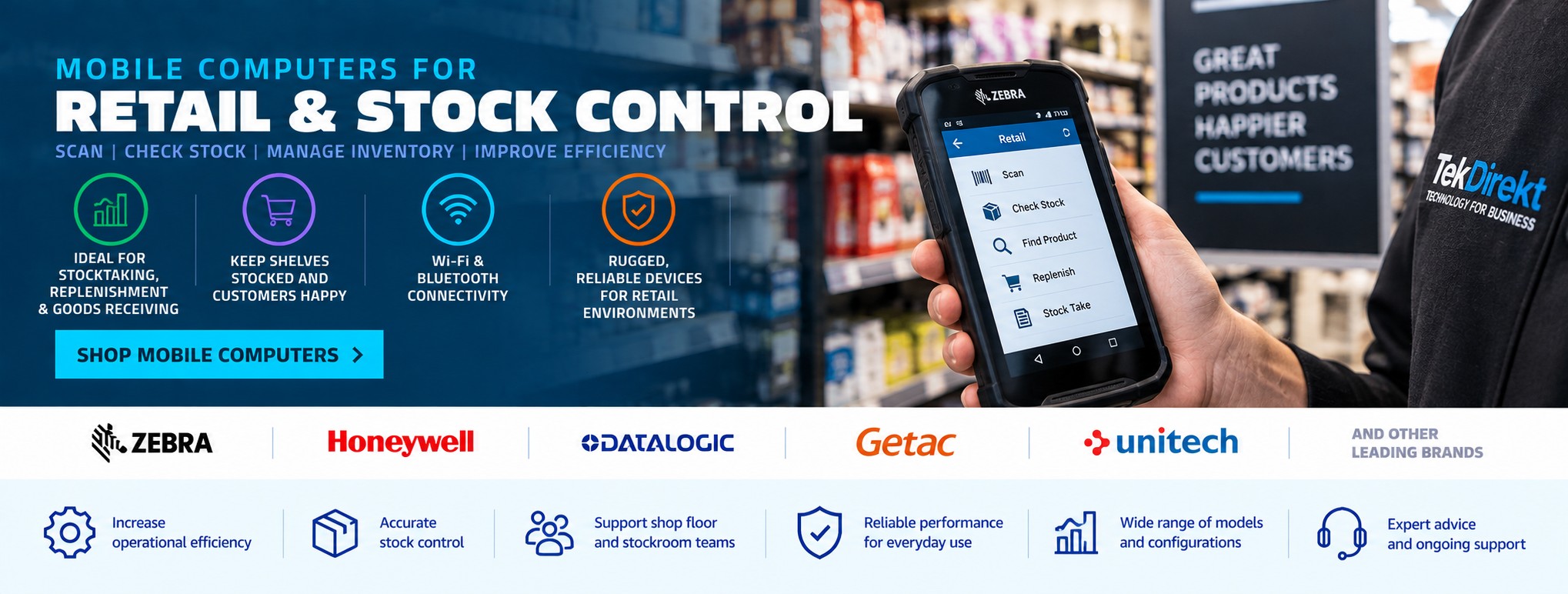
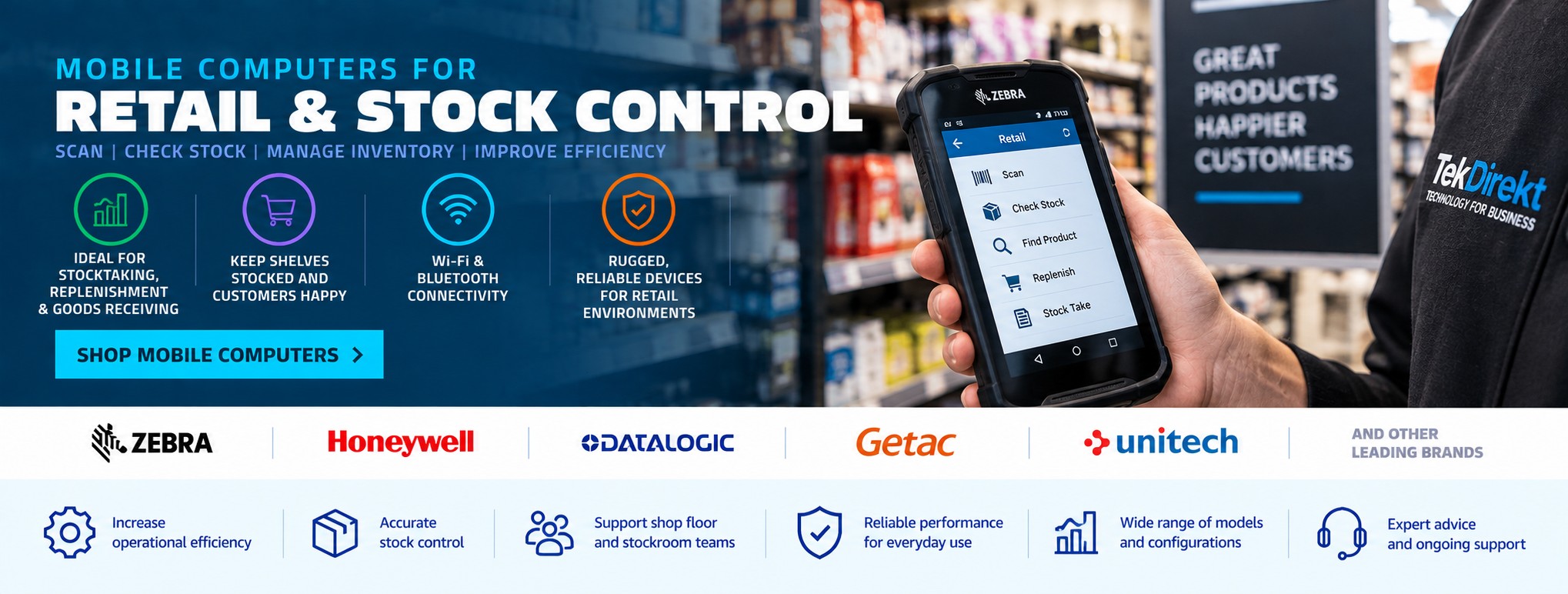
Mobile Computers for Retail & Stock Control
Mobile computers give retail employees access to scanning, inventory and business applications while moving around the shop floor, stockroom or wider retail operation.
Tek Direkt supplies mobile computers for retail and stock control from Zebra, Honeywell, Datalogic and other leading manufacturers, with handheld devices suitable for stocktaking, inventory management, goods receiving, replenishment, price checking, click & collect and other retail workflows.
Whether you're replacing existing handheld terminals or deploying mobile technology across multiple stores, choosing the right device depends on the scanning requirements, software, connectivity and working environment.
Mobile Computers for Retail
Retail operations extend well beyond the checkout.
Employees may need to identify products, check inventory and update business systems from different locations throughout the store.
Mobile computers can support:
-
Stocktaking
-
Inventory management
-
Goods receiving
-
Shelf replenishment
-
Price checking
-
Product lookup
-
Stock transfers
-
Click & collect
-
Returns processing
-
Stockroom operations
-
Order picking
-
Back-office workflows
Instead of returning to a fixed workstation, employees can access relevant applications and capture barcode data while working around the store.
Mobile Computers for Stock Control
Accurate stock information is important for both customer service and efficient retail operations.
Mobile computers can allow employees to scan products and interact with stock-control or inventory applications directly from the shop floor or stockroom.
Typical workflows include:
Scan product → Identify item → Check stock → Update quantity → Complete task
The exact workflow depends on the software being used, but mobile hardware provides the data-capture platform employees can carry with them.
Retail Stocktaking
Manual stocktaking can become time-consuming when employees need to record large numbers of products.
A mobile computer with an integrated barcode scanner can allow staff to scan product barcodes while moving through:
-
Shop floors
-
Stockrooms
-
Warehouses
-
Storage areas
-
Multiple departments
Data can then be processed by the appropriate stock-control or inventory application.
When choosing devices for stocktaking, consider scanner performance, battery runtime, ergonomics and compatibility with your existing software.
Goods Receiving
Retail stock control begins when goods arrive.
Mobile computers can be used to capture product or shipment information during goods receiving, helping employees identify incoming stock before it moves into the stockroom or onto the shop floor.
Applications can include:
-
Delivery checking
-
Product identification
-
Quantity verification
-
Inventory updates
-
Stock allocation
-
Discrepancy recording
Businesses receiving large quantities of barcoded stock may benefit from devices designed for frequent scanning throughout the working day.
Shelf Replenishment
Maintaining product availability on the shop floor often requires employees to move constantly between shelves and stockrooms.
A mobile computer can help employees check:
-
Current inventory
-
Product location
-
Stockroom availability
-
Replenishment requirements
-
Product information
This can reduce reliance on fixed terminals when employees need information while working around the store.
Price Checking & Product Lookup
Retail employees may need to check pricing or product information while assisting customers or carrying out operational tasks.
Depending on the software being used, a mobile computer can provide access to:
-
Product information
-
Pricing
-
Inventory
-
Product availability
-
Stock locations
-
Order information
Integrated barcode scanning allows the product to be identified quickly before the relevant information is retrieved from the business system.
Click & Collect
Click & collect introduces additional picking and order-management requirements into retail operations.
Mobile computers can support workflows such as:
-
Locating products
-
Scanning picked items
-
Confirming orders
-
Moving orders to collection areas
-
Verifying items at collection
-
Processing stock updates
For retailers handling significant numbers of online orders through physical stores, mobile technology can help connect ecommerce fulfilment with shop-floor inventory processes.
Retail Returns Processing
Returned products may need to be identified, checked and returned to available inventory or another part of the operation.
Mobile computers can support product identification and stock-control workflows away from the main checkout.
The exact process depends on the retailer's software and returns procedures.
Barcode Scanning with a Mobile Computer
One of the main differences between a mobile computer and a conventional barcode scanner is that the mobile computer combines barcode data capture with computing capability.
A conventional barcode scanner generally captures the barcode and sends the information to another device.
A mobile computer can combine:
-
Integrated barcode scanner
-
Touchscreen
-
Operating system
-
Processor and memory
-
Wi-Fi connectivity
-
Bluetooth
-
Mobile applications
-
Battery-powered operation
This allows employees to scan an item and then interact with the relevant application on the same handheld device.
For checkout and other dedicated scanning applications, see our Barcode Scanners for Retail page.
Mobile Computer or Barcode Scanner?
Choose a barcode scanner where the main requirement is to capture barcodes and send the information to a connected POS terminal, computer or other host device.
Choose a mobile computer where employees need to scan products and also interact with applications while moving around the store.
Mobile computers are therefore particularly useful for inventory, stockroom, replenishment and mobile retail workflows.
Android Mobile Computers for Retail
Many modern enterprise mobile computers use Android-based operating systems.
Android mobile computers can provide a familiar touchscreen interface while supporting specialist enterprise scanning hardware and business applications.
When selecting a device, check:
-
Required Android version
-
Application compatibility
-
Security requirements
-
Device-management requirements
-
Expected support lifecycle
Don't select a device based solely on the operating system. Scanner performance, durability, battery and connectivity remain equally important.
Wi-Fi Connectivity
Retail mobile computers frequently rely on Wi-Fi to communicate with business applications while employees move around the premises.
Wi-Fi coverage should therefore be considered across:
-
Shop floors
-
Stockrooms
-
Goods-in areas
-
Back offices
-
Collection areas
A good mobile device cannot compensate for poor wireless coverage in parts of the building.
Bluetooth Connectivity
Bluetooth can allow compatible mobile computers to connect to peripherals such as:
-
Mobile printers
-
Headsets
-
External scanners
-
Other supported accessories
Check the requirements of the intended workflow before selecting hardware and accessories.
Retail Mobile Computers from Zebra
Zebra Technologies manufactures mobile computers and data-capture technology used across retail, warehousing, logistics and other business environments.
Zebra handheld devices can support applications including:
-
Retail inventory
-
Stocktaking
-
Replenishment
-
Product lookup
-
Goods receiving
-
Click & collect
-
Stockroom operations
Different Zebra mobile-computer families vary considerably in size, scanning capability, ruggedness and connectivity.
Always compare the complete model and manufacturer part number before ordering.
Honeywell Mobile Computers for Retail
Honeywell produces mobile computers and scanning technology for retail and other operational environments.
Its handheld devices can support barcode scanning and mobile business applications across shop-floor, stockroom and inventory workflows.
When comparing Honeywell devices, consider the exact scanner configuration, operating system, wireless connectivity and accessories required.
Datalogic Mobile Computers for Retail
Datalogic supplies mobile computers and barcode data-capture hardware for retail and enterprise applications.
Different devices are designed around different levels of mobility, scanning performance and durability.
The correct model depends on where the device will be used and which applications employees need to run.
Mobile Computers for Multi-Site Retailers
Businesses operating multiple stores may need to consider more than the purchase price of each handheld device.
Standardising mobile hardware can make it easier to:
-
Deploy applications
-
Manage accessories
-
Maintain spare devices
-
Train employees
-
Replace failed units
-
Manage charging equipment
-
Support users
-
Expand deployments
For larger rollouts, establishing a standard device configuration and exact MPN can also make future purchasing more consistent.
Batteries, Charging & Accessories
Mobile computers depend on suitable charging infrastructure to remain available throughout the working day.
Depending on the device, accessories may include:
-
Charging cradles
-
Multi-slot chargers
-
Spare batteries
-
Protective cases
-
Hand straps
-
Pistol grips
-
Vehicle chargers
For larger deployments, consider how devices will be stored and charged before purchasing the hardware.
Ruggedness for Retail Environments
Not every retail application requires an extremely rugged industrial mobile computer.
However, handheld devices can still experience:
-
Accidental drops
-
Repeated handling
-
Movement between shop floor and stockroom
-
Long working shifts
The right level of durability depends on the environment and how frequently the devices are used.
A lightweight retail-focused device may be appropriate for customer-facing workflows, while stockroom or goods-receiving operations may benefit from a more rugged design.
Mobile Computers & EPOS Hardware
Mobile computers generally support different workflows from fixed checkout equipment, but both can form part of the same retail technology environment.
A retailer might use:
EPOS hardware at checkout → Barcode scanners for transactions → Mobile computers for inventory → Label printers for stock identification
For checkout terminals, receipt printers and other point-of-sale equipment, see our EPOS Hardware for Retail & Hospitality page.
Mobile Computers & Retail Receipt Printers
Retail mobile devices may form part of a wider technology deployment that also includes fixed point-of-sale equipment.
For customer transaction and checkout printing, see our Receipt Printers for Retail & Hospitality page.
How to Choose a Retail Mobile Computer
Before purchasing mobile computers for a retail operation, establish:
-
What software will run on the device?
-
Which operating system is required?
-
Which barcode types need to be scanned?
-
How frequently will employees scan?
-
Is the device mainly for shop-floor or stockroom use?
-
What Wi-Fi coverage is available?
-
How long must the battery last?
-
Are charging cradles required?
-
Does the device need a pistol grip?
-
Is Bluetooth required?
-
How rugged does the device need to be?
-
Is the hardware being deployed across multiple stores?
Compatibility with your applications should be confirmed before purchasing.
Build a Complete Retail Technology Solution
Retail technology can extend from the checkout to the stockroom and goods-receiving area.
A complete environment might combine:
-
EPOS terminals
-
Receipt printers
-
Barcode scanners
-
Mobile computers
-
Label printers
-
Cash drawers
-
Customer displays
-
Networking equipment
Tek Direkt supplies hardware across these areas from leading technology manufacturers.
Buy Mobile Computers for Retail & Stock Control
Tek Direkt supplies mobile computers for retail, inventory and stock-control applications across the UK.
Whether you need a single replacement handheld, several devices for one store or a larger multi-site deployment, we can help source suitable business hardware.
Already know the device you require?
Send us the manufacturer part number (MPN) and quantity and we'll provide a quote for the exact configuration.
Already have a supplier quote?
Use Beat My Quote and send us the MPN, quantity or existing quotation for another price to compare.

