
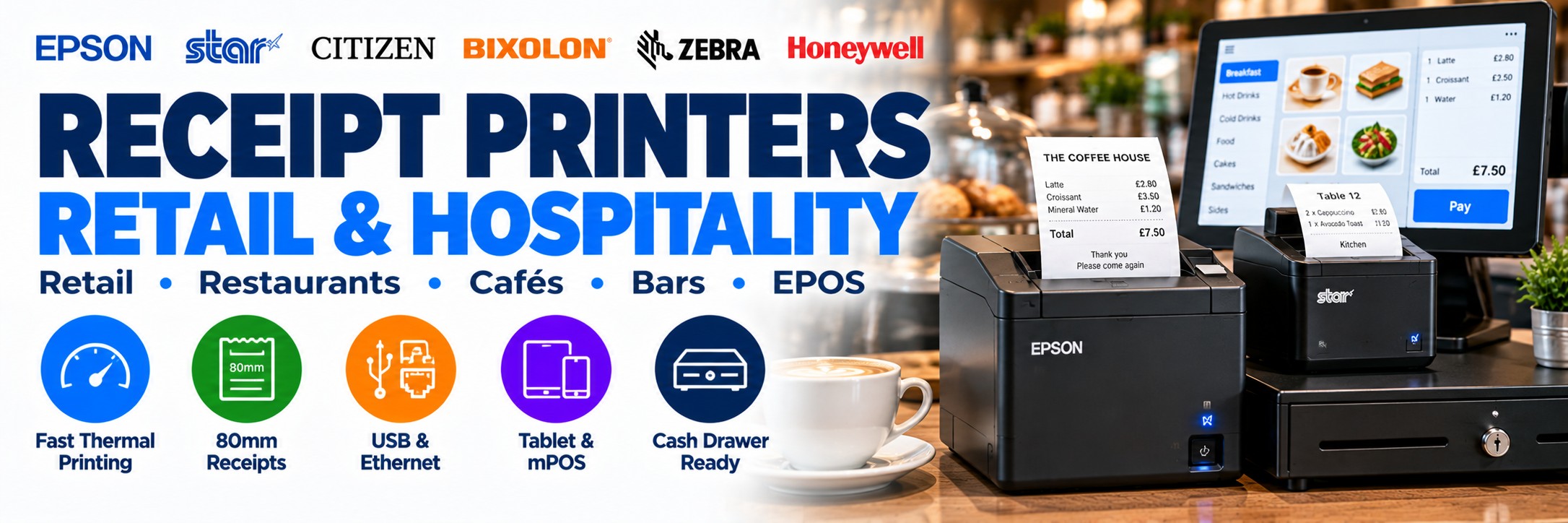
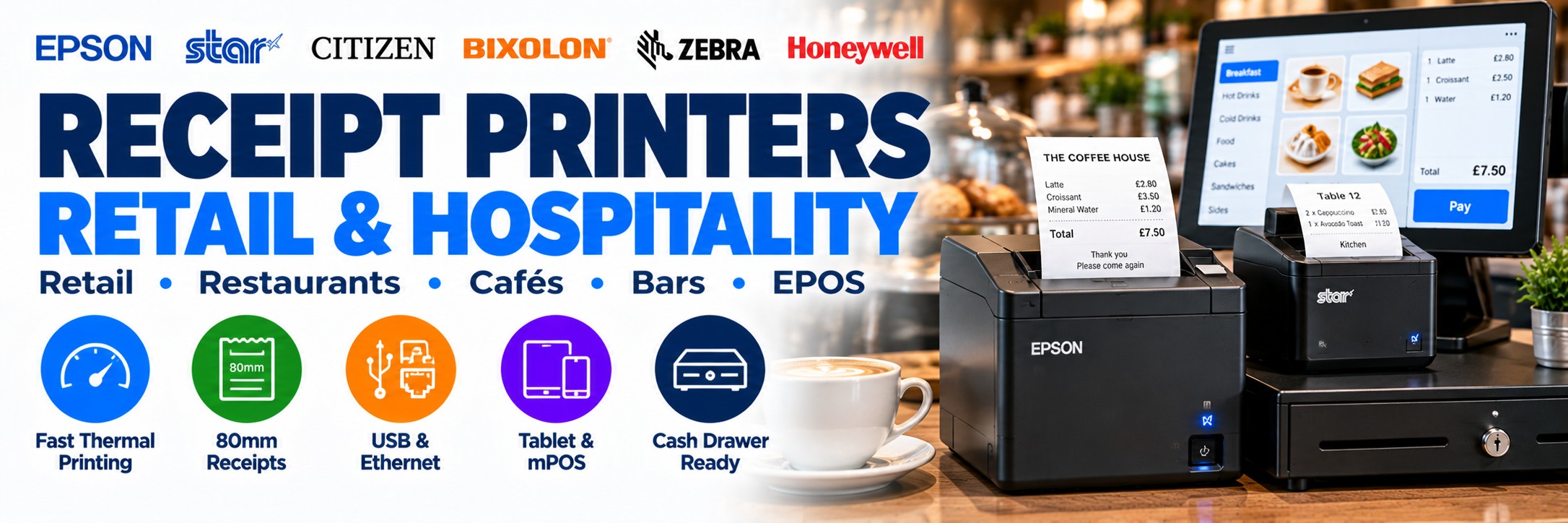
Receipt Printers for Retail & Hospitality
Professional thermal and impact receipt printers for retail tills, restaurants, cafés, bars, takeaways and EPOS systems.
Tek Direkt supplies receipt printers from Epson, Star Micronics, Citizen and BIXOLON, with options for traditional POS terminals, networked EPOS systems, tablet POS and hospitality environments.
The most important question is not simply which printer is fastest. Choose around your EPOS software, required interface, print volume, paper width, installation location and cash-drawer requirements.
Which Type of Receipt Printer Do You Need?
Thermal Receipt Printer
Fast, quiet receipt printing without ink, toner or ribbons.
Best for: retail tills, cafés, restaurants, bars and general EPOS receipt printing.
Network Receipt Printer
Connects through Ethernet or suitable Wi-Fi configurations rather than being tied directly to one computer.
Best for: multi-terminal environments and flexible hospitality installations.
mPOS / Tablet Printer
Compact printers designed to work within suitable tablet and mobile point-of-sale environments.
Best for: modern counters, cafés, boutiques and tablet-based EPOS.
Impact / Kitchen Printer
Impact printing remains relevant to selected hospitality environments where a thermal printer may not be the appropriate choice.
Best for: selected kitchen and back-of-house applications.
Quick Receipt Printer Recommendations
Start with the environment and connectivity rather than choosing purely by headline print speed.
Everyday EPOS
Epson TM-T20IV
A practical entry-level 80mm thermal POS printer for retail and hospitality, with different interface configurations available.
Epson TM-T20IV →Busy Checkout
Epson TM-T88 Series
A long-established POS printer family for higher-volume retail and hospitality receipt printing.
Explore Epson →Modern mPOS
Star mC-Print3
A compact receipt-printing platform particularly relevant to modern POS, tablet and connected checkout environments.
Explore Star Micronics →Compact Counter
Citizen CT-E Series
Compact POS receipt printing for customer-facing retail, hospitality and service environments.
Explore Citizen →Thermal Receipt Printers
Direct thermal printing is the standard choice for many modern checkout environments because it prints directly onto heat-sensitive receipt paper.
No Ink or Toner
Direct thermal receipt printing does not require ink cartridges, toner or an ink ribbon.
Fast Printing
Modern thermal printers are designed to produce receipts quickly during busy transaction periods.
Quiet Operation
Thermal mechanisms are well suited to customer-facing environments where quieter operation is useful.
Compact Hardware
Many thermal POS printers have a relatively small footprint for counters where available space matters.
Thermal paper is still a consumable. Although there is no ink or toner, the printer requires compatible thermal receipt rolls.
Thermal or Impact Receipt Printer?
| Requirement | Thermal | Impact |
|---|---|---|
| Customer receipts | Excellent fit | Possible, but less common for modern front-of-house POS |
| Fast printing | Strong | Generally slower |
| Quiet operation | Strong | Mechanically noisier |
| No ink ribbon | Yes | No |
| Selected kitchen environments | Depends on location and workflow | Often worth considering |
| Multi-part forms | No | Impact technology may be appropriate |
Epson Receipt Printers
Epson's TM printer families cover everything from cost-conscious everyday receipt printing to high-volume checkout and modern compact mPOS installations.
TM-T20 Series
Cost-effective thermal receipt printing for everyday retail and hospitality environments.
TM-T88 Series
Higher-performance receipt printing for busy retail and hospitality applications.
TM-m30 Series
Compact modern receipt printers particularly relevant to contemporary and tablet-based POS installations.
TM-U220 Series
Impact receipt and order printing for selected hospitality and kitchen workflows.
Epson TM-T20IV – Everyday POS Receipt Printing
The Epson TM-T20IV is a strong starting point for businesses needing a straightforward professional receipt printer without paying for unnecessary features.
250mm/sec
Fast thermal receipt printing for everyday checkout and hospitality transactions.
80mm Printing
Designed around the widely used 80mm POS receipt format.
15 Million Lines
Epson specifies a mechanism life of 15 million lines for the TM-T20IV.
Interface Options
Configurations include USB + Serial and Ethernet + USB + Serial models.
Star Micronics Receipt Printers
Star Micronics is particularly relevant where traditional receipt printing meets modern tablet, mobile and cloud-connected point-of-sale environments.
mC-Print Series
Compact modern receipt printing for retail, hospitality and mPOS environments.
TSP Series
Established Star receipt-printer platforms with configurations for different POS connectivity requirements.
Modern Connectivity
Selected Star configurations provide combinations of USB, Ethernet, Bluetooth and other connectivity for modern POS deployments.
Receipt Printer Connectivity
This is one of the most important things to get right. Two printers with almost identical names can have completely different interfaces.
USB
A straightforward option when the receipt printer connects directly to a nearby POS terminal or computer.
Ethernet
Connect the printer to the business network for suitable networked POS and hospitality deployments.
Bluetooth
Available on selected printers for compatible tablet, mobile and flexible POS environments.
Wi-Fi
Provides additional installation flexibility where compatible wireless networking is required.
Which Receipt Printer Connection Do You Need?
| Setup | Connection to Consider |
|---|---|
| Single traditional POS terminal | USB or the interface required by the existing EPOS system |
| Existing legacy till | Check whether USB, Serial or another specific interface is required |
| Networked retail environment | Ethernet may provide a practical fixed network connection |
| Restaurant with several terminals | Network connectivity may be appropriate depending on the EPOS software |
| Tablet POS | Bluetooth, Ethernet, USB-C or Wi-Fi depending on the complete setup |
| Replacing an existing printer | Match the existing interface unless the EPOS system is being changed |
Receipt Printers for Retail
Retail receipt printing is usually concentrated around a fixed checkout, but the correct printer depends on transaction volume and the wider EPOS installation.
Independent Retail
A reliable entry-level thermal printer can provide everything required for many everyday checkout environments.
Busy Checkout
Higher-volume tills may justify a faster premium receipt-printer platform.
Multi-Till Retail
Consider networking, standardised models and consistent interface configurations across the site.
Tablet Checkout
Compact mPOS printers can help create a smaller and more flexible counter installation.
Receipt Printers for Restaurants, Cafés, Bars & Hospitality
Hospitality can require more complex printing than a single retail checkout because print jobs may need to reach different parts of the premises.
Front-of-House
Thermal receipt printing for customer transactions, bills and suitable order documentation.
Kitchen
Choose the printer around the actual kitchen environment and EPOS software rather than assuming the front-of-house printer is also appropriate.
Bar
Fast transaction printing for busy service areas where counter space may also be limited.
Takeaway & Collection
Receipt and order printing can support customer, collection and suitable delivery workflows.
Kitchen Printers Need Different Thinking
A printer positioned in a kitchen can face very different conditions from one sitting beside a till.
Printer Technology
Consider whether thermal or impact printing is appropriate for the intended kitchen location.
Installation Position
Think about heat, moisture, spills and where printed orders need to be collected.
Network Connection
Kitchen printers are often positioned away from the POS terminal, making connectivity particularly important.
Software Routing
The EPOS system must be able to send the correct orders to the correct printer or printing location.
80mm or 58mm Receipt Paper?
Receipt width affects the information layout, printer footprint and media used by the business.
80mm Receipt Printing
Common across professional retail and hospitality environments and provides more horizontal space for receipt information.
The Epson TM-T20IV, for example, is designed around 80mm-class receipt printing.
58mm Receipt Printing
A narrower format used by selected compact printers and applications where a smaller receipt or printer footprint is appropriate.
Check whether your EPOS software and receipt design are suitable for the narrower paper width.
Automatic Cutters & Busy Checkouts
Many professional thermal receipt printers incorporate an automatic cutter so the finished receipt can be separated cleanly after printing.
Faster Transactions
Automatic cutting removes the need for the operator to manually tear each receipt.
Consistent Receipts
Receipts are separated consistently rather than relying on manual tearing.
Check Cutter Life
For intensive checkout environments, cutter durability can be another useful specification to compare.
Receipt Printers & Cash Drawers
Many professional POS printers can form part of a setup where the receipt printer triggers a compatible cash drawer during the transaction.
Printer Compatibility
Check that the printer provides the appropriate cash-drawer connection.
Drawer Compatibility
Do not assume every drawer is electrically or physically compatible with every receipt printer.
EPOS Software
The software must also be configured to trigger the drawer correctly as part of the transaction workflow.
Receipt Printers for Tablet & mPOS
Modern EPOS installations increasingly use tablets and compact terminals instead of a traditional full-size till.
Compact Design
Smaller receipt printers can help reduce the amount of counter space required.
Modern Interfaces
Selected printers support connectivity designed around modern tablet and mobile POS installations.
Peripheral Hub
Some modern POS printers can play a wider role in connecting compatible checkout peripherals.
Network Printing
Network connectivity can reduce dependence on a direct cable between the tablet and printer.
Receipt Printer Brands at Tek Direkt
Epson
One of the established names in POS printing, with receipt-printer families for everyday retail, high-volume checkout, mPOS and hospitality.
Explore Epson →Star Micronics
Receipt and mPOS printing with strong options for modern retail, hospitality, tablet and connected POS deployments.
Explore Star Micronics →Citizen
Compact and higher-performance receipt printers for retail, hospitality and other customer-facing business environments.
Explore Citizen →BIXOLON
POS, receipt and mobile printing solutions for retail, hospitality and other professional applications.
Explore BIXOLON →Replacing an Existing Receipt Printer?
If your current EPOS setup works and you simply need to replace the printer, start with the label on the existing unit.
Find the MPN
Locate the exact manufacturer model or part number on the existing printer.
Check the Interface
Confirm whether the current connection is USB, Ethernet, Serial, Bluetooth, Wi-Fi or another interface.
Check the Software
Make sure the replacement printer is supported by the existing EPOS software and operating environment.
Check Accessories
Confirm power supplies, cables, cash drawers and any mounting requirements before ordering.
Do not replace on the model family alone. Different versions of the same receipt-printer family can use different interfaces.
Receipt Printers for Multi-Site Rollouts
For chains, franchises and multi-site businesses, consistency can simplify deployment and support.
Standardise the Model
Use consistent printer families where practical across locations.
Standardise Interfaces
Avoid unnecessary variations between USB, Ethernet and wireless configurations.
Standardise Consumables
Consistent paper formats can simplify purchasing and stock management across sites.
Keep Spare Hardware
Standardised deployments can make it easier to hold appropriate replacement hardware where required.
Build the Complete EPOS Setup
The receipt printer is only one part of the checkout environment.
EPOS Terminal
Runs the transaction and business application.
Barcode Scanner
Captures products, QR codes, loyalty identifiers and other supported codes.
Retail Barcode Scanners →Receipt Printer
Produces customer receipts and other suitable transaction documents.
Cash Drawer & Display
Complete the checkout with compatible peripherals where required.
How to Choose a Receipt Printer
1. Which Software?
Confirm which printers and interfaces your EPOS software supports.
2. Where Will It Print?
Retail counter, restaurant front-of-house, bar, kitchen or another location?
3. Thermal or Impact?
Choose the print technology around the application and environment.
4. Which Interface?
USB, Ethernet, Serial, Bluetooth or Wi-Fi?
5. How Busy?
Occasional transactions or continuous high-volume receipt printing?
6. What Paper Width?
Check the receipt format and media width required by the application.
7. Cash Drawer?
Confirm compatibility if the receipt printer will trigger the drawer.
8. One Site or Many?
For larger deployments, consider standardising the printer and interface configuration.
Not Sure Which Epson Receipt Printer You Need?
Our interactive Epson POS Printer Selector helps you compare suitable Epson receipt and POS printer families based on your application, printing requirements and connectivity.
Explore printers for retail checkout, hospitality, kitchen order printing and modern tablet-based POS installations.
Important: Always confirm compatibility with your EPOS software, operating system, required interface and cash drawer before ordering.
Why the Exact Receipt Printer MPN Matters
Receipt printers are a particularly good example of why you should compare the complete manufacturer part number rather than the product name alone.
Interface
USB, Ethernet, Serial, Bluetooth and Wi-Fi options may use different MPNs.
Colour
Black and white configurations can have separate manufacturer part numbers.
Power
Check whether the required power supply and UK/EU cable are included.
Configuration
Do not assume two printers carrying the same family name have identical hardware.
Already know the printer you need? Send the complete MPN and quantity and we'll price that exact configuration.
Receipt Printer FAQs
What type of printer is normally used for receipts?
Direct thermal printers are widely used for modern retail and hospitality receipts because they print quickly and do not require ink or toner.
Do thermal receipt printers need ink?
No. Direct thermal printers create the image on heat-sensitive thermal paper and therefore do not require ink cartridges or toner.
Which receipt printer is suitable for a small shop?
A professional entry-level thermal printer such as the Epson TM-T20IV can be a practical starting point, provided the exact configuration has the interface required by the EPOS system.
Which receipt printer is suitable for a restaurant?
It depends on whether the printer is for front-of-house receipts, order printing or a kitchen environment. The installation location and EPOS software are particularly important.
Do I need USB or Ethernet?
USB is useful for direct connection to a nearby terminal. Ethernet is useful where the printer needs to connect to a network. The correct choice depends on the EPOS system.
Can a receipt printer connect to a tablet?
Yes, where the printer, tablet and EPOS software support compatible Bluetooth, network, USB-C or other appropriate connectivity.
Can a receipt printer open a cash drawer?
Many professional POS printers can trigger compatible cash drawers, but the printer, drawer and EPOS software must all be checked for compatibility.
Can Tek Direkt quote my existing receipt printer?
Yes. Send the complete manufacturer part number and quantity. If you already have another supplier quote, send the same MPN and quantity for another price to compare.
Receipt Printers from Tek Direkt
Retail
Receipt printing for independent shops, multi-till retail and customer-service environments.
Hospitality
Printing hardware for restaurants, cafés, bars, takeaways and other hospitality businesses.
Modern EPOS
Receipt-printer options for traditional POS, networked environments and suitable tablet-based installations.
Leading Brands
Epson, Star Micronics, Citizen, BIXOLON and other professional business-printing manufacturers.
Need a Receipt Printer?
Tell us which EPOS system you're using, the connection you need, where the printer will be used and how many printers you require.
If you've already selected the hardware, send the manufacturer part number and quantity and we'll price the exact configuration.
Already have another supplier quote? Send the same MPN and quantity and we'll give you another price to compare.
No calls. No meetings. No messing about. Just straightforward hardware and a price.