
TEK DIREKT · EPSON PRINTER FINDER
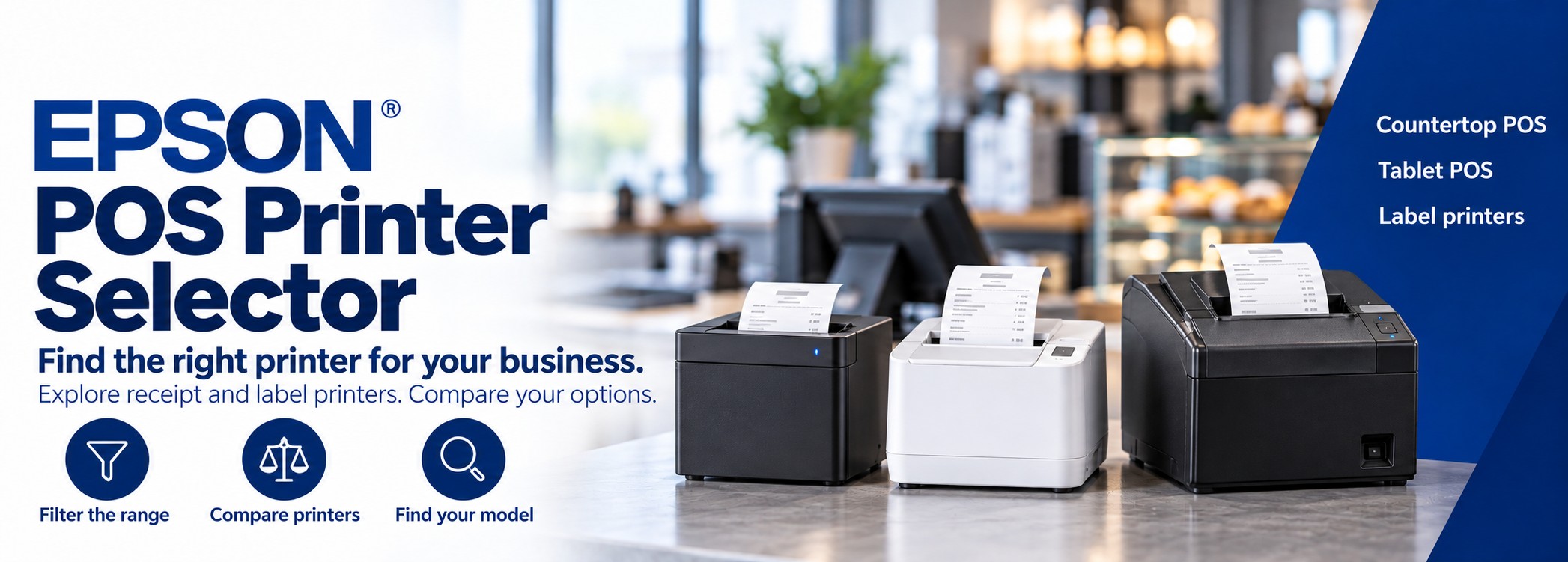
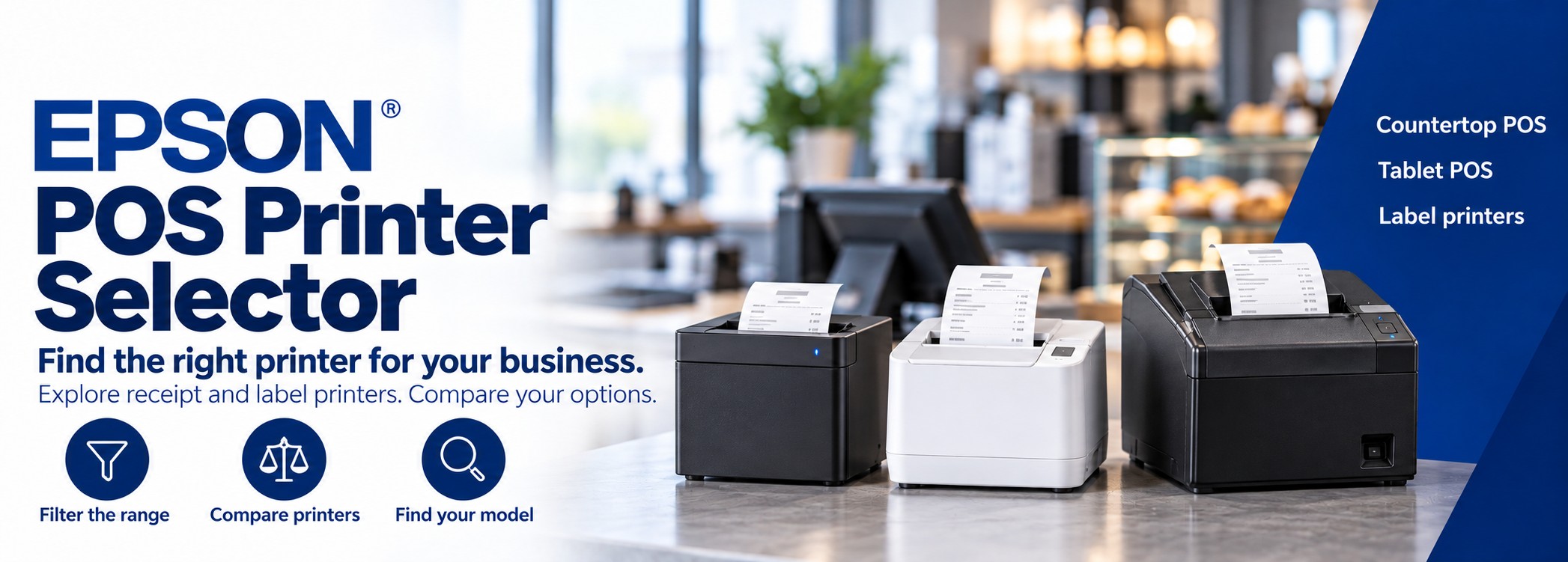
Find the right Epson POS printer
Not sure which Epson receipt, kitchen or label printer you need? Answer a few questions and explore suitable options for your business.
We'll help you narrow down the range based on how you print, your connectivity requirements and your existing equipment.
GUIDED PRINTER FINDER
What do you need your printer to do?
Tell us a little about your requirements.
1. Where will you use the printer?
2. Tell us about your requirements
We'll look for matching model families in our selection. This does not confirm direct replacement compatibility.
Recommendations are guidance only. Confirm the exact configuration and POS software compatibility before ordering.
YOUR RECOMMENDATIONS
Suggested Epson printers
How to choose the right Epson POS printer
Epson POS printers are used in retail, hospitality and other customer-facing environments to produce receipts, kitchen orders, transaction records and specialist labels.
Choosing the right printer depends on where it will be used, the type of media required, connectivity, printing volume and compatibility with your existing EPOS system.
Use our Epson POS Printer Selector above to narrow down suitable printer families based on your requirements.
Epson POS printers for different applications
Retail receipt printing
Thermal receipt printers are widely used at retail checkouts, supermarkets, convenience stores and specialist shops.
They provide fast receipt printing without ink cartridges or ribbons, using compatible thermal paper.
Consider: Epson TM-T20 and TM-T88 printer families.
Restaurants, cafes and bars
Hospitality businesses need reliable receipt and order printing for customer payments, bar orders and restaurant operations.
Printer selection depends on POS software, network connectivity and whether printing takes place at the counter or in the kitchen.
Consider: Epson TM-T20, TM-T88 and TM-m30 families.
Kitchen order printing
Kitchen printers produce food preparation tickets and order information for restaurant and takeaway operations.
Impact printers may be preferred in some demanding kitchen environments, while suitable thermal printers can support other kitchen workflows.
Consider: Epson TM-U220 and compatible thermal POS models.
Tablet and mobile POS
Compact POS printers can be integrated into tablet-based checkout systems and mobile point-of-sale environments.
Bluetooth, Wi-Fi and Ethernet connectivity options vary by model and configuration.
Consider: Epson TM-m30 series printers.
Liner-free label printing
Liner-free printing uses compatible adhesive media without a conventional backing liner.
It can be useful for food preparation, takeaway orders, product identification and certain hospitality workflows.
Consider: Specialist Epson liner-free printer configurations.
Replacing an existing POS printer
When replacing an older Epson printer, check the connection type, paper width, printer commands, drivers and compatibility with your existing POS software.
A newer printer from the same manufacturer is not necessarily a direct plug-and-play replacement.
Important: Confirm the exact replacement model and configuration before ordering.
Need help choosing an Epson POS printer?
Tek Direkt supplies Epson POS printing equipment for retail, hospitality and business applications.
If you're replacing an existing printer, send us the current model number, connection type and details of your POS software. We can help identify suitable alternatives.
Understanding Epson POS printer technology
Choosing a POS printer involves more than selecting a manufacturer or print speed. Receipt technology, connectivity, paper width and software compatibility all affect how the printer works within your business.
Direct thermal receipt printers
Direct thermal printers use heat-sensitive paper to produce receipts without ink cartridges or ribbons.
They are commonly used for retail transactions, hospitality receipts and general point-of-sale printing.
Typical applications: Retail checkouts, cafes, restaurants and payment counters.
Impact receipt printers
Impact printers use a print mechanism and ink ribbon to produce text on compatible paper.
They may be suitable for kitchen order printing and environments where thermal paper is less appropriate.
Typical applications: Kitchen tickets, hospitality order printing and multipart forms where supported.
58 mm receipt printers
Printers supporting 58 mm paper are useful where narrower receipts are preferred or counter space is limited.
Check the exact printer configuration, as some models support multiple paper widths using guides or accessories.
Consider: Receipt layout, paper availability and POS software settings.
80 mm receipt printers
80 mm thermal receipt printers are widely used in retail and hospitality, providing space for item descriptions, totals, logos and transaction information.
Many Epson TM-series models support 80 mm receipt rolls.
Consider: Print speed, receipt formatting and counter space.
USB and Ethernet connectivity
USB is commonly used when a printer connects directly to a POS terminal or computer.
Ethernet allows compatible printers to connect to a local network and may suit shared or network-managed POS environments.
Important: Confirm the interface fitted to the exact printer SKU.
Bluetooth and Wi-Fi connectivity
Wireless connectivity can be useful for tablet-based POS systems and locations where a wired connection is inconvenient.
Bluetooth and Wi-Fi availability varies between Epson printer models and configurations.
Important: Confirm compatibility with your POS device, operating system and software.
Printer drivers and ESC/POS
Many Epson POS printers support Epson's ESC/POS command system, but compatibility varies by model and software implementation.
Some POS applications require particular printer drivers, firmware versions or supported printer models.
Important: Check the POS software provider's approved hardware list.
Automatic cutters and accessories
Automatic cutters can separate receipts after printing and reduce manual handling at busy checkouts.
Other considerations include cash drawer connections, wall mounting, splash protection and compatible power supplies.
Important: Features and accessories depend on the exact model.
What to check before replacing a POS printer
Existing printer model
Record the full model number and product code of your current printer, including any interface or regional suffixes.
This helps identify the appropriate replacement configuration.
Software and integration
Confirm your POS software, operating system, connection type and any specialist requirements such as kitchen printing, cash drawer operation or network printing.
A replacement printer may require software configuration or updated drivers.
More EPOS advice from Tek Direkt
Explore related equipment and buying advice.
- Epson POS Printer Selector – find suitable Epson receipt and hospitality printers.
- EPOS Printers – browse receipt printers and related equipment.
- EPOS Systems – explore point-of-sale hardware.
- Barcode Scanner Selector – find compatible scanning equipment for retail applications.
- Contact Tek Direkt – ask about POS printer compatibility and replacement options.
Before ordering: Confirm the full printer SKU, receipt width, connectivity, software compatibility, power supply and any required accessories. Similar Epson model names can have different interface configurations.