
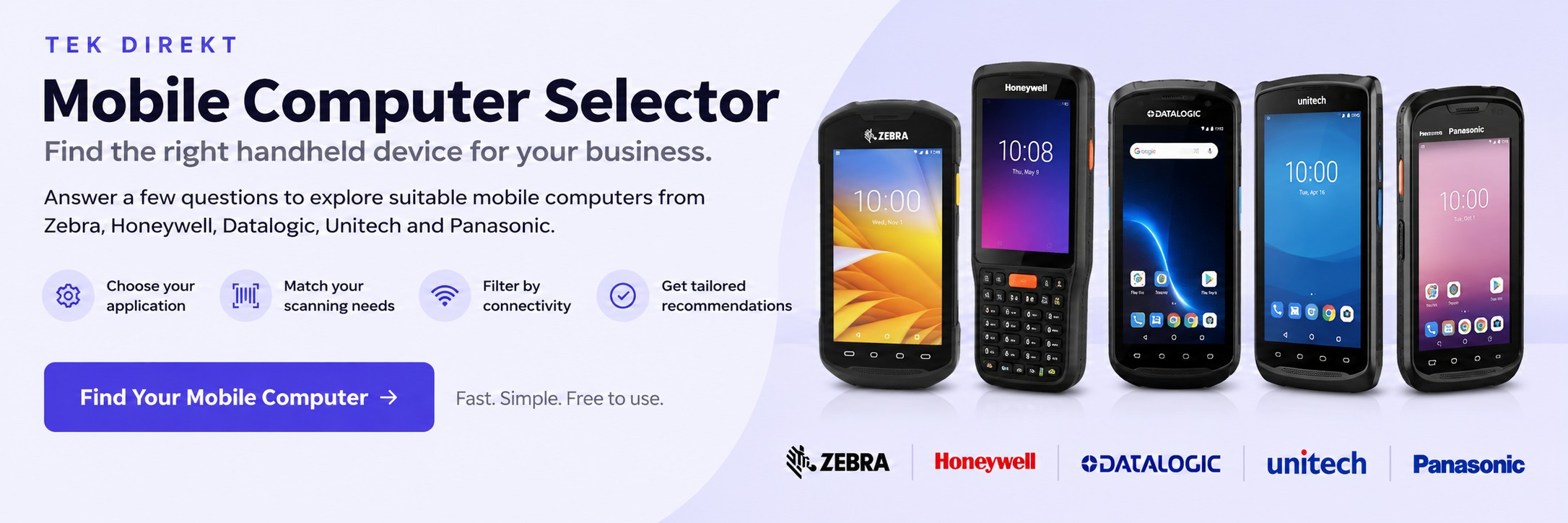
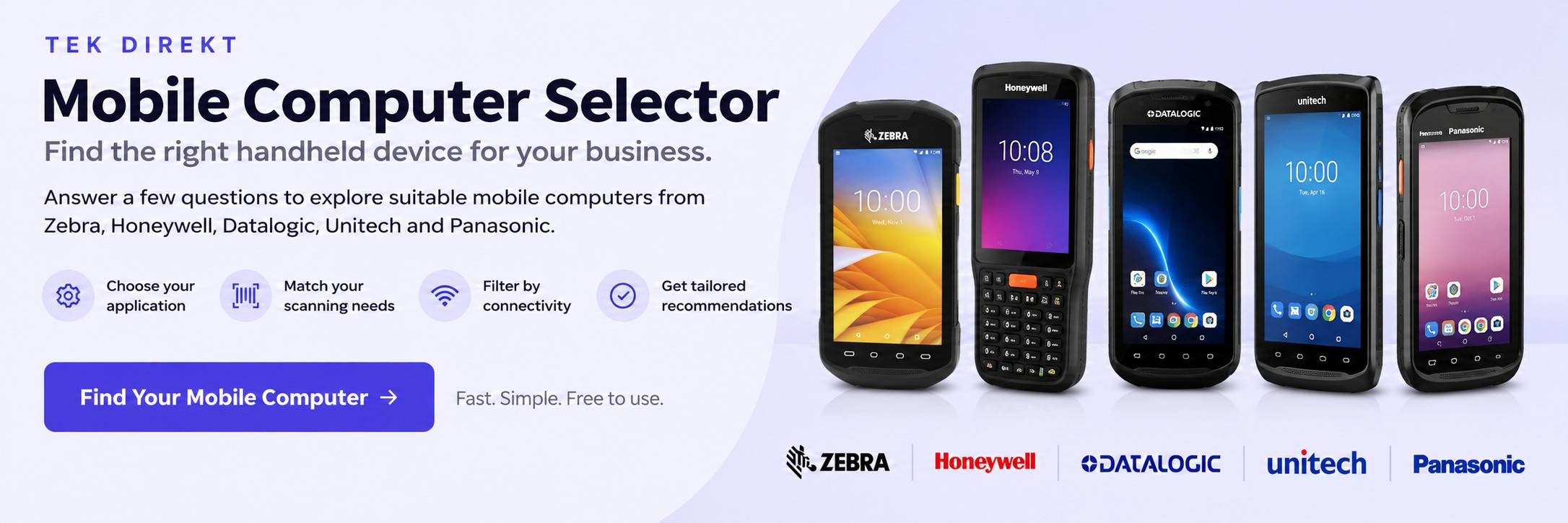
GUIDED MOBILE COMPUTER FINDER
What do you need your device to do?
1. Where will you use it?
2. Preferred device style
3. Your requirements
Choose your requirements to find suitable mobile computers.
YOUR RECOMMENDATIONS
Suggested mobile computers
Need help choosing a mobile computer?
Tell us your application, scanning requirements, preferred operating system and connectivity needs. We can help identify suitable devices and accessories.
Ask Tek Direkt →How to choose the right mobile computer
Mobile computers combine barcode scanning, wireless connectivity and business applications in a portable device. They are used for stock control, warehouse management, delivery tracking, manufacturing, field service and other data collection tasks.
Choosing the right device depends on the working environment, scanning distance, connectivity, operating system, keypad requirements and the software your business uses.
Tek Direkt supplies mobile computers from Zebra, Honeywell, Datalogic and Unitech, including touchscreen handhelds and rugged keypad terminals.
Use our interactive selector above to identify suitable device families based on your requirements.
Mobile computers for different applications
Warehousing and inventory
Rugged mobile computers support goods receiving, stocktaking, picking, replenishment and warehouse inventory management.
Devices with physical keypads may suit repetitive data entry, while extended-range scanning options can help operators read barcodes on warehouse racking.
Popular families: Zebra MC3400, Zebra MC9400 and Honeywell CK65.
Retail and stocktaking
Touchscreen mobile computers provide a convenient way to manage stock counts, product lookups, price checks and inventory movements.
Compact devices can be particularly useful for shop-floor employees who need access to business applications and barcode scanning throughout the working day.
Popular families: Zebra TC22, Zebra TC27 and Datalogic Memor 11.
Delivery and logistics
Mobile computers support parcel scanning, proof of delivery, route information and real-time updates for delivery operations.
Cellular connectivity allows supported devices to communicate with business systems when Wi-Fi is unavailable.
Popular families: Zebra TC27, Zebra TC58 and Honeywell CT45 XP.
Manufacturing and production
Industrial mobile computers can support production tracking, component identification, work-in-progress monitoring and materials management.
Consider ruggedness, scan engine options and compatibility with manufacturing or warehouse management software.
Popular families: Zebra MC3450, Honeywell CK67 and Datalogic Skorpio X5.
Field service and maintenance
Mobile computers give field workers access to job information, asset records, service histories and barcode-based identification.
Touchscreen devices with cellular connectivity can suit engineers and technicians working away from fixed business premises.
Popular families: Zebra TC58, Honeywell CT47 and Unitech EA660.
Healthcare and clinical environments
Mobile computers can support inventory management, specimen tracking and patient-related workflows when appropriately configured.
Healthcare applications may require specialist cleaning compatibility, suitable barcode scanning and integration with clinical systems.
Consider: Healthcare-specific configurations, disinfectant-ready housings and software compatibility.
Need help selecting a mobile computer?
Different mobile computer families offer different combinations of scanning capability, connectivity, ruggedness and input methods. The most suitable device depends on how and where it will be used.
Use the selector above or contact Tek Direkt with your requirements. We can help identify suitable mobile computers and accessories.
Understanding mobile computer types
Mobile computers are available in different designs and configurations. The right choice depends on the tasks employees perform, where they work and how the device connects to business systems.
Touchscreen mobile computers
Touchscreen handhelds combine smartphone-style operation with enterprise barcode scanning and business applications.
They are commonly used for retail stocktaking, delivery management, field service and general inventory control.
Popular families: Zebra TC22, Zebra TC58, Honeywell CT47 and Datalogic Memor 17.
Keypad mobile computers
Mobile computers with physical keypads are often preferred for warehouse picking, repetitive data entry and industrial workflows.
They can be useful where operators wear gloves or need tactile buttons for frequent data entry.
Popular families: Zebra MC3400, Zebra MC9400, Honeywell CK65 and Datalogic Skorpio X5.
Wi-Fi mobile computers
Wi-Fi mobile computers connect to business networks within warehouses, shops, factories and other premises with suitable wireless coverage.
They are commonly used with warehouse management systems, stock control software and internal business applications.
Best for: Indoor operations with reliable Wi-Fi coverage.
4G and 5G mobile computers
Cellular-enabled mobile computers allow workers to access supported applications and exchange data while away from fixed business premises.
They are particularly useful for delivery drivers, field engineers and mobile service teams.
Best for: Delivery, logistics, field service and mobile workforce applications.
Standard-range barcode scanning
Standard-range scan engines are designed for everyday barcode reading at typical handheld distances.
They suit stocktaking, goods receiving, product identification and many retail or warehouse workflows.
Best for: Barcodes on products, cartons, shelves and items within normal scanning reach.
Extended-range barcode scanning
Selected mobile computer configurations offer extended-range scan engines for reading suitable barcodes at greater distances.
These can be useful in warehouses where operators need to scan pallet or location labels on higher racking.
Important: Maximum scanning distance varies by scan engine, barcode size and barcode quality.
Rugged mobile computers
Rugged devices are designed for demanding commercial environments and may offer resistance to drops, dust, moisture and temperature extremes.
Compare manufacturer IP ratings, drop specifications and operating temperature ranges when selecting a device.
Best for: Warehousing, manufacturing, logistics and outdoor operations.
Operating systems and software
Many modern enterprise mobile computers run Android and support business applications for inventory, warehouse management, delivery and field service.
Check operating system versions, software compatibility, security updates and manufacturer support lifecycles before purchasing.
Important: Enterprise devices may require additional software licences or management tools.
Other features worth considering
Battery life and charging
Consider how long devices will operate between charges and whether removable batteries, spare batteries or multi-slot charging cradles are required.
For multi-shift operations, battery management and charging infrastructure can be as important as device performance.
Accessories and ergonomics
Accessories such as pistol grips, protective cases, vehicle mounts, charging cradles and hand straps can improve usability.
Check compatibility with the exact device model and configuration before ordering accessories.
More mobile computing advice from Tek Direkt
Explore our related buying guides, product categories and selection tools.
- Mobile Computer Selector – find suitable mobile computers based on your requirements.
- Barcode Scanner Selector – compare handheld and industrial barcode scanners.
- Mobile Computer Buying Advice – ask us about device selection, connectivity and software compatibility.
- Contact Tek Direkt – get help choosing mobile computers and accessories.
Before ordering: Confirm the exact device SKU, scan engine, wireless connectivity, operating system, keypad configuration, accessories and compatibility with your business software. Specifications can vary within the same mobile computer family.