
What Is GS1 Barcode Compliance?
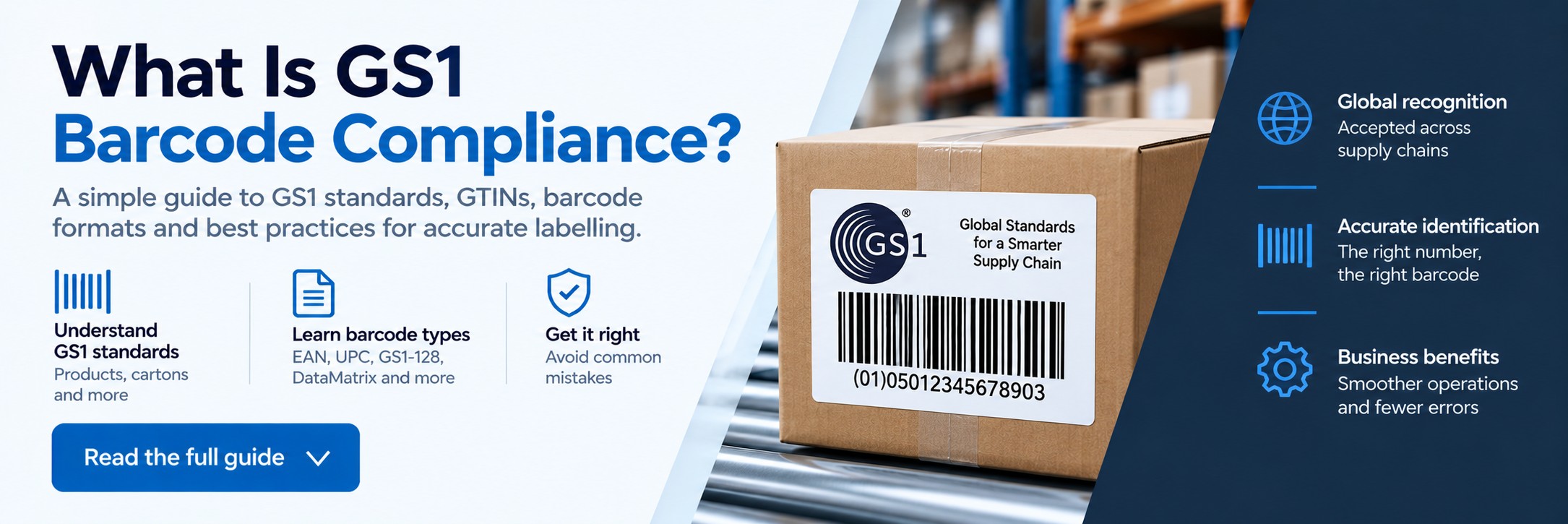
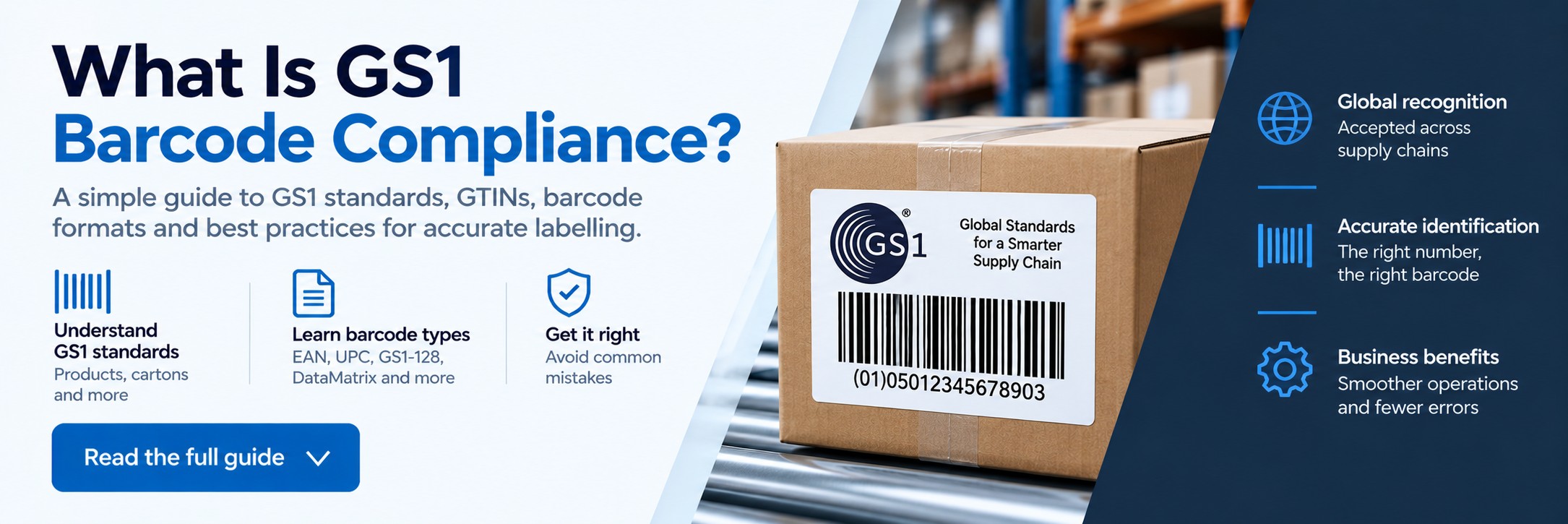
What Is GS1 Barcode Compliance?
GS1 barcode compliance means using globally recognised identification and barcode standards so that products, cases, pallets and other items can be identified accurately throughout the supply chain.
If you manufacture products, supply retailers, sell online or manage goods through warehouses and distribution centres, understanding GS1 standards can help prevent scanning problems, incorrect product identification and rejected labels.
Quick answer
What makes a barcode GS1 compliant?
GS1 compliance isn't simply about having black lines and a number on a label. You need the correct identification number, the appropriate barcode format and a barcode that can be reliably scanned in the environment where it will be used.
Correct identification
Products and other trade items need the appropriate GS1 identification number, such as a GTIN.
Correct barcode
The identifier must be encoded using a barcode symbology appropriate for the application.
Readable print
The finished barcode needs suitable size, contrast, positioning and print quality so that it can be scanned reliably.
What is GS1?
GS1 is the organisation behind a global system of standards used to identify products, locations, logistics units and other items as they move through supply chains.
One of the best-known parts of the GS1 system is the barcode found on retail products, but GS1 standards are used far beyond the supermarket checkout. They support manufacturing, warehousing, logistics, healthcare, wholesale and e-commerce operations.
Important: GS1 creates and manages the identification standards. A barcode printer or barcode software package does not itself issue your official product identification numbers.
GTIN vs barcode: what's the difference?
These terms are often used interchangeably, but they are not quite the same thing.
The number
GTIN
A Global Trade Item Number (GTIN) is the unique number used to identify a trade item.
Depending on the application, you may encounter GTIN-8, GTIN-12, GTIN-13 or GTIN-14 identifiers.
The machine-readable symbol
Barcode
The barcode is the machine-readable representation used by scanners to capture an identifier and, depending on the barcode type, potentially additional information.
Different applications use different barcode symbologies.
Common GS1 barcode types
There isn't one single "GS1 barcode". The appropriate barcode depends on what is being identified and where the barcode will be scanned.
| Barcode Type | Common Use | What It Can Carry |
|---|---|---|
| EAN-13 | Retail products | Typically a GTIN-13 |
| UPC-A | Retail products, particularly in North America | GTIN-12 |
| EAN-8 | Smaller retail products | GTIN-8 |
| ITF-14 | Outer cases and traded units | GTIN represented in 14-digit format |
| GS1-128 | Logistics and supply-chain applications | Identifiers plus additional data using GS1 Application Identifiers |
| GS1 DataMatrix | Healthcare and other applications requiring compact 2D symbols | Can encode identifiers and additional structured data |
| GS1 QR Code | Emerging consumer and supply-chain applications | GS1 identifiers and additional information |
What does GS1 barcode compliance involve?
The exact requirements depend on the barcode, product, trading partner and application, but there are several areas businesses should check.
Valid identification
Make sure the correct GS1 identifier has been allocated to the product, case or logistics unit being labelled.
Correct symbology
Use a barcode type that is permitted and appropriate for the intended scanning environment.
Barcode dimensions
Barcode size, magnification and proportions can affect whether the symbol can be scanned reliably.
Quiet zones
Linear barcodes require clear space around the symbol so scanners can distinguish the barcode from surrounding artwork and text.
Print contrast
There needs to be sufficient contrast between the bars or modules and the background.
Barcode placement
Position matters. Packaging shape, folds, curves, seams and edges can all interfere with reliable scanning.
Why does GS1 compliance matter?
A barcode can look perfectly acceptable to the human eye and still cause problems when it reaches a warehouse, distribution centre or checkout.
Retail acceptance
Retailers and marketplaces may require recognised product identifiers and correctly produced barcodes before accepting products.
Faster scanning
Reliable barcodes reduce repeated scan attempts and the need for operators to enter product information manually.
Inventory accuracy
Correct product identification supports more reliable stock receiving, picking, dispatch and inventory management.
Supply-chain efficiency
Standardised identification allows different businesses and systems to refer to the same item consistently.
Traceability
GS1 identifiers can form part of wider traceability processes throughout manufacturing and distribution.
Business growth
Using recognised standards from the outset can make it easier to work with larger retailers, distributors and trading partners.
Why do barcodes fail to scan?
A valid number does not guarantee a good barcode. Problems are often caused by the way the barcode has been designed, printed, applied or handled.
Barcode printed too small
Reducing a barcode to fit packaging can make the bars or modules difficult for scanners to distinguish.
Insufficient quiet zone
Text, graphics or packaging artwork placed too close to a barcode can interfere with decoding.
Poor print quality
Blurred edges, broken bars, printhead problems or inappropriate printer settings can reduce barcode readability.
Low contrast
Some colour combinations and transparent or reflective materials can make barcode scanning more difficult.
Damaged labels
Abrasion, moisture, chemicals, heat and handling can damage labels during storage and transportation.
Incorrect placement
Barcodes positioned across packaging seams, folds or highly curved surfaces can become difficult to scan.
Printing GS1 barcode labels
Once you have the correct data and barcode format, the next challenge is reproducing the barcode consistently.
A dedicated label printer can be used to produce product, carton, pallet and logistics labels in-house. The appropriate printer depends on print volume, label width, required resolution, environment and label material.
Desktop label printers
Suitable for lower-volume label production, smaller workspaces and many general product-labelling applications.
Industrial label printers
Designed for higher print volumes and demanding warehouse, manufacturing and logistics environments.
Mobile printers
Allow labels to be produced at the point of activity, such as receiving, picking, stock management or warehouse operations.
Don't overlook the label material
Even a perfectly printed barcode can become unreadable if the label isn't suitable for the environment.
Consider what the label will experience during its working life:
Handling & abrasion
Labels on cartons, bins and products may be rubbed or damaged during handling and transport.
Temperature
Cold storage, refrigeration, heat and changing temperatures can affect label materials and adhesives.
Moisture & chemicals
Some environments require more durable synthetic media and an appropriate thermal-transfer ribbon.
Barcode and labelling software
For businesses producing labels regularly, specialist barcode and labelling software can make it easier to control barcode formats, product data and label templates.
Depending on the software and application, this can help businesses:
- Create consistent label templates
- Generate supported barcode formats
- Reduce manual data entry
- Manage variable product information
- Connect labels to databases
- Integrate with ERP or inventory systems
- Control label designs across locations
- Reduce accidental changes to approved templates
Scanning a barcode isn't the same as verifying it
A useful distinction is the difference between testing whether a barcode scans and formally assessing its quality.
Barcode scanner
Does it scan?
A barcode scanner tells you whether that scanner can successfully decode the barcode under the conditions in which you test it.
Barcode verification
How good is the barcode?
Barcode verification uses specialist equipment and defined testing methods to assess the quality of the printed symbol against applicable standards.
A successful scan does not automatically prove compliance. If a retailer or trading partner requires formal barcode verification, check exactly which standard and verification report they require.
GS1 barcode compliance checklist
Obtain the correct identifier
Make sure the item has the appropriate GS1 identification number for the application.
Select the barcode type
Choose the correct symbology for the product, packaging level and scanning environment.
Create the barcode correctly
Use appropriate barcode software or tools and avoid manually altering the symbol.
Check size and placement
Allow adequate space and avoid unsuitable packaging positions.
Choose the right printer
Match print resolution, duty cycle and printing method to the label requirement.
Use suitable media
Select label materials and ribbons appropriate for the product and environment.
Test the finished label
Check real labels after printing and application rather than relying solely on the design shown on screen.
Verify where required
Use appropriate barcode verification where customers, retailers or industry requirements demand it.
Hardware for barcode labelling and data capture
Tek Direkt supplies the hardware used to print, scan and manage barcode labels across retail, warehousing, manufacturing and logistics operations.
Barcode scanners
Handheld, cordless, fixed-mount and rugged scanners for capturing 1D and 2D barcodes.
Label printers
Desktop, industrial and mobile printers for producing product, stock, carton and logistics labels.
Mobile computers
Handheld devices combining barcode scanning, mobile applications and wireless connectivity for warehouse operations.
Need barcode printing or scanning hardware?
If you already know the equipment you need, send us the manufacturer part number and quantity, or forward an existing supplier quote.
We'll give you another price to compare. No calls or meetings needed.