
Industrial vs Desktop Label Printers: Which Is Right for Your Business?
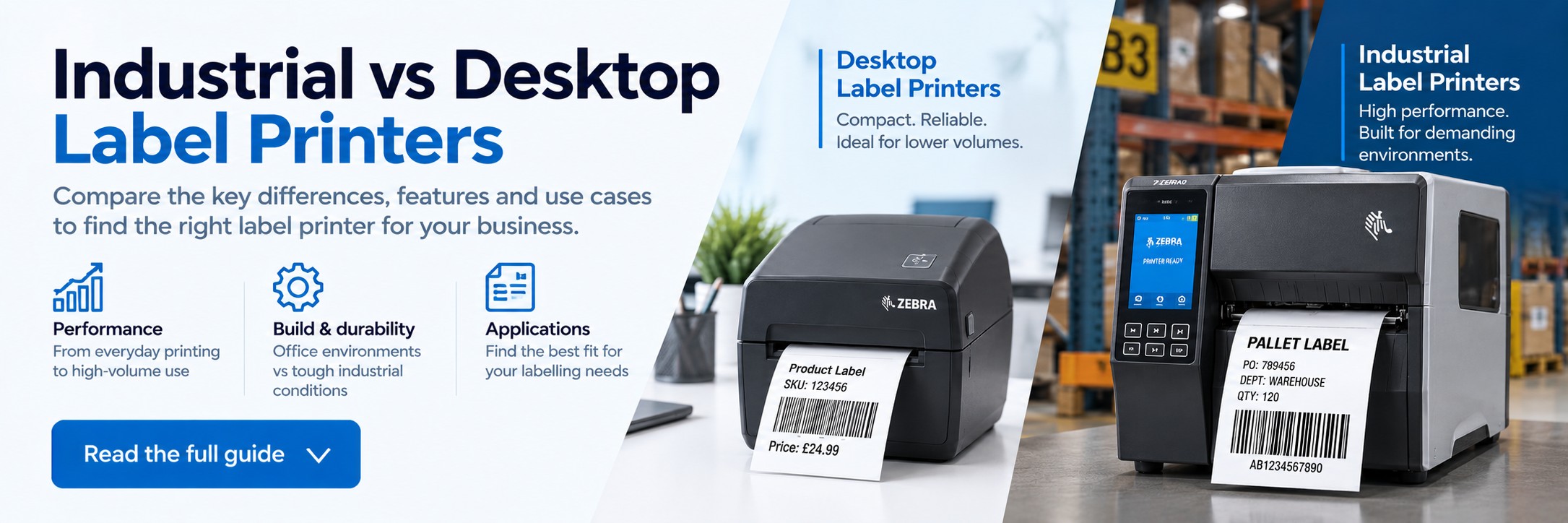
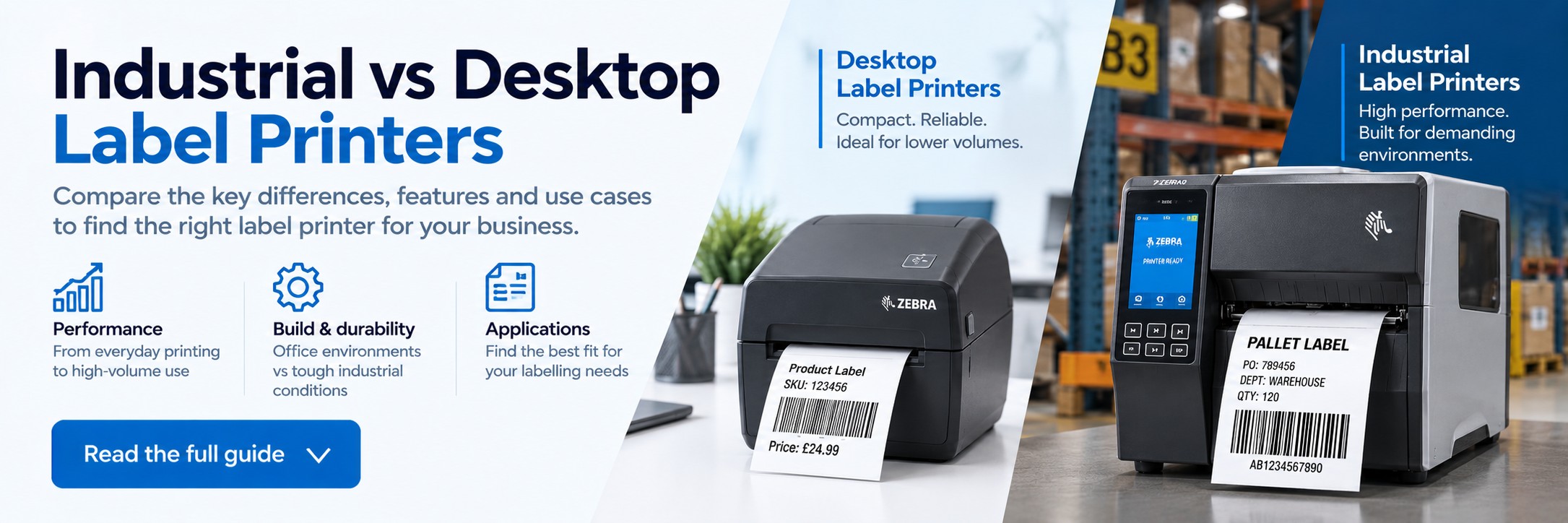
Industrial vs Desktop Label Printers: Which Is Right for Your Business?
Desktop and industrial label printers can both produce barcode, shipping, product and identification labels, but they are designed for very different workloads.
The right choice depends on how many labels you print, how continuously you print them, the environment the printer operates in and the media you need to use.
Quick answer
Desktop or industrial label printer?
Choose a desktop label printer if...
- You print labels in smaller batches throughout the day
- The printer will sit on a desk, counter or packing bench
- Space is limited
- Your environment is relatively clean
- You don't need very large media or ribbon capacities
- You want a compact and economical labelling solution
Choose an industrial label printer if...
- You print large volumes or long continuous batches
- Label printing is critical to warehouse or production operations
- The printer will operate across long shifts
- The environment is dusty, busy or demanding
- You want larger media and ribbon capacities
- Downtime and frequent media changes would disrupt operations
The most important question isn't simply “How many labels do I print?” Also consider how quickly those labels need to be produced and whether printing happens in occasional batches or continuously throughout a shift.
Printer type 1
What is a desktop label printer?
Desktop label printers are compact thermal printers designed to fit easily onto desks, counters, packing benches and smaller workstations.
They are commonly used for shipping labels, barcode labels, product identification, retail labels, healthcare applications and general business labelling.
Compact footprint
Desktop printers take up relatively little workspace, making them useful where counter or bench space is limited.
Intermittent printing
They are well suited to workflows where labels are printed in batches with natural breaks between print jobs.
Lower initial cost
Desktop printers generally provide an economical entry point for businesses that don't require industrial levels of throughput.
Where are desktop label printers used?
Shipping & ecommerce
Printing courier and dispatch labels at individual packing stations.
Retail
Product labels, shelf labels, price labels and stock identification.
Small warehouses
Barcode and inventory labels where print volumes are moderate.
Offices
Asset labels, filing, identification and general business labelling.
Healthcare
Suitable models can be used for specimen, pharmacy and identification applications.
Light manufacturing
Useful for smaller production environments where continuous high-volume printing isn't required.
Printer type 2
What is an industrial label printer?
Industrial label printers are designed for heavier workloads and more demanding operating environments.
They typically use more robust construction and provide greater media capacity, making them suitable for warehouses, distribution centres, manufacturing facilities and other operations where label printing is an important part of the workflow.
Higher duty cycles
Designed to cope with sustained printing and heavier daily workloads.
Rugged construction
Industrial printers are designed for environments where equipment may face greater wear, dust and continuous use.
Larger media capacity
Larger rolls and ribbons can mean fewer interruptions for consumable changes during busy operations.
Where are industrial label printers used?
Warehousing
Pallet, carton, inventory, rack and dispatch labelling.
Manufacturing
Product, component, work-in-progress and traceability labels.
Distribution centres
High-volume shipping, receiving and logistics labelling.
Production lines
Continuous or repeated label production where downtime can affect output.
Transport & logistics
Barcode, pallet, shipping and supply-chain identification.
Compliance labelling
Applications where reliable production of identification or regulatory labels is business-critical.
Desktop vs industrial label printers: key differences
| Feature | Desktop Label Printer | Industrial Label Printer |
|---|---|---|
| Typical workload | Low to moderate | Moderate to high / sustained |
| Printing pattern | Intermittent batches | Longer or continuous print runs |
| Size | Compact | Larger |
| Construction | Designed for normal workplace use | More rugged construction for demanding environments |
| Media capacity | Smaller rolls | Typically larger rolls and ribbons |
| Media changes | Potentially more frequent | Potentially less frequent |
| Workspace | Desk, counter or packing bench | Warehouse, production or industrial workstation |
| Typical applications | Shipping, retail, office, light warehouse | Warehouse, manufacturing, distribution, logistics |
| Initial investment | Generally lower | Generally higher |
How many labels do you print?
Print volume is one of the most useful starting points, but there isn't a universal daily label number at which every business should switch from desktop to industrial.
The same number of labels can create very different demands on a printer depending on how they are produced.
Small batches
If you print relatively small batches at intervals throughout the day, a desktop printer may be all you need.
Busy periods
If hundreds of labels need to be produced in concentrated bursts, printer capacity and media-change frequency become more important.
Continuous printing
If printing runs for long periods or across multiple shifts, an industrial printer is usually the more appropriate class of device.
Don't choose purely from an estimated labels-per-day figure. Peak workload, batch size, uptime requirements and the consequences of printer downtime can be just as important.
Where will the printer be used?
The operating environment can be just as important as print volume.
Office, shop or clean packing area
A desktop printer may be the better fit when:
- The environment is clean and controlled
- Print volumes are moderate
- Space is limited
- The printer isn't exposed to heavy handling
- Printing can pause for media changes
Warehouse or manufacturing floor
An industrial printer becomes more attractive when:
- The printer is used throughout long shifts
- Dust and demanding conditions are common
- Many employees share the printer
- Downtime can delay dispatch or production
- Large label and ribbon capacities are valuable
Think about labels and ribbons too
Printer class is only one part of the decision. You also need to consider the type and quantity of media the printer will use.
Label roll capacity
Larger media rolls can reduce the number of times operators need to stop and reload the printer.
Ribbon capacity
For thermal-transfer applications, larger ribbon capacity can be particularly valuable in high-volume environments.
Label material
Check compatibility with paper, synthetic and specialist media required by your application.
Direct thermal or thermal transfer?
Desktop versus industrial describes the class and workload of the printer. It doesn't tell you which printing technology you need.
Direct thermal
Prints onto heat-sensitive media without a ribbon. It is commonly used for shipping, courier and other relatively short-life labels.
Thermal transfer
Uses a ribbon to transfer the printed image onto the label and is better suited to many longer-life and more demanding applications.
What print resolution do you need?
Label printers are commonly available in different print resolutions. The right resolution depends on the label design rather than simply whether the printer is desktop or industrial.
203 dpi
Common for general shipping, barcode, carton and logistics labels where text and barcodes are reasonably sized.
300 dpi
Useful when labels contain smaller text, smaller barcodes or more detailed graphics.
Higher resolution
Some specialist applications involving very small labels or fine detail may require higher-resolution printer configurations.
Always check the exact printer configuration. Models within the same printer family may be available with different resolutions, connectivity and printing technologies.
Check connectivity before you buy
Don't assume every version of a printer includes the same interfaces.
USB
Suitable for direct connection to a workstation or packing PC.
Ethernet
Useful where the printer needs to be shared across a business or warehouse network.
Wireless
Wi-Fi and Bluetooth may be available on certain models or configurations where cable-free connectivity is required.
Common label printer buying mistakes
Buying on price alone
A cheaper desktop printer isn't good value if the workload regularly exceeds what it was designed to handle.
Buying more printer than you need
An industrial printer may be unnecessary if you only print modest batches in a clean office environment.
Looking only at labels per day
Peak periods and continuous operation can matter more than the daily total.
Ignoring media capacity
Frequent roll and ribbon changes can become a significant interruption in a busy operation.
Ignoring the exact MPN
Two printers with similar names may have different resolutions, connectivity, print methods or regional configurations.
Forgetting future growth
If label volumes are increasing rapidly, consider whether the printer will still suit the operation in a year or two.
Before you choose: final checklist
Print volume
How many labels do you print on a normal day and during your busiest periods?
Duty cycle
Will labels be printed occasionally, in large batches or continuously?
Environment
Will the printer operate in an office, packing area, warehouse or production environment?
Label size
Check the required label width and the printer's supported media dimensions.
Print method
Do you need direct thermal, thermal transfer or support for both?
Resolution
Will you print standard shipping labels or small, detailed labels?
Connectivity
Check whether you need USB, Ethernet, Wi-Fi, Bluetooth or another interface.
Consumables
Check compatible labels, ribbons and media before selecting the exact printer configuration.
Label printers from Tek Direkt
Tek Direkt supplies desktop and industrial label printers for retail, ecommerce, warehousing, logistics, manufacturing and other business applications.
Desktop label printers
Compact printers for shipping, barcode, product and general business labelling.
Industrial label printers
Heavy-duty printing solutions for warehouse, manufacturing and high-volume operations.
Labels & ribbons
Complete your setup with compatible label media and thermal-transfer ribbons.
Already know which label printer you need?
Send us the manufacturer part number and quantity, or forward an existing supplier quote.
We'll give you another price to compare. No calls or meetings needed.