
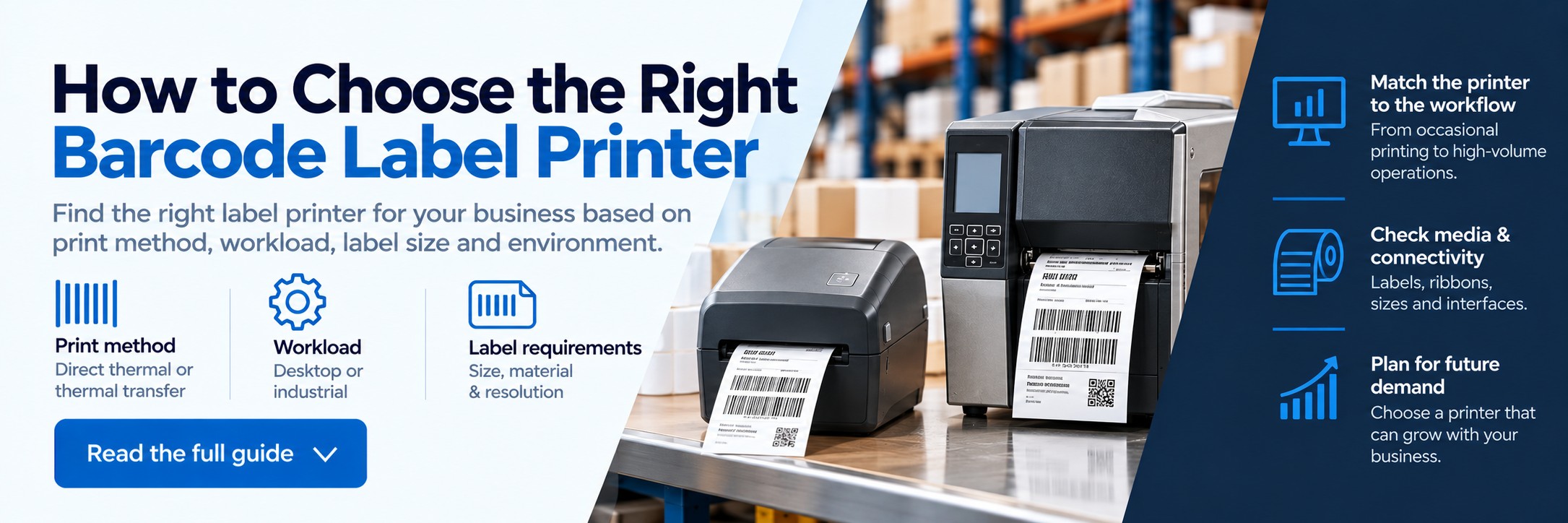
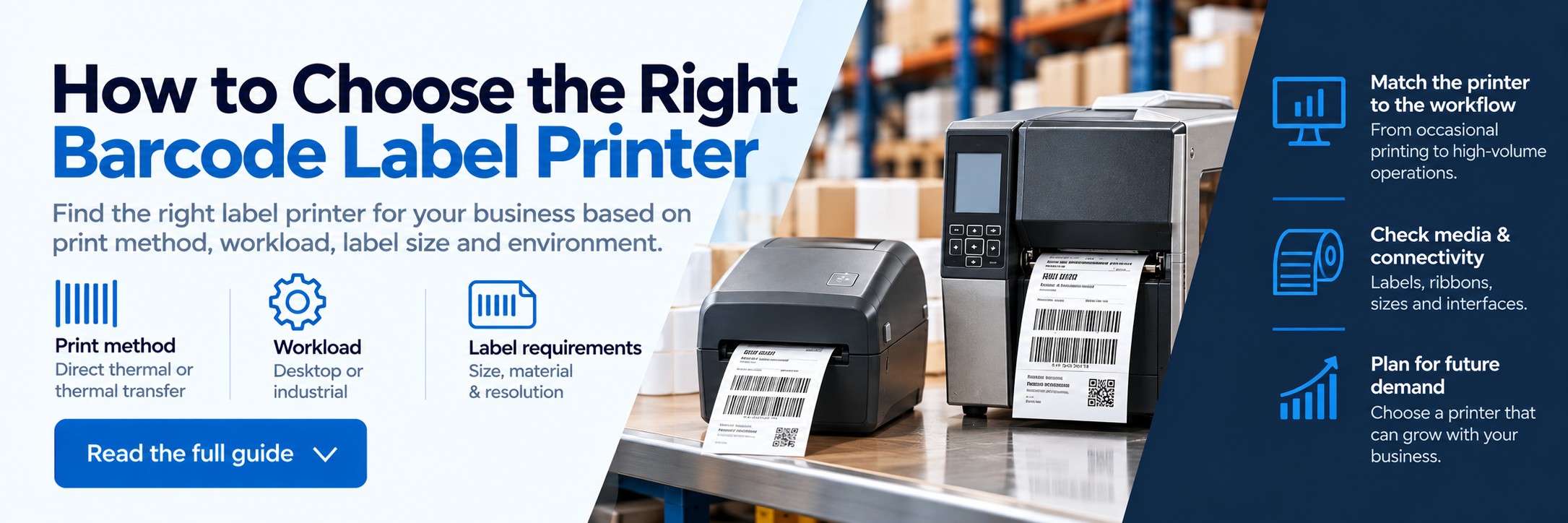
How to Choose the Right Barcode Label Printer
The right barcode label printer depends on more than how many labels you print. You need to consider what the labels are for, how long they must last, your print workload, label size, print resolution, connectivity and the environment where the printer will operate.
This guide takes you through those decisions step by step so you can narrow down the type of printer your business actually needs.
Already comparing printers? Start with the application rather than a particular model. Once you know your print method, workload, media and connectivity requirements, choosing the right printer becomes much easier.
Step 1
What are you printing?
The first question is what the labels actually need to do.
Shipping & courier labels
Typically short-life labels used for dispatch, parcel identification and delivery.
Warehouse barcode labels
Stock, carton, pallet, location and inventory identification.
Product labels
Product identification, pricing, ingredients, batch information and barcodes.
Asset labels
Longer-life identification for equipment, IT hardware, tools and other assets.
Manufacturing labels
Component, work-in-progress, traceability and production identification.
Healthcare & laboratory
Specimen, pharmacy, patient, sample and specialist identification applications.
Step 2
Direct thermal or thermal transfer?
This is one of the most important choices because it affects label durability, consumables and the range of media you can use.
Choose direct thermal when...
- Labels only need a relatively short lifespan
- You are printing shipping or courier labels
- You want to avoid using ribbons
- Labels will not face significant heat, sunlight or harsh conditions
- Simple consumable management is important
Choose thermal transfer when...
- Labels need to remain readable for longer
- You need durable asset or product labels
- Labels may face abrasion, moisture or demanding conditions
- You need a wider choice of paper or synthetic materials
- You are printing for manufacturing or industrial applications
Step 3
Desktop or industrial label printer?
Next, match the printer class to the workload and operating environment.
Desktop label printer
Usually a good fit when:
- Labels are printed in smaller or intermittent batches
- The printer will sit on a desk, counter or packing bench
- The environment is relatively clean
- Space is limited
- Large media capacity is not essential
Industrial label printer
Usually a better fit when:
- Printing happens throughout long shifts
- Large batches need to be produced quickly
- The printer is business-critical
- The environment is demanding
- Larger media and ribbon capacities reduce interruptions
Avoid relying on an arbitrary “labels per day” number. A printer producing 1,000 labels gradually throughout a day faces a different workload from one expected to produce them in a concentrated dispatch window.
Step 4
Choose the right label size and material
Don't buy the printer before checking the media. The printer must support the physical dimensions and material required by your application.
Label width
Check the maximum and minimum media width supported by the printer.
Roll size
Consider roll diameter and core size, particularly where large print volumes are involved.
Material
Decide whether you need standard paper, synthetic or specialist label media.
Adhesive
Consider the surface, temperature and environment in which the label will be applied.
Step 5
What print resolution do you need?
Resolution is measured in dots per inch (dpi). Higher resolution can produce finer text and barcode detail, but higher isn't automatically better for every application.
203 dpi
A common choice for shipping, warehouse, logistics and general barcode labels where text and barcodes are reasonably sized.
300 dpi
Useful for smaller labels, finer text, smaller barcodes and applications requiring more detail.
Higher resolution
May be appropriate for specialist applications involving very small labels, fine graphics or extremely compact information.
Check the exact MPN before ordering. The same printer family can include different 203 dpi, 300 dpi or higher-resolution configurations.
Step 6
Consider print workload and peak demand
Average daily volume doesn't tell the whole story. Think about when the labels actually need to be produced.
Occasional printing
Small batches with plenty of time between jobs place relatively modest demands on the printer.
Peak periods
Dispatch deadlines can mean hundreds of labels need to be produced in a short period.
Continuous operation
Warehouses and production environments may require sustained printing across long or multiple shifts.
If printer downtime would stop packing, dispatch or production, reliability and duty cycle should carry more weight than simply finding the cheapest printer.
Step 7
Check connectivity and software compatibility
The printer needs to work with the systems your team already uses.
USB
Useful for direct connection to a PC or packing workstation.
Ethernet
Useful for networked printers shared by multiple workstations or users.
Wi-Fi & Bluetooth
Available on certain models where wireless connectivity is required.
Also check compatibility with your warehouse management system, ERP, stock-control software, courier platform, ecommerce workflow or label-design software. Connectivity options can vary between different configurations of the same printer family.
Step 8
Think about the complete barcode workflow
A barcode label printer rarely works in isolation. The label needs to be created correctly, printed clearly and then scanned reliably elsewhere in the operation.
Printer
Produces the barcode and associated label information.
Labels & ribbons
The correct media combination helps determine durability and print quality.
Barcode scanning
The finished barcode needs to scan reliably at goods-in, picking, packing, inventory or dispatch.
For businesses working with GS1 identifiers, it is also important to understand the difference between assigning the correct identifier and simply producing a barcode image.
Which type of label printer suits your application?
| Application | Typical requirement | Printer considerations |
|---|---|---|
| Shipping & ecommerce | Courier and dispatch labels | Desktop direct thermal is often suitable |
| Warehouse | Carton, pallet, stock and location labels | Desktop or industrial depending on workload |
| Manufacturing | Product, component and traceability labels | Industrial and thermal transfer often appropriate |
| Retail | Product, stock and pricing labels | Compact desktop printers often suitable |
| Asset tracking | Longer-life identification labels | Consider thermal transfer and durable media |
| Healthcare | Patient, specimen, pharmacy and asset labels | Application-specific media, resolution and printer configuration are important |
Common mistakes when choosing a barcode label printer
Choosing on price alone
A low-cost printer can become expensive if it causes downtime or cannot handle your workload.
Buying before choosing the label
Label dimensions and material should be established before selecting the printer.
Using direct thermal for long-life labels
Short-life thermal media may not be appropriate where labels need to survive for extended periods.
Ignoring peak workload
Daily averages can hide demanding dispatch or production periods.
Choosing the wrong resolution
Very small labels and dense information may require more print resolution than standard shipping labels.
Ordering the wrong MPN
Connectivity, resolution and print technology can differ within the same printer family.
Barcode label printer buying checklist
1
Application
What exactly are you labelling?
2
Label lifespan
Does it need to last days, months or years?
3
Print technology
Direct thermal or thermal transfer?
4
Printer class
Desktop or industrial?
5
Media
What size, material and adhesive do you need?
6
Resolution
How small and detailed is the printed information?
7
Workload
How much do you print and how concentrated are peak periods?
8
Connectivity
Which systems and devices need to communicate with the printer?
Build your label printing setup
Label Printers
Compare desktop and industrial printers for barcode, shipping, product and business labelling.
Barcode Labels
Find label media for barcode, stock, shipping and identification applications.
Thermal Ribbons
Browse ribbons for compatible thermal-transfer label printers.
Already know which printer you need?
Send us the manufacturer part number and quantity, or forward an existing quote.
We'll give you another price to compare. No calls or meetings needed.