
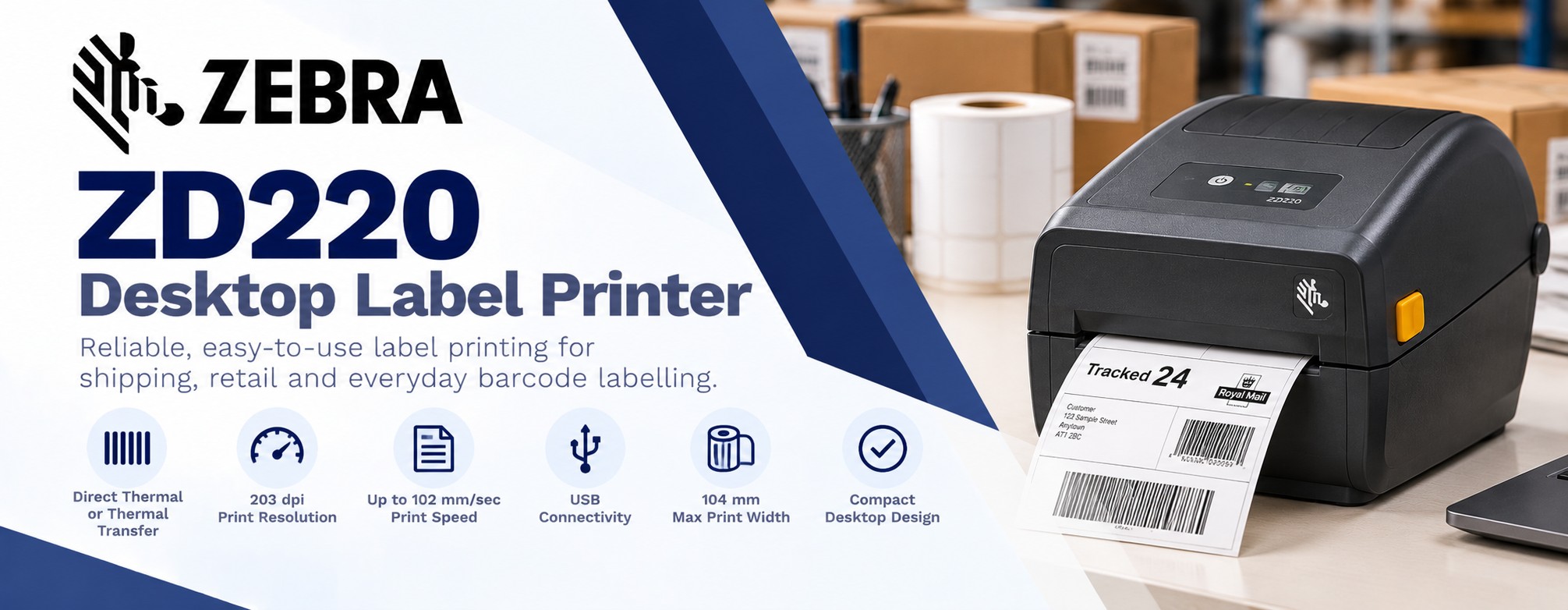
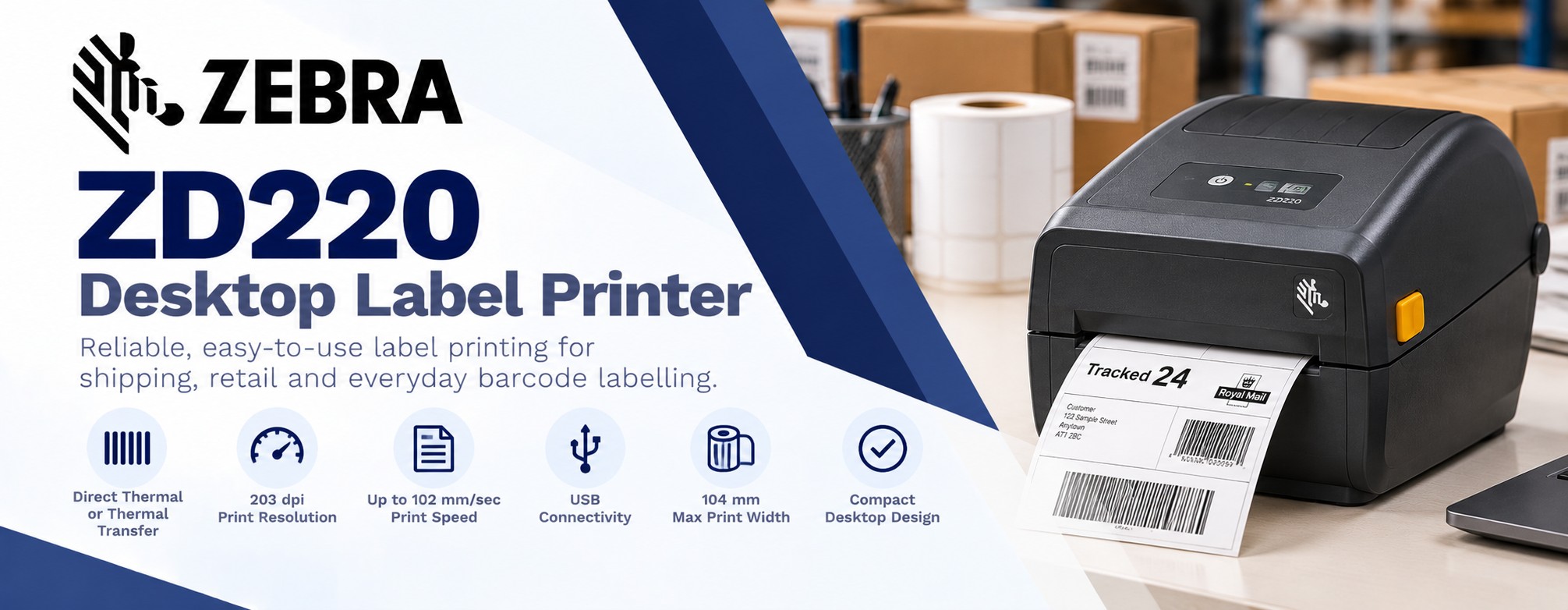
Zebra ZD220 Desktop Label Printer
Reliable barcode and label printing without unnecessary complexity. The Zebra ZD220 is an entry-level 4-inch desktop label printer designed for businesses that need dependable everyday printing at an affordable price.
Part of Zebra's ZD200 Series, the ZD220 is available in both direct thermal and thermal transfer configurations, making it suitable for shipping labels, product identification, retail price labels and general barcode printing.
With 203 dpi print resolution, USB connectivity and a compact desktop design, the ZD220 provides a practical solution for smaller businesses, packing stations, retail counters and light industrial applications.
Shop Zebra ZD220 PrintersKey Features of the Zebra ZD220
Direct Thermal or Thermal Transfer
Choose a direct thermal model for labels that do not require a ribbon, or a thermal transfer model for applications needing ribbon-based printing and suitable durable label materials.
203 dpi Print Resolution
Produce clear text, standard barcodes, shipping information and product identification labels with 203 dpi printing.
Up to 102 mm/sec Print Speed
Print labels at speeds of up to 4 inches per second, suitable for everyday desktop labelling tasks.
104 mm Maximum Print Width
Supports a maximum printable width of 104 mm, making it suitable for common 4-inch shipping and barcode label formats.
Simple USB Connectivity
Connect to a compatible computer or workstation using USB, without the complexity of wireless network configuration.
Easy Media Loading
Zebra's OpenACCESS design allows straightforward access to the media compartment for replacing label rolls.
Choose the Right Zebra ZD220 Version
ZD220 Direct Thermal
Prints on heat-sensitive direct thermal labels without using an ink ribbon.
Ideal for: Shipping labels, dispatch labels, temporary product identification and short-life barcode labels.
ZD220 Thermal Transfer
Uses a compatible thermal transfer ribbon to print onto suitable paper or synthetic label materials.
Ideal for: Product identification, stock labels, asset tracking and applications requiring greater print durability.
Where Can the Zebra ZD220 Be Used?
The Zebra ZD220 is designed for businesses that need straightforward, reliable label printing at a desk, checkout counter or packing station. Its compact design makes it suitable for everyday barcode and identification labels without the complexity of a larger industrial printer.
Shipping & Dispatch
Print courier labels, delivery addresses, tracking barcodes and parcel identification labels at packing benches and dispatch stations.
Retail & Price Labelling
Produce shelf-edge labels, product price labels, barcode stickers and temporary promotional labels for shops and retail stockrooms.
Product Identification
Print product codes, SKUs, batch references and identification labels for packaged goods and general inventory.
Stockrooms & Inventory
Create barcode labels for stock locations, storage bins, cartons and goods receiving operations.
Small Businesses & Ecommerce
Print shipping and order identification labels in small online shops, independent businesses and ecommerce packing areas.
Asset & Equipment Tracking
Produce equipment identification and asset labels using the thermal transfer version with appropriate label materials and ribbons.
Which Labels Can the Zebra ZD220 Print?
The ZD220 supports a variety of label formats and materials. Choosing the correct printer version is important because direct thermal and thermal transfer printing use different consumables.
Shipping Labels
Direct thermal paper labels are a practical choice for courier labels, parcel tracking and other short-life dispatch applications.
Retail & Barcode Labels
Print product barcodes, shelf labels, stock references and pricing information on compatible paper labels.
Durable Product Labels
The thermal transfer model can print on compatible synthetic materials using a suitable ribbon for greater resistance to handling and wear.
Asset Identification Labels
Use suitable thermal transfer labels and ribbons to produce equipment identification and asset tracking labels.
Batch & Inventory Labels
Print batch numbers, product references, stock locations and inventory barcodes as required.
Custom-Sized Labels
Print a range of compatible label sizes within the printer's media and printable-width limits. Check label dimensions and media specifications before ordering.
Why Choose the Zebra ZD220?
The Zebra ZD220 provides the essential features needed for everyday barcode and label printing. It is a practical option for businesses that want dependable desktop printing without paying for advanced connectivity or industrial-level capacity they may not need.
Cost-Effective Label Printing
Produce labels in-house when required, reducing reliance on pre-printed stock for frequently changing information.
Compact Desktop Design
Fits into smaller workspaces, including retail counters, packing benches and office desks.
Simple USB Connection
Connect directly to a compatible computer using USB without configuring a network or wireless connection.
Easy Label Changes
Zebra's OpenACCESS design makes it straightforward to open the printer and replace compatible label rolls.
Flexible Print Methods
Choose direct thermal for short-life labels or thermal transfer for applications requiring suitable ribbon-based printing.
Zebra Printer Compatibility
Supports Zebra's ZPL and EPL printer languages, helping businesses integrate with compatible label software and existing workflows.
Zebra ZD220 vs Zebra ZD230
Both printers belong to Zebra's ZD200 Series and support 203 dpi desktop barcode printing. The ZD230 adds faster printing and additional connectivity and media-handling options.
| Feature | Zebra ZD220 | Zebra ZD230 |
|---|---|---|
| Printer Type | Desktop label printer | Desktop label printer |
| Print Methods | Direct thermal or thermal transfer | Direct thermal or thermal transfer |
| Print Resolution | 203 dpi | 203 dpi |
| Maximum Print Speed | 102 mm/sec | 152 mm/sec |
| Maximum Print Width | 104 mm | 104 mm |
| Connectivity | USB | USB; Ethernet, Wi-Fi and Bluetooth options |
| Thermal Transfer Ribbon | 74 m | 74 m or 300 m |
| Media Handling Options | Factory-installed peeler option | Factory-installed peeler or cutter options |
| Typical Use | Essential desktop label printing | Faster printing and more flexible installations |
Which Zebra Desktop Printer Should You Choose?
Choose the Zebra ZD220 if you need straightforward label printing from a USB-connected workstation and a maximum print speed of 102 mm/sec is sufficient.
Choose the Zebra ZD230 if you need faster printing, optional network connectivity, longer thermal transfer ribbons or additional media-handling configurations.
Both printers are available in direct thermal and thermal transfer versions. Check the individual SKU to confirm the print method, connectivity and included accessories.
Zebra ZD220 Technical Specifications
The Zebra ZD220 is a compact 4-inch desktop label printer available in direct thermal and thermal transfer versions. The specifications below cover the ZD220 family. Check the individual SKU for the correct print method and included accessories.
| Specification | Details |
|---|---|
| Printer Type | 4-inch desktop barcode label printer |
| Printer Family | Zebra ZD200 Series |
| Print Methods | Direct thermal or thermal transfer, depending on model |
| Print Resolution | 203 dpi (8 dots/mm) |
| Maximum Print Speed | 102 mm/sec (4 inches/sec) |
| Maximum Print Width | 104 mm |
| Maximum Print Length | 991 mm |
| Media Width | 25.4 mm to 112 mm |
| Maximum Media Roll Diameter | 127 mm |
| Media Types | Roll-fed or fan-fold, die-cut and continuous labels, tags and compatible wristbands |
| Media Sensors | Gap and movable black-mark sensors |
| Ribbon Length | 74 m (thermal transfer model only) |
| Connectivity | USB 2.0 |
| Printer Languages | ZPL II and EPL2 |
| Dimensions - Direct Thermal | 220 x 176 x 151 mm |
| Dimensions - Thermal Transfer | 267 x 197 x 191 mm |
| Operating Temperature | 4.4°C to 41°C |
| Manufacturer Warranty | 2 years, subject to Zebra warranty terms |
Zebra ZD220 Frequently Asked Questions
Can the Zebra ZD220 print shipping labels?
Yes. The ZD220 can print compatible shipping and courier labels, including common 4-inch formats. Check the required label dimensions and courier software compatibility before ordering.
What is the difference between direct thermal and thermal transfer?
Direct thermal printing uses heat-sensitive labels without a ribbon and is suitable for short-life applications such as shipping labels. Thermal transfer printing uses a ribbon and compatible label material for applications requiring greater print durability.
Does the Zebra ZD220 need ink?
No. The ZD220 uses thermal printing technology. Direct thermal models require compatible heat-sensitive labels, while thermal transfer models use a thermal transfer ribbon.
Can the ZD220 print 4 x 6 inch labels?
Yes. The ZD220 supports compatible 4 x 6 inch shipping labels, provided the media meets the printer's width, length and sensing requirements.
Does the Zebra ZD220 have Wi-Fi?
No. The standard ZD220 uses USB connectivity. If you require network or wireless printing, consider a suitable Zebra ZD230, ZD421 or ZD621 configuration.
Can the ZD220 print QR codes?
Yes. The printer supports common 1D and 2D barcode formats, including QR codes, Data Matrix and PDF417, through compatible label software and printer commands.
Can I print product labels with the ZD220?
Yes. The ZD220 can print product identification labels, SKUs, prices, batch numbers and barcodes. Choose the correct print method and label material for the intended application.
What size labels can the Zebra ZD220 print?
The printer supports media widths from 25.4 mm to 112 mm, with a maximum printable width of 104 mm. The maximum print length is 991 mm.
What ribbons does the Zebra ZD220 use?
The thermal transfer version supports compatible 74 m ribbons. Ribbon width and formulation must match the label material and printer requirements. The direct thermal version does not use ribbons.
What is the difference between the Zebra ZD220 and ZD230?
The ZD220 offers essential desktop printing at up to 102 mm/sec with USB connectivity. The ZD230 offers faster printing at up to 152 mm/sec and additional connectivity and media-handling options, depending on configuration.
Buy Zebra ZD220 Label Printers at Tek Direkt
Find the Right Zebra ZD220 Configuration
Explore Zebra ZD220 desktop label printers at Tek Direkt, including direct thermal and thermal transfer configurations.
Whether you're printing shipping labels, retail barcodes, product identification labels or stock references, we can help you choose a suitable printer and compatible consumables.
Shop Zebra ZD220 PrintersExplore More Zebra Label Printers
Compare the ZD220 with other Zebra desktop label printers to find the right combination of printing performance, connectivity and features.
Zebra ZD230
A desktop label printer offering faster printing and additional connectivity options for growing businesses.
Zebra ZD421
A versatile desktop label printer with additional features and connectivity options for everyday business applications.
Zebra ZD621
A premium desktop label printer for businesses requiring advanced features, connectivity and printer management.
Label Printer Selector
Not sure which printer is right for your business? Compare label printers by print method, resolution, connectivity and application.