
Epson ColorWorks for retail
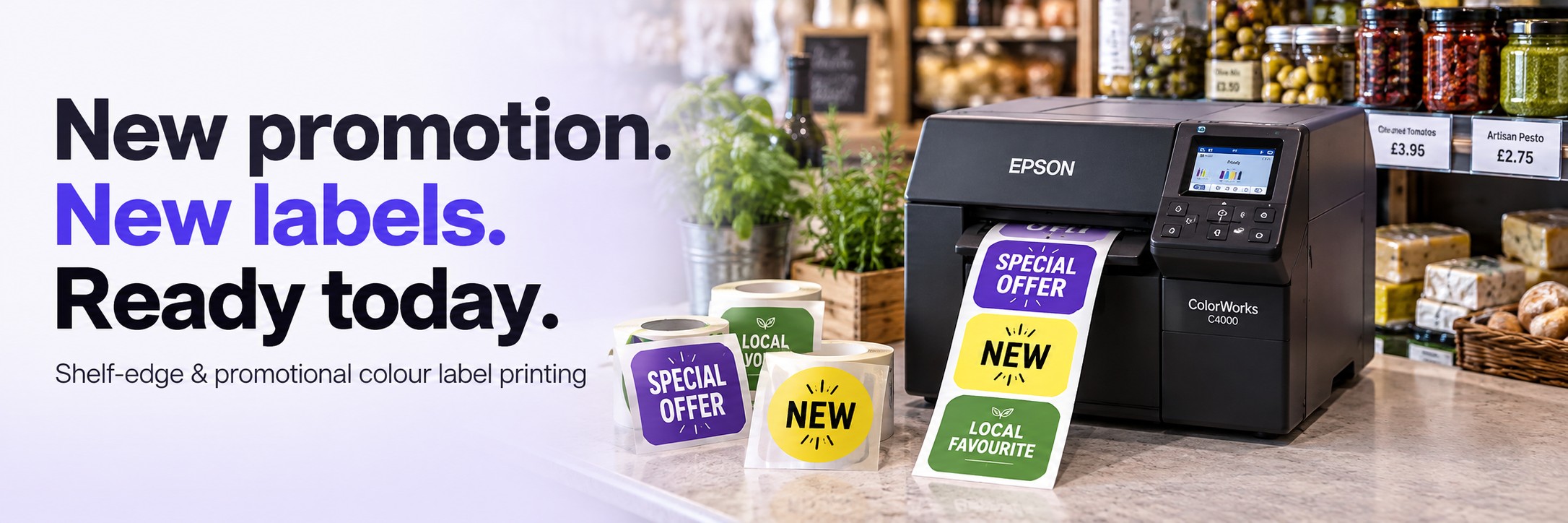
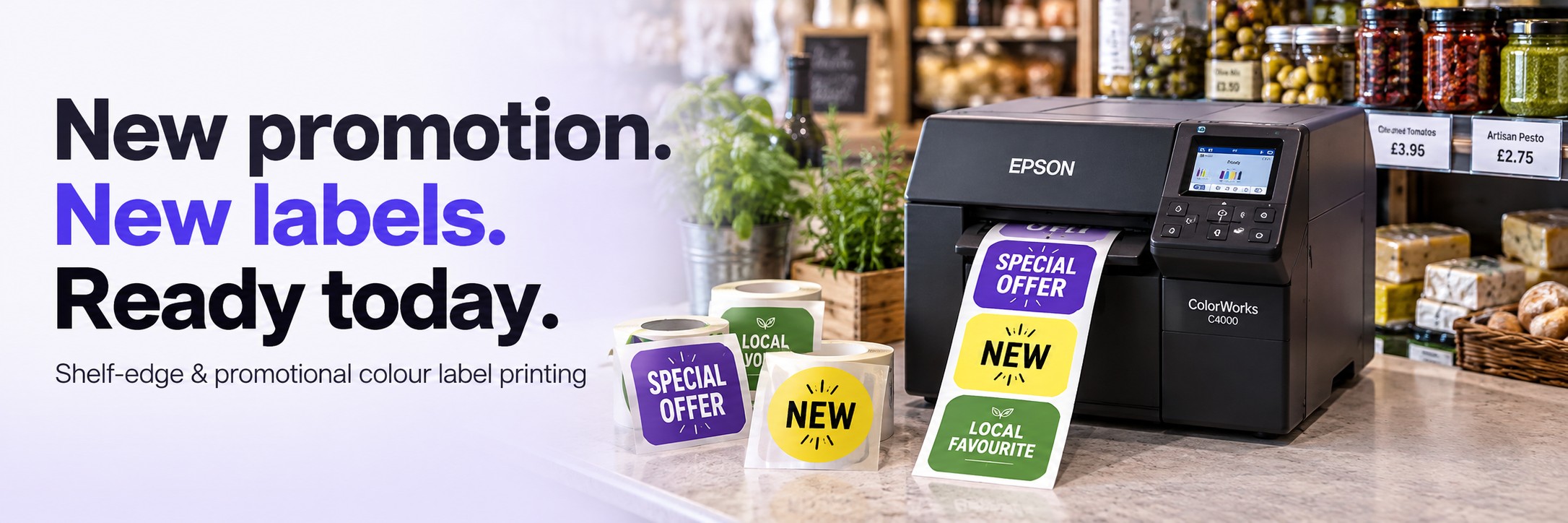
New promotion. New labels. Ready today.
A weekend offer, a new product range or a seasonal display shouldn't mean waiting for another batch of printed labels.
Bring short-run colour label printing in-house with Epson ColorWorks. Create shelf-edge price labels, promotional stickers and product highlights when you need them, in the quantities your shop actually uses.
- Combine colour, branding, prices and barcodes on one label
- Update individual products or an entire promotional range
- Print small batches without stocking every pre-printed variation
Make the offer easier to spot
Shelf labels do more than show a price. They can help customers find a new arrival, recognise a multibuy offer or spot a product from a local supplier.
Colour gives you another way to organise that information. Use consistent designs for promotions, product categories and seasonal ranges, with clear text that explains the offer.
Shelf-edge price labels
Print product names, prices, barcodes and colour-coded category identifiers for shelf positions and displays. Match the label dimensions to your shelf-edge setup.
Promotional stickers
Produce labels for introductory offers, multibuys, clearance lines and short-term promotions without ordering a large run for every design.
Product highlights
Draw attention to new arrivals, seasonal selections or locally sourced ranges with a consistent label style across your shop.
Useful wherever the range keeps changing
Farm shops & delicatessens
Refresh labels for seasonal produce, local suppliers, gift ranges and weekend offers as stock and promotions change.
Garden centres
Create promotional labels for gardening accessories, giftware and seasonal displays. Labels exposed to water or sunlight need suitable media and testing.
Pet & specialist retailers
Differentiate product ranges, highlight new lines and introduce targeted offers across food, accessories and other retail categories.
Print the labels you need, when you need them
Pre-printed labels can work well for fixed designs and predictable volumes. When prices, products or campaigns change frequently, printing on demand gives you more control over smaller runs.
- Keep colour and variable information together: print your design, product details and price in one label layout.
- Respond to changing stock: create labels for new arrivals and replacement shelf positions.
- Reduce unused promotional labels: print quantities that match the campaign.
- Keep designs consistent: reuse approved templates across products and departments.
- Try a smaller campaign: produce a short run before rolling an offer out more widely.
Start with your shelf, your label and your workload
Choosing a printer starts with what you need to produce. Label size, daily quantities, finish and the way labels will be displayed all affect the right setup.
1. Label format
Tell us the width and height, whether labels will be applied directly or used with a holder, and whether you need individual labels or continuous output.
2. Print workload
Estimate your normal daily quantity and the larger batches needed for price changes, seasonal resets or promotional launches.
3. Media & finish
Consider paper or synthetic labels, a matt or gloss finish, and the adhesive needed for the surface and intended length of use.
Check the label material as well as the printer
Use inkjet-compatible media approved for the selected printer. For directly applied promotional labels, test adhesion and removal on the actual surface.
If you use shelf-edge holders, check the required dimensions, material thickness and presentation before choosing a format. Standard shelf ticket card is not automatically suitable for a roll-fed colour label printer.
Chilled displays, condensation, cleaning products and outdoor exposure can place different demands on a label. A sample test helps establish whether the proposed combination is suitable.
Retail colour label printing FAQs
Can I print prices and barcodes alongside colour graphics?
Your label layout can combine colour graphics with product information, prices and barcodes. Use suitable label software and check barcode size, contrast and scanning performance on the finished label.
Can I use these labels in existing shelf-edge holders?
That depends on the holder and label format. Send us the insert dimensions and a photo of the holder so we can help assess an appropriate printer and media combination.
Can promotional labels be removed cleanly?
Removal depends on the adhesive, surface, temperature and how long the label has been applied. If clean removal matters, request suitable media and test it on the actual packaging or display surface.
Will the printer connect to my retail or stock system?
The workflow depends on your existing software, its export options and the label software you choose. Tell us which system you use and how you currently manage product and price data so compatibility can be checked.
Which Epson ColorWorks printer should I choose?
The right model depends on your label dimensions, volume, media and output requirements. Send a sample design and approximate quantities to Tek Direkt for a recommendation.
What would you like to print?
Send us a photo or sample of your current label, its dimensions and the quantities you need. Include any requirements for removable adhesive, chilled displays or outdoor use.
We'll help you identify an Epson ColorWorks printer and label media to assess for your application.
Email your label requirements Request a quote