
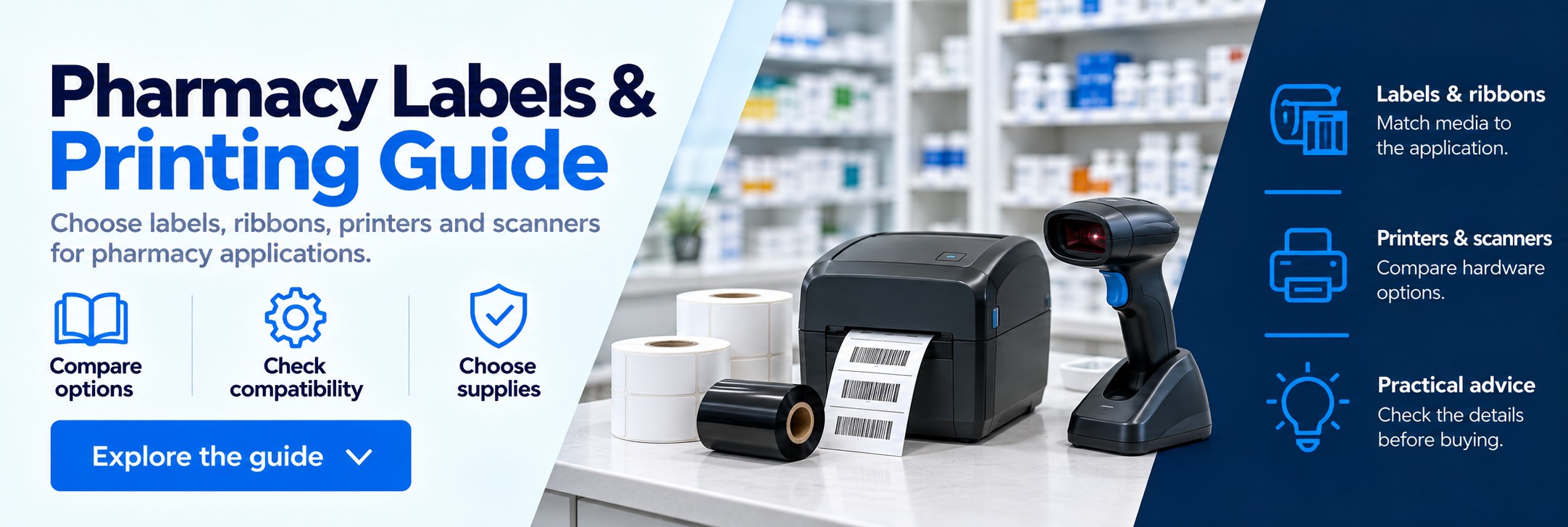
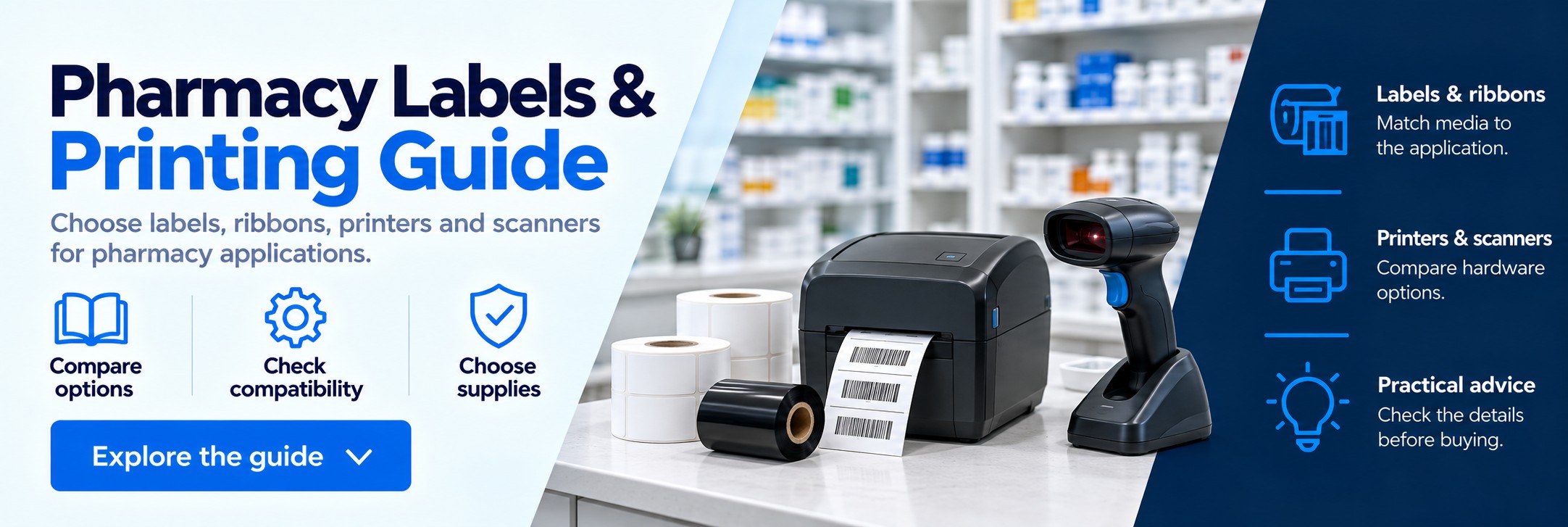
Pharmacy Labels, Printer Supplies & Barcode HardwarePharmacy Labels, Printer Supplies & Barcode Hardware
Pharmacy printing & barcode guide

Pharmacy Labels, Printers & Barcode Scanners: A Selection Guide

Choosing pharmacy printing equipment starts with the application. Dispensing labels, stock identification and dispatch can require different label materials, printer features and barcode capabilities.

This guide explains what to consider when selecting labels, ribbons, printers and scanners for a new setup, an additional workstation or existing equipment.

Start with the Application

Identify what needs to be printed or scanned, where it will be used and how long the information needs to remain readable. These requirements help narrow down the suitable media and hardware.

Application What to consider Useful starting point
Dispensing labels Label layout, text size, container surface, adhesive and pharmacy software requirements. Confirm supported printers and label specifications with the pharmacy system provider.
Stock & shelf identification Barcode size, reading distance, label lifespan and whether labels need to be removable. Define the label dimensions, surface and barcode information to be printed.
Dispatch & delivery Carrier label format, package surface, daily print volume and connections. Check the shipping platform’s supported printers and label formats.
Refrigerated storage Application temperature, storage temperature, condensation and label adhesion. Check the material and adhesive specifications against the actual storage conditions.
Product barcode scanning Barcode type, code size, packaging shape, scan distance and software integration. Identify the codes that must be read and test representative packaging.

Direct Thermal or Thermal Transfer?

The printing method determines which labels and consumables are needed. Check the full printer specification rather than relying on the brand or appearance of the device.

Direct Thermal Printing

Uses heat-sensitive media to create the image without a ribbon. It can suit applications where the selected label remains readable for the required period and conditions.

  • No ribbon to select or load
  • Requires direct thermal label stock
  • Consider exposure to heat, light and abrasion
  • Check the expected label lifespan

Thermal Transfer Printing

Uses a ribbon to transfer the printed image onto compatible media. Matching the label and ribbon provides options for different surfaces and durability requirements.

  • Requires compatible labels and a ribbon
  • Wax, wax/resin and resin ribbon options
  • Material choice depends on the application
  • Check ribbon dimensions and printer compatibility

Some thermal transfer printers also support direct thermal operation. Confirm the available modes and settings for the specific model.

How to Choose the Right Labels

Label width and height are only part of the specification. The roll format, material, adhesive and sensing method also need to match the printer and task.

Dimensions & Roll Format

  • Label width and height
  • Backing width and printable area
  • Roll core diameter
  • Maximum roll outside diameter
  • Gap, black mark or continuous media sensing
  • Roll orientation and feed requirements

A roll can have the correct label dimensions and still be unsuitable if it does not fit the printer or cannot be detected by the media sensor.

Material & Adhesive

  • Paper or synthetic label material
  • Permanent or removable adhesive
  • Flat, curved or small-diameter surfaces
  • Application and service temperatures
  • Exposure to moisture, handling or chemicals
  • Required print life and readability

Test a suitable sample on the actual container or surface when adhesion and durability are important to the application.

Choosing a Thermal Transfer Ribbon

Ribbon selection depends on the label material, printer and required print resistance. Wax ribbons are commonly paired with paper labels, while wax/resin and resin options can provide different levels of resistance when used with suitable media.

  • Material pairing: choose a ribbon specified for the label surface and intended use.
  • Width and length: check the printer’s supported ribbon dimensions.
  • Core and winding: confirm the core format and whether ink-side-in or ink-side-out winding is required.
  • Printer design: check compatibility with the model and printhead technology.
Shop thermal transfer ribbons →

Choosing Printers & Barcode Scanners

Select hardware around the workflow and software it needs to support. A device’s physical appearance or brand does not establish compatibility.

Label Printer Checklist

  • Supported pharmacy or shipping software
  • Direct thermal or thermal transfer operation
  • Print width and resolution for the label design
  • Daily volume and peak workload
  • USB, Ethernet or wireless connection requirements
  • Space for the printer and media loading
  • Any required cutter or label-peeling function

Confirm supported drivers, printer language and label templates with the software provider before ordering.

Explore printers & supplies →

Barcode Scanner Checklist

  • 1D and any required 2D barcode support
  • Ability to read the smallest codes in use
  • Performance on curved or reflective packaging
  • Corded or cordless working
  • Host connections and software compatibility
  • Handheld or hands-free scanning preference
  • Manufacturer-approved cleaning requirements

Where Data Matrix codes are used, select a 2D imager that supports them. Reading a code does not by itself confirm compatibility with the software workflow.

Browse barcode scanners →

Not Sure Where to Start?

An existing product code is useful, but it is not essential. For a new application, describe what needs to be labelled or scanned and the environment in which it will be used.

For a New Setup

  • The application and software involved
  • Label dimensions and information to print
  • Container or surface material
  • Expected print or scan volume
  • Connection and workspace requirements
  • Any temperature or durability requirements

For Existing Equipment

  • Printer or scanner make and full model number
  • Any existing consumable product reference
  • Label dimensions and roll format
  • Current printing method
  • The requirement or issue to address
  • Quantities needed

Photographs of equipment labels, packaging or blank media can help identify a specification. Please exclude patient information.

Frequently Asked Questions

Is there one standard label for every pharmacy printer?

No. Printers differ in their supported media dimensions, roll formats, sensing methods and printing technology. The label also needs to suit the application and any software layout requirements.

Do all label printers need ink or ribbons?

Direct thermal printers use heat-sensitive labels without ink or a ribbon. Thermal transfer printing requires a compatible ribbon. Other printing technologies, such as inkjet, use their own specified consumables.

Can labels be selected before choosing a printer?

Yes. Defining the required label size, material, adhesive and durability can help establish which printers are suitable. Check the complete media specification against the shortlisted printer before purchasing.

Which labels are suitable for refrigerated items?

Choose media with an adhesive and material specified for the application and storage temperatures. Applying a label to a dry container at room temperature can require a different specification from applying it to an already cold or damp surface. Check the product data and test under the intended conditions.

Will any barcode scanner read Data Matrix codes?

No. A 1D-only scanner cannot read Data Matrix. Choose a 2D imager that supports the required code type and can read the code size and packaging encountered in practice.

How can pharmacy software compatibility be checked?

Ask the system provider for supported printer and scanner models, connection requirements and any driver or configuration requirements. Confirm compatibility for the specific model and variant before ordering.

Can products be purchased online?

Browse the Tek Direkt catalogue for product specifications, pack quantities, pricing and availability. If a suitable product is unclear, send the application requirements or equipment details to sales@tekdirekt.uk for help with selection.

Find the Right Products for the Application

Explore labels, ribbons, printers and barcode scanners online, or send the requirements for help identifying suitable options. New installations and existing equipment are both a useful starting point.