
Business Laptop Buying Guide: What Laptop Do You Need for Work?
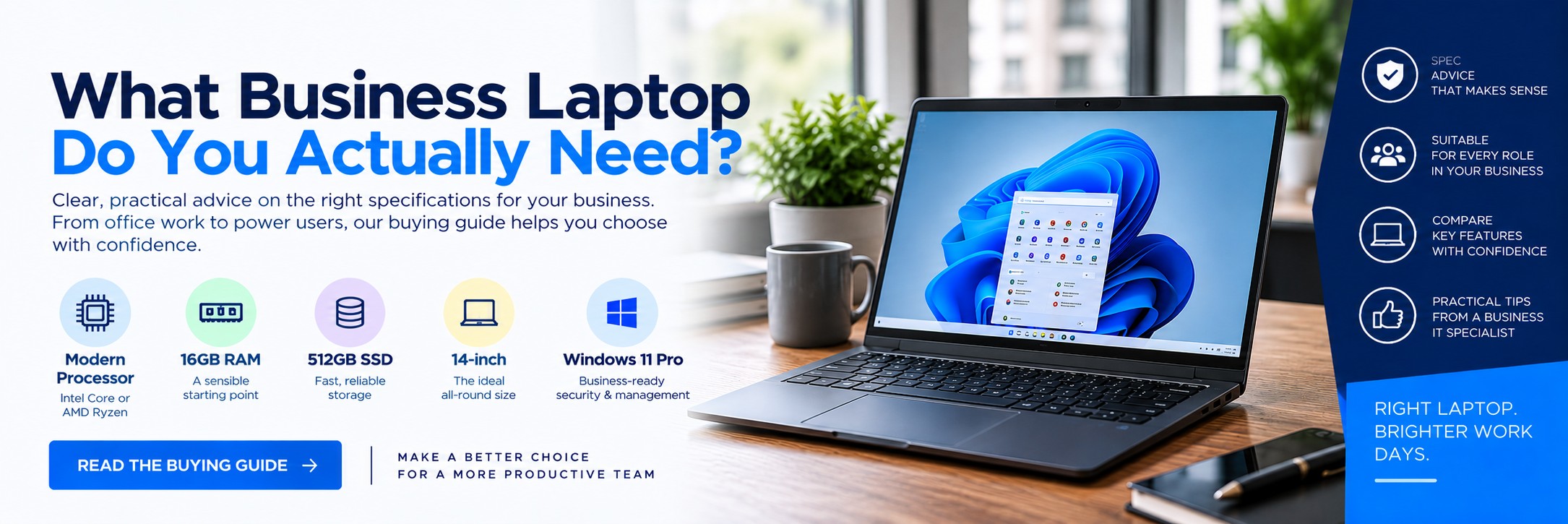
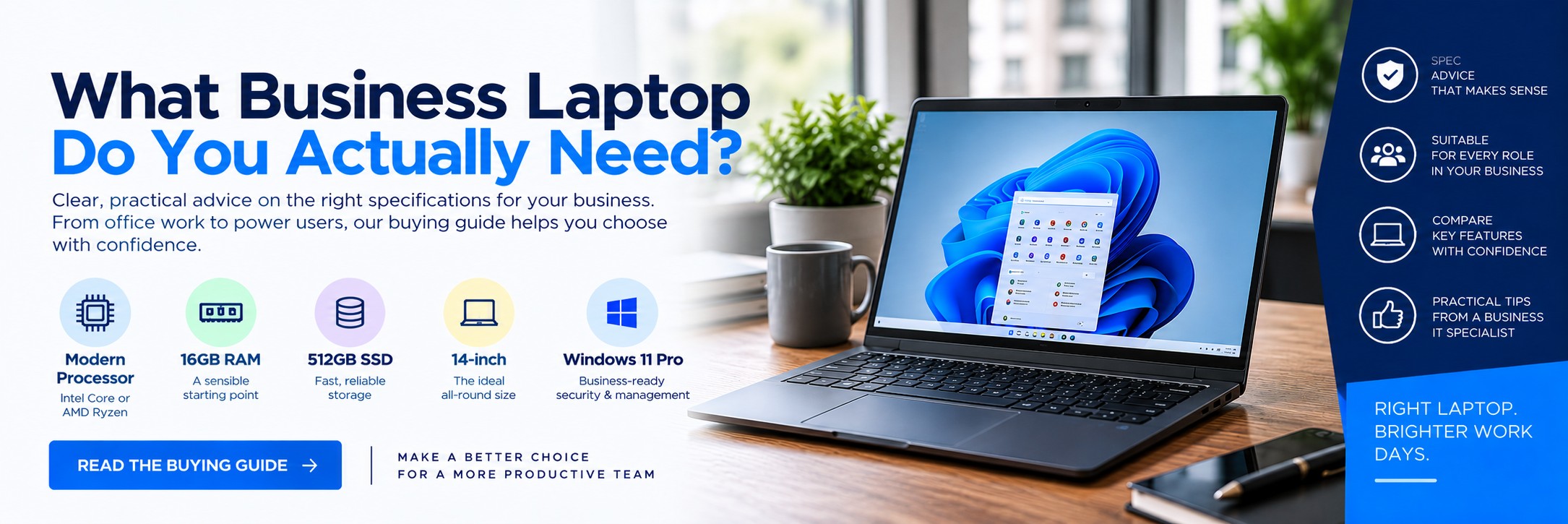
You don't necessarily need the fastest or most expensive laptop for work. You need one with the right processor, memory, storage, screen, connectivity and operating system for the jobs you actually do.
This guide explains what to look for when buying laptops for office staff, remote workers, managers, sales teams, creative users and more demanding business applications.
Quick Answer: What Business Laptop Specs Should I Buy?
For a typical office user in 2026, this is a sensible starting point:
Processor
Intel Core 5 / Core Ultra 5, AMD Ryzen 5 or equivalent
Plenty for mainstream office and business workloads.
Memory
16GB RAM
A sensible baseline for modern business multitasking.
Storage
512GB SSD
A good balance between capacity, speed and cost for most employees.
Operating System
Windows 11 Pro
Worth choosing where your organisation requires its additional business security and management capabilities.
Simple recommendation: for a normal office employee using Microsoft 365, Teams, web applications, CRM systems and everyday business software, start by looking for 16GB RAM + 512GB SSD + a current-generation mid-range processor.
Choose the Laptop by What the User Actually Does
| User | Typical Work | Suggested Starting Specification |
|---|---|---|
| General Office | Email, Word, Excel, Teams, web applications, CRM | Core 5 / Ryzen 5 class processor, 16GB RAM, 512GB SSD |
| Remote / Hybrid Worker | Office applications, video meetings, cloud systems | 16GB RAM, 512GB SSD, good webcam, Wi-Fi, strong battery life |
| Sales & Field Staff | CRM, presentations, email, customer visits | Lightweight 13–14-inch model, 16GB RAM, 512GB SSD, good battery life |
| Management | Heavy multitasking, presentations, large spreadsheets, meetings | Core Ultra 5/7 or equivalent, 16–32GB RAM, 512GB–1TB SSD |
| Developer / Technical User | Development environments, virtualisation, data workloads | Higher-performance processor, 32GB+ RAM, 1TB SSD where appropriate |
| Creative User | Adobe applications, graphics, video or CAD | Higher-performance CPU, 32GB RAM, appropriate dedicated graphics where required |
These are starting points rather than fixed requirements. Always check the software the employee actually needs to run.
How Much RAM Does a Business Laptop Need?
BASIC
8GB RAM
Can still handle lighter workloads, but we'd be cautious about buying new business laptops with only 8GB if they're expected to remain in service for several years.
RECOMMENDED
16GB RAM
The sensible choice for most office employees. It gives Windows, browsers, Teams and business applications more room to operate simultaneously.
POWER USER
32GB+ RAM
Worth considering for development, virtual machines, data analysis, CAD, creative applications and other memory-intensive workloads.
If you're choosing between spending more on a slightly faster processor or moving a mainstream business laptop from 8GB to 16GB RAM, we'd generally prioritise having sufficient memory for the user's workload.
Which Laptop Processor Do I Need?
Processor names have become increasingly confusing, particularly as manufacturers introduce new AI-capable processor families.
For business purchasing, it's usually more useful to think in terms of workload rather than buying based on the biggest processor number.
Everyday Business
Current mid-range Intel Core, Intel Core Ultra, AMD Ryzen or equivalent processors are suitable for most office workloads.
Heavy Multitasking
Consider a higher-tier processor where users regularly work with large datasets, development tools or more demanding applications.
Specialist Workloads
CAD, 3D, engineering, video production and some development workloads may justify workstation-class hardware or dedicated graphics.
What Is an AI PC or Copilot+ PC?
Many newer laptops now include an NPU – Neural Processing Unit – designed to accelerate supported AI workloads locally on the device.
Microsoft uses the term Copilot+ PC for a category of Windows PCs that meet Microsoft's hardware requirements for supported on-device AI experiences.
That doesn't mean every business automatically needs a Copilot+ PC.
Consider One If...
- You're replacing machines for a long deployment cycle
- Your software is beginning to use local AI acceleration
- You want newer premium business hardware
- Battery efficiency is particularly important
Don't Buy on the AI Label Alone
RAM, storage, display quality, battery life, ports, warranty and compatibility with your existing applications remain important.
A machine labelled as an AI PC isn't automatically the right laptop for a particular employee.
How Much SSD Storage Do I Need?
256GB
Can be sufficient for cloud-first organisations with relatively light local storage requirements.
512GB
Our starting point for most users. Provides useful headroom for applications, local files and future requirements.
1TB+
Consider for large local datasets, development environments, creative files, engineering applications or users who store substantial data locally.
Choose an SSD rather than an old-style mechanical hard drive for a primary business laptop.
13, 14, 15 or 16-Inch Business Laptop?
| Screen Size | Best For | Considerations |
|---|---|---|
| 13-inch | Frequent travel and maximum portability | Compact, but less screen space for prolonged desktop work |
| 14-inch | Hybrid workers and general business | Excellent balance between portability and usable workspace |
| 15-inch | Office-based users wanting more screen space | Larger chassis but more comfortable for some desk-based work |
| 16-inch | Power users, spreadsheets and creative work | Excellent workspace but generally heavier and less convenient for travel |
For mixed office and remote work, 14 inches is often the sweet spot. Users who spend most of their time at a desk can also use an external monitor while retaining a portable laptop for meetings and home working.
Windows 11 Home or Windows 11 Pro for Business?
For managed company laptops, Windows 11 Pro is normally the version to investigate first.
Windows 11 Home
Designed primarily for personal use and can be sufficient for very small or unmanaged requirements.
Windows 11 Pro
Includes additional capabilities intended for business security, administration and managed workplace environments.
Relevant features can include:
- BitLocker Drive Encryption
- Windows Hello for Business
- Business device-management capabilities
- Additional security and deployment features
If the laptop is going into an existing managed IT environment, check with whoever manages your systems before buying devices with Windows Home.
Business Laptop Security Features to Look For
A business laptop may contain customer information, company documents, saved credentials and access to cloud services, so security should be considered before purchase rather than after deployment.
TPM 2.0 & Secure Boot
Hardware-backed security features form part of the security foundation of modern Windows 11 PCs.
Windows Hello
Compatible laptops can use facial recognition, fingerprint or PIN-based authentication instead of relying solely on traditional passwords.
BitLocker
Windows 11 Pro includes BitLocker Drive Encryption, helping protect company information if a laptop is lost or stolen.
Battery Life: Don't Rely on the Headline Number
Manufacturer battery-life figures are useful for comparing machines, but real-world runtime varies significantly with workload.
Video meetings, screen brightness, wireless connectivity, processor load and attached peripherals can all reduce battery life.
For employees regularly away from a desk, prioritise:
Efficient hardware
Especially important for genuinely mobile employees.
Especially important for genuinely mobile employees.
USB-C charging
Can simplify chargers and docking arrangements where supported.
Can simplify chargers and docking arrangements where supported.
Fast charging
Useful for employees moving between meetings and locations.
Useful for employees moving between meetings and locations.
Practical weight
A laptop isn't genuinely mobile if employees don't want to carry it.
A laptop isn't genuinely mobile if employees don't want to carry it.
Ports Matter More Than You Think
Before ordering a fleet of laptops, check what employees actually connect to them.
USB-C
Useful for charging, displays, docking and modern peripherals where supported.
USB-A
Still useful for existing mice, keyboards, scanners and other business peripherals.
HDMI
Convenient for meeting-room displays, monitors and projectors.
Ethernet
Often omitted from thinner laptops, so check whether a dock or adapter will be required.
Don't Forget the Docking Station
For hybrid workers, a laptop can replace a traditional desktop without forcing employees to spend all day working from a small screen.
A typical desk setup might include:
Business laptop
The employee's main computer at home, office and on the move.
The employee's main computer at home, office and on the move.
USB-C dock
Connects displays, network and peripherals where compatible.
Connects displays, network and peripherals where compatible.
One or two monitors
Provides a more productive desktop workspace.
Provides a more productive desktop workspace.
Keyboard & mouse
Creates a conventional desk setup while retaining laptop portability.
Creates a conventional desk setup while retaining laptop portability.
Consumer Laptop or Business Laptop?
Two laptops can have very similar processor, memory and storage specifications while being designed for very different markets.
| Consideration | Consumer Laptop | Business Laptop |
|---|---|---|
| Primary Market | Home and personal use | Professional and organisational use |
| Operating System | Often Windows Home | Frequently available with Windows Pro |
| Construction | Varies widely | Business ranges often emphasise durability and portability |
| Docking | Varies | Often an important part of the product ecosystem |
| Warranty Options | Typically consumer-focused | Business support and extended warranty options may be available |
| Fleet Consistency | Models can change frequently | Business ranges may be easier to standardise across teams |
Buying Laptops for a Team
Buying 20 laptops shouldn't simply mean repeating an individual laptop purchase 20 times.
Standardisation can make deployment and support much easier.
Create User Profiles
Group employees by workload rather than trying to find one specification for absolutely everyone.
Standardise Models
Where practical, use a smaller number of approved configurations to simplify chargers, docks, support and replacement.
Compare by MPN
When requesting quotations, use the exact manufacturer part number so suppliers are pricing the same configuration.
For example, you might standardise on one 14-inch 16GB/512GB model for general employees and a higher 32GB specification for power users rather than purchasing a different laptop for every member of staff.
What About Refurbished Business Laptops?
Refurbished business laptops can make sense where purchase cost is the main consideration, but compare more than the processor and RAM.
Check battery condition, warranty, physical condition, Windows licensing, remaining useful life and whether the hardware meets the requirements of your organisation and software.
For larger deployments, consistency can also be important. A very cheap machine is less attractive if every employee ends up with a different model, charger and docking requirement.
Business Laptop Buying Checklist
Processor
Is it appropriate for the user's actual workload?
Is it appropriate for the user's actual workload?
RAM
16GB is a sensible starting point for most modern office users.
16GB is a sensible starting point for most modern office users.
SSD
Is there enough storage for applications and local data?
Is there enough storage for applications and local data?
Screen
Is the size appropriate for travel versus desk use?
Is the size appropriate for travel versus desk use?
Operating System
Does your organisation require Windows 11 Pro?
Does your organisation require Windows 11 Pro?
Ports
Can existing displays and peripherals be connected?
Can existing displays and peripherals be connected?
Docking
Is the laptop compatible with your intended desk setup?
Is the laptop compatible with your intended desk setup?
Webcam
Is video-call quality important for this employee?
Is video-call quality important for this employee?
Battery
Will the employee regularly work away from mains power?
Will the employee regularly work away from mains power?
Weight
Will the employee carry it every day?
Will the employee carry it every day?
Warranty
What happens if a business-critical laptop fails?
What happens if a business-critical laptop fails?
MPN
Are suppliers quoting exactly the same configuration?
Are suppliers quoting exactly the same configuration?
Business Laptop FAQs
How much RAM should a business laptop have in 2026?
For most general business users, 16GB is a sensible starting point. More demanding users working with development tools, virtual machines, large datasets or creative software may benefit from 32GB or more.
Is 8GB RAM enough for office work?
It can be enough for lighter workloads, but for a new machine expected to remain in service for several years, we'd generally consider 16GB where budget allows.
Is 512GB enough storage for a business laptop?
For many employees, yes. Cloud-first users may need less, while developers, creative professionals and users with large local datasets may need 1TB or more.
What is the best laptop size for business?
There is no single best size, but 14-inch laptops provide an excellent balance between portability and usable screen space for many hybrid workers.
Do I need Windows 11 Pro for business?
Not every small business necessarily needs Pro, but organisations using business security, encryption, deployment or device-management capabilities should compare Windows 11 Pro with Home before purchasing.
Should I buy an AI laptop?
Don't choose a machine purely because it is marketed as an AI PC. Consider whether your applications will use its AI hardware and compare the complete specification, battery life, connectivity and price.
Should employees have laptops or desktops?
Laptops are particularly useful for hybrid and mobile employees. For permanently desk-based roles, desktops can still make sense. A laptop combined with a dock and external monitors can provide both portability and a full desktop-style workspace.
Can Tek Direkt quote for multiple business laptops?
Yes. If you already know the manufacturer part number and quantity required, send them to us and we can provide another business price to compare.
Buying Business Laptops?
If you already have a laptop specification, manufacturer part number or supplier quote, send us the details and quantity required.
We'll see what we can do on the hardware price.
No calls. No meetings. No messing about. Just another price to compare.