
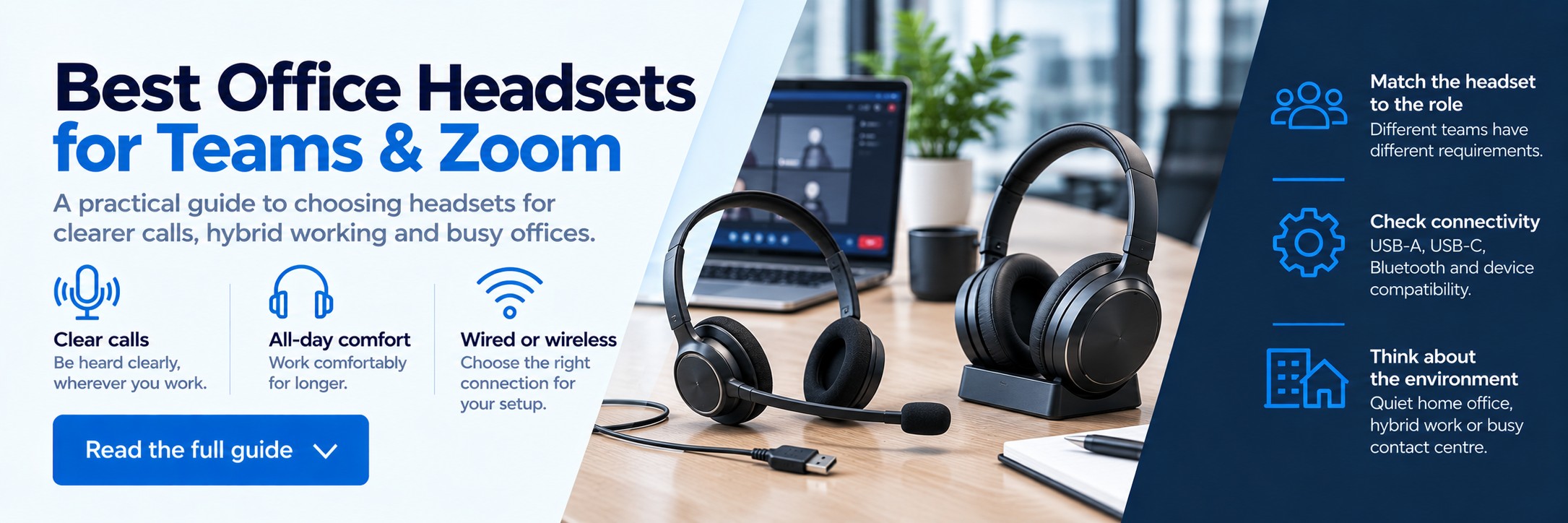
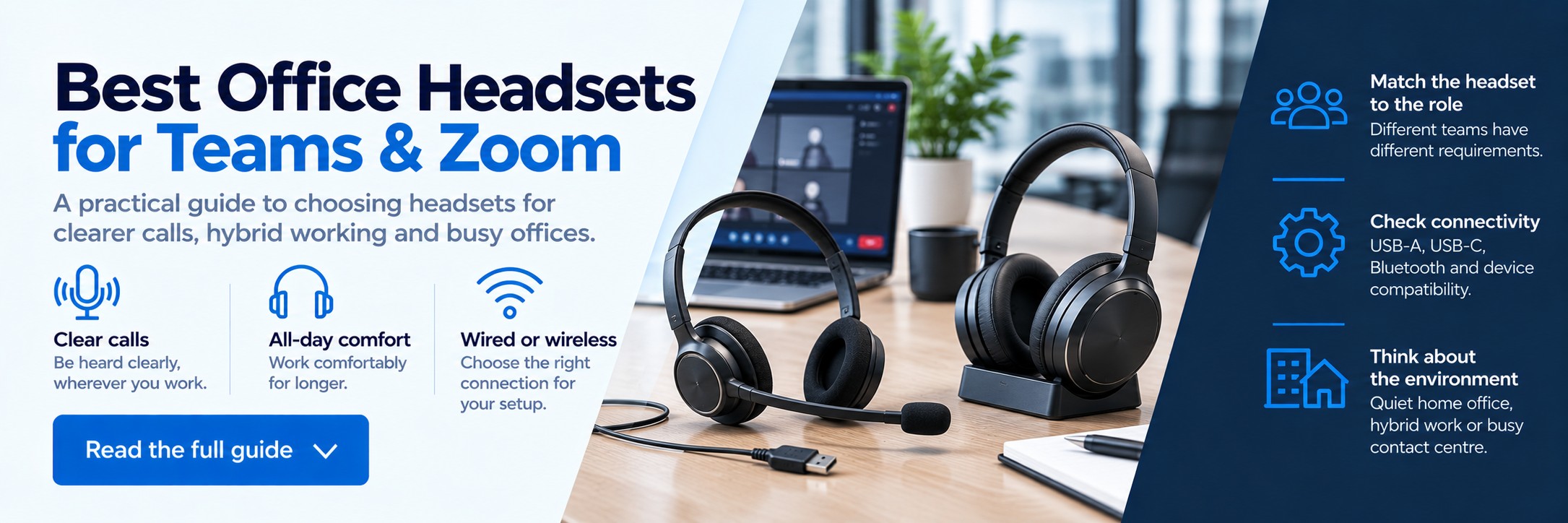
Best Office Headsets for Microsoft Teams & Zoom
Best Office Headsets for Microsoft Teams & Zoom
A good business headset can make a noticeable difference to meetings and calls. The right choice depends on where you work, how long you spend on calls, whether you need to move around and which devices you need to connect.
This guide explains how to choose office headsets for Microsoft Teams, Zoom, hybrid working, customer service and everyday business communication.
Quick advice: don't choose one headset for every employee simply because it is the most expensive model. Match the headset to the user's role and working environment.
Start here
Match the headset to the job
General Office
Email, occasional Teams meetings and everyday calls.
Prioritise: comfort, microphone clarity and straightforward USB connectivity.
Customer Service
Employees who spend a large part of the day handling calls.
Prioritise: microphone performance, lightweight design, durability and all-day comfort.
Hybrid Workers
Employees switching between office, home and other locations.
Prioritise: portability, wireless connectivity and multi-device flexibility.
Managers & Power Users
Frequent calls, meetings and concentration work.
Prioritise: premium microphone performance, comfort and potentially ANC.
Connection
Wired or wireless headset?
This is usually the first major decision. Neither is automatically better — they suit different ways of working.
Choose a wired headset if...
- You spend most of the working day at a desk
- You want a simple and dependable connection
- You don't want to manage battery charging
- You are equipping a larger number of users economically
- Employees don't need to move away from their computer during calls
Choose a wireless headset if...
- You move around while talking
- You regularly switch between devices
- You work between home and office
- You value a cleaner desk setup
- Freedom of movement is worth the additional cost
USB-A, USB-C or Bluetooth?
Check the devices employees will actually use before ordering headsets. Similar-looking models can have different connectors and bundles.
USB-A
Still common on desktop PCs, docks and many existing business laptops.
USB-C
Increasingly common on modern laptops, tablets and docking setups.
Bluetooth
Useful for wireless working and connecting compatible laptops, tablets or smartphones.
Check the exact MPN before ordering. The same headset family may be available in USB-A, USB-C, Teams-optimised, UC, mono, stereo or different wireless configurations.
Microphone quality matters more than you might think
For business communication, the microphone is at least as important as what the wearer hears.
Voice Clarity
The aim is for colleagues and customers to hear speech clearly without the user having to raise their voice.
Background Noise
Microphone noise reduction can be particularly valuable in shared offices, contact centres and home-working environments.
Boom Microphone
A dedicated boom places the microphone closer to the speaker's mouth and is common on professional business headsets.
ANC and microphone noise cancellation are not the same thing. Active Noise Cancellation mainly helps the wearer hear less surrounding noise. Microphone noise reduction is intended to help the person at the other end of the call hear your voice more clearly.
Do you need Active Noise Cancellation?
ANC can be valuable, but it isn't essential for every employee.
ANC can be useful for...
- Busy open-plan offices
- Frequent travellers
- Hybrid workers using shared environments
- Employees who need periods of focused work
- People who spend significant time in meetings
You may not need ANC if...
- You work in a quiet private office
- Your calls are relatively infrequent
- Budget is more important than premium features
- You primarily need a reliable headset for a fixed workstation
Comfort matters for all-day users
A headset can have excellent technical specifications and still be the wrong choice if employees don't want to wear it.
Weight
Lighter headsets can be more comfortable during extended use.
Ear Cushions
Cushion material and fit can make a significant difference over a full working day.
Headband
Look for adequate adjustment for different users.
Mono or Stereo
Mono keeps one ear open to the room; stereo can provide greater isolation and focus.
Microsoft Teams certified or standard UC headset?
Some business headsets are available in Microsoft Teams-specific and standard unified communications configurations.
Teams Models
Teams-oriented versions may provide dedicated controls and integration designed for Microsoft Teams workflows.
UC Models
Unified Communications variants are designed for use across compatible calling and conferencing platforms.
If your organisation standardises heavily on Microsoft Teams, a Teams-specific configuration can make sense. If employees use several platforms, check compatibility with every application and device in your environment before standardising on a model.
Wireless headset battery life
For wireless headsets, look at the manufacturer's stated talk time rather than assuming every model will last for the same period.
Real-world battery life can vary according to connection type, listening volume, ANC use, call patterns and battery age.
Think about the working pattern. An employee making occasional Teams calls has very different battery requirements from someone who spends most of an eight-hour shift on the phone.
Which headset features are worth paying for?
| Feature | Useful For | Worth Considering When... |
|---|---|---|
| Active Noise Cancellation | Reducing distractions for the wearer | Employees work in noisy or shared environments |
| Microphone noise reduction | Clearer outgoing speech | Calls take place around other people or background noise |
| Multi-device connectivity | Laptop and phone users | Employees regularly switch between devices |
| Busy light | Shared offices | Colleagues need a visual indication that someone is on a call |
| Charging stand | Wireless desk users | You want the headset stored and charged between calls |
| Boom mute | Frequent calls | The selected model supports convenient microphone muting via the boom |
Popular choices
Business headset ranges to consider
Rather than choosing solely by brand, compare the exact configuration and features. These are some of the types of business headset you'll find at Tek Direkt.
Jabra Evolve
Wired business headsets suited to everyday office calls, meetings and larger deployments.
Jabra Evolve2
A broad professional range covering wired and wireless models for office and hybrid workers.
HP Poly Blackwire
Professional wired USB headsets well suited to fixed desks, office users and call-heavy roles.
Which office headset should you choose?
| User | Working Style | What to Look For |
|---|---|---|
| General office user | Occasional calls and meetings | Comfortable wired USB headset with clear microphone |
| Customer service | High call volumes | Lightweight design, microphone clarity, durability and comfort |
| Hybrid worker | Home, office and travel | Portable wireless headset with flexible connectivity |
| Sales professional | Calls plus movement | Wireless connectivity, strong microphone and useful battery life |
| Manager | Meetings plus concentration work | Premium comfort, wireless flexibility and potentially ANC |
| Contact centre | Extended daily headset use | Comfort, durability, microphone performance and simple call handling |
Buying headsets for a team?
Buying headsets for 20 or 100 employees is different from choosing one for yourself.
Standardise by role
You may only need two or three approved headset configurations rather than a different model for every employee.
Check your ports
Confirm whether the laptops, desktops and docks use USB-A or USB-C before placing a large order.
Test comfort
For call-heavy teams, comfort can matter as much as additional technical features.
Keep spares simple
Standardising models can make replacements, accessories and user support easier to manage.
Common mistakes when choosing office headsets
Choosing on price alone
A cheaper headset isn't good value if frequent callers find it uncomfortable or difficult to use.
Confusing ANC with microphone noise reduction
They solve different problems and should be evaluated separately.
Ordering the wrong connector
USB-A and USB-C versions of similar headsets can easily be confused.
Ignoring the exact MPN
Teams, UC, mono, stereo and connectivity variants can exist within one product family.
Buying wireless unnecessarily
A fixed desk user may get everything they need from a simpler wired headset.
Using one model for everyone
Different roles can justify different levels of mobility, comfort and noise reduction.
Office headset buying checklist
1. Where will it be used?
Quiet office, open-plan workspace, home, travel or contact centre?
2. How often is it worn?
Occasional meetings or several hours of calls every day?
3. Wired or wireless?
Does the employee actually need to move while talking?
4. Which connector?
USB-A, USB-C, Bluetooth or a combination?
5. Mono or stereo?
Does the user need awareness of colleagues around them?
6. Is ANC useful?
Consider the level of environmental noise and need for concentration.
7. Which platform?
Microsoft Teams, Zoom or multiple UC platforms?
8. Are you buying in quantity?
Check exact MPNs and standardise configurations before ordering.
Buying headsets for your business?
Tek Direkt stocks business headsets for office, hybrid, contact-centre and remote-working environments.
If you've already got an MPN, quantity or existing quote, send it over and we'll give you another price to compare.