
Best Laptops for Small Businesses
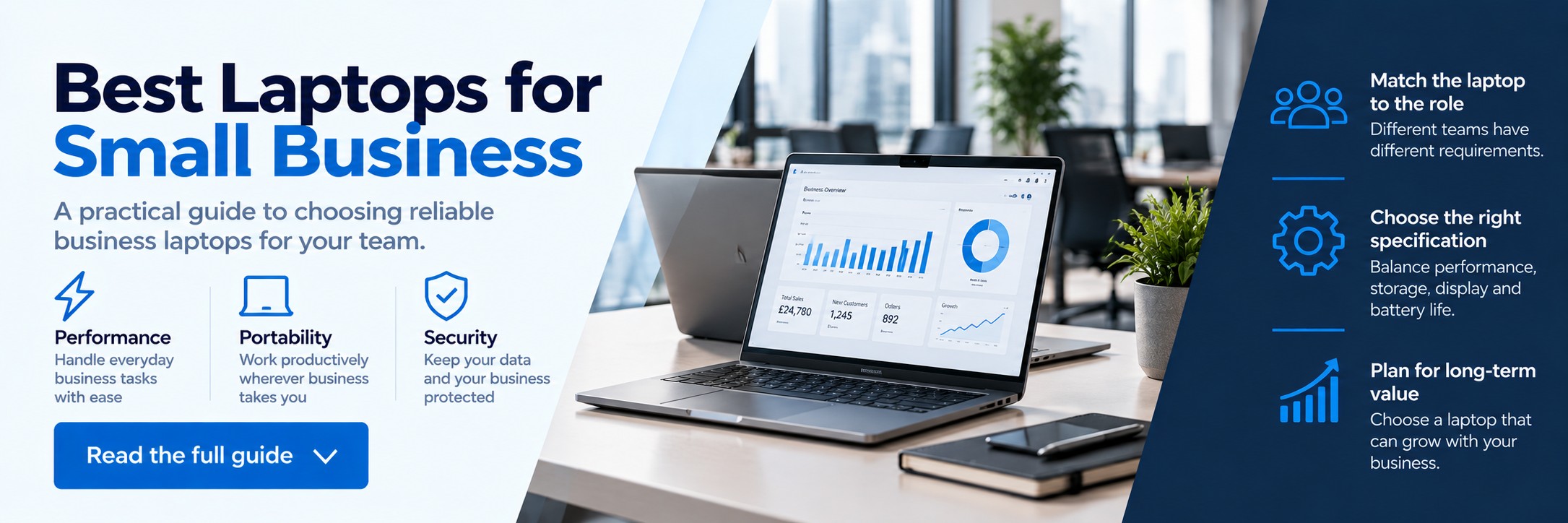
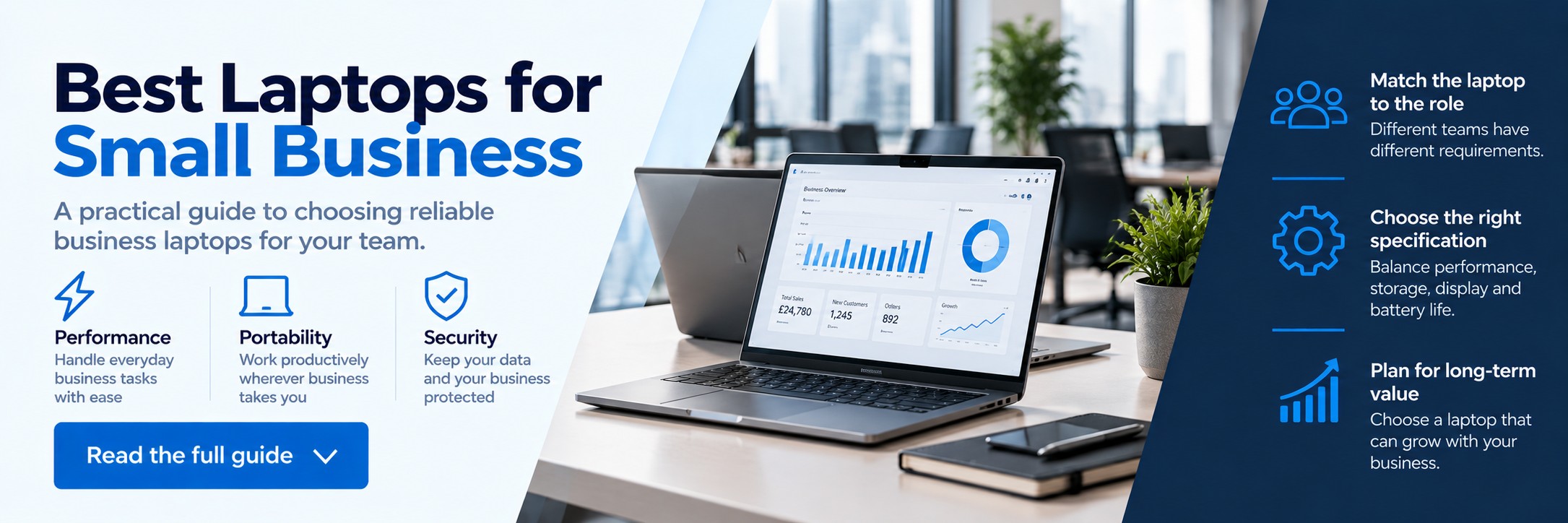
Best Laptops for Small Business
The best laptop for a small business isn't necessarily the most powerful or the most expensive. It is the one that gives the user the right performance, portability, security and connectivity for their role without paying for specifications they don't need.
Whether you're buying one laptop or equipping a growing team, this guide explains what to look for and how to match business laptop specifications to real-world workloads.
Quick advice: start with the employee's workload rather than a particular laptop brand. An administrator, travelling salesperson and designer can have very different requirements.
Start here
Match the laptop to the job
Everyday Office
Email, Microsoft 365, web applications, accounting, CRM and general administration.
Prioritise: balanced performance, reliability and value.
Hybrid & Mobile
Meetings, remote working, presentations and regular travel.
Prioritise: portability, battery life, webcam and wireless connectivity.
Power Users
Heavy spreadsheets, large datasets, development and demanding multitasking.
Prioritise: processor performance, memory and fast SSD storage.
Creative & Technical
Design, video, CAD and other specialist applications.
Prioritise: application requirements, display, memory and graphics performance.
Specification
How much performance does your business need?
Processor names alone don't tell you whether a laptop is right for a particular employee. Memory, storage and the applications being used are just as important.
| Workload | Typical Tasks | What to Prioritise |
|---|---|---|
| Light business use | Email, browsing, cloud software, documents | Modern processor, adequate memory and SSD storage |
| General business | Microsoft 365, Teams, CRM, accounting, multitasking | Strong all-round processor and sufficient RAM for multiple applications |
| Heavy multitasking | Large spreadsheets, many browser tabs, analysis, development | More memory and stronger processor performance |
| Specialist workloads | CAD, design, engineering, video and creative applications | Check the software vendor's CPU, RAM and GPU requirements |
For many general business users, 16GB RAM is a useful starting point, particularly where Teams, browsers and multiple applications are used simultaneously. However, don't treat one specification as mandatory for every employee — match the hardware to the workload.
How much storage do you need?
256GB SSD
Can be sufficient for users who primarily work with cloud storage and web-based applications.
512GB SSD
A useful middle ground for many business users who keep more files and applications locally.
1TB+
Consider larger storage for users working with substantial local datasets, media or specialist applications.
Modern business laptops should generally use solid-state storage. SSDs provide much faster startup and application performance than traditional mechanical hard drives.
Choose the right laptop size
13–14 inch
Best for: mobile and hybrid workers.
Easier to carry between home, office, customer sites and meetings.
15–16 inch
Best for: general office productivity.
More screen space for spreadsheets and multitasking while remaining portable enough for occasional travel.
Larger displays
Best for: users who value workspace over portability.
Consider whether a smaller laptop plus external monitor would provide greater flexibility.
Don't overlook the display
Employees may spend several hours every day looking at their laptop screen, so display quality matters.
Resolution
Full HD-class resolutions or better provide useful workspace for everyday productivity.
Brightness
More important for employees who regularly work in bright environments or away from a fixed desk.
External displays
Office users may gain more productivity from a docking station and one or two monitors than from a larger laptop.
Battery life: look beyond the headline number
Manufacturer battery figures can be useful for comparison, but actual runtime depends on screen brightness, applications, video meetings, wireless use, processor load and battery condition.
Don't choose a laptop solely because it advertises a particular number of battery hours. For employees who spend most of the day away from power, battery capacity and real-world efficiency matter more than a headline figure.
Business laptop security
Business devices may offer security and management capabilities that aren't always available on consumer-focused laptops.
TPM
Hardware-backed security used by modern Windows security features and encryption technologies.
Biometric Login
Depending on the model, fingerprint readers or compatible cameras can support secure sign-in.
Windows 11 Pro
Often preferable where businesses require professional management, security and networking features.
BIOS Security
Business-class ranges may include additional firmware security and management controls.
Device Management
Important when an organisation needs to manage and secure multiple employee devices.
Privacy
Consider privacy shutters, screen options and physical security requirements for mobile workers.
Ports and connectivity
A powerful laptop can still be frustrating if employees constantly need adapters.
USB-C
Useful for modern peripherals, charging and compatible docks.
USB-A
Still important for many existing business peripherals.
HDMI
Useful for monitors, meeting-room displays and presentations.
Wi-Fi
Check compatibility with your existing wireless infrastructure.
If employees use their laptops as their primary computer, consider USB-C or Thunderbolt docking so monitors, keyboard, mouse, Ethernet and other peripherals can connect through a single workstation setup where supported.
Business laptop ranges worth considering
Rather than selecting a laptop purely because of the manufacturer name, compare the individual configuration, warranty and features. However, established business ranges can make fleet purchasing and support easier.
HP ProBook
Business-focused laptops covering mainstream office, hybrid and professional requirements.
HP EliteBook
Premium business systems with an emphasis on professional mobility, security and manageability.
Dell Business Laptops
Dell offers a broad range of professional laptops for office, mobile and higher-performance users.
Lenovo ThinkPad
A long-established business range covering compact mobile systems through to high-performance workstations.
ASUS ExpertBook
Business-oriented systems designed for professional and organisational use.
Rugged Laptops
For field service, warehouses, industrial sites and environments where conventional laptops may not be suitable.
Buying laptops for a team?
Buying ten laptops isn't simply the same decision as buying one laptop ten times.
Standardise where practical
A smaller number of approved configurations can simplify deployment, accessories, support and replacement devices.
Buy by role
Your sales team may need lightweight machines while finance or technical staff need more memory and screen space.
Check the exact specification
Similar model names can hide differences in processor, memory, storage, display, operating system and warranty.
Plan for replacements
Consider whether the same range and compatible accessories are likely to remain practical as your team grows.
Don't forget the workstation
For hybrid employees, the laptop is only part of the setup.
Docking Station
Connect displays, networking and peripherals more easily.
Monitor
Creates substantially more workspace for desk-based productivity.
Keyboard & Mouse
Improve comfort for employees working at a desk for long periods.
Headset & Webcam
Important for Teams, Zoom and other hybrid collaboration tools.
Small business laptop buying checklist
1. What will the employee run?
List the applications and typical workload before choosing specifications.
2. Where will they work?
Office, home, customer sites, travel or industrial environments?
3. How much memory is appropriate?
Allow enough headroom for realistic multitasking and future requirements.
4. How much local storage?
Consider cloud use, application sizes and local file requirements.
5. Which ports are needed?
Check monitors, docks and existing peripherals before ordering.
6. What security is required?
Operating system edition, TPM, biometrics and device management may matter.
7. What warranty is included?
Downtime can cost considerably more than the difference between two laptop prices.
8. Are you buying multiple devices?
Standardisation and consistent specifications become increasingly valuable as a fleet grows.
Buying laptops for your business?
Whether you need a single business laptop or hardware for a team, Tek Direkt can help you compare suitable options and configurations.
Already have an MPN, quantity or supplier quote? Send it over and we'll give you another price to compare.