
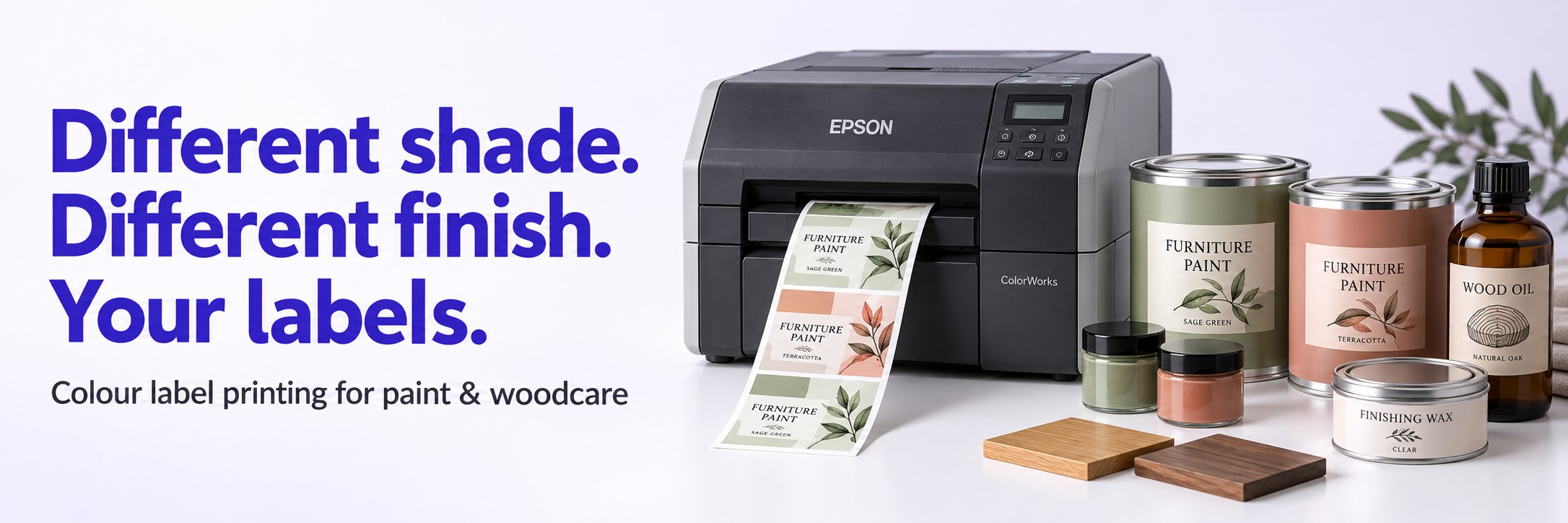
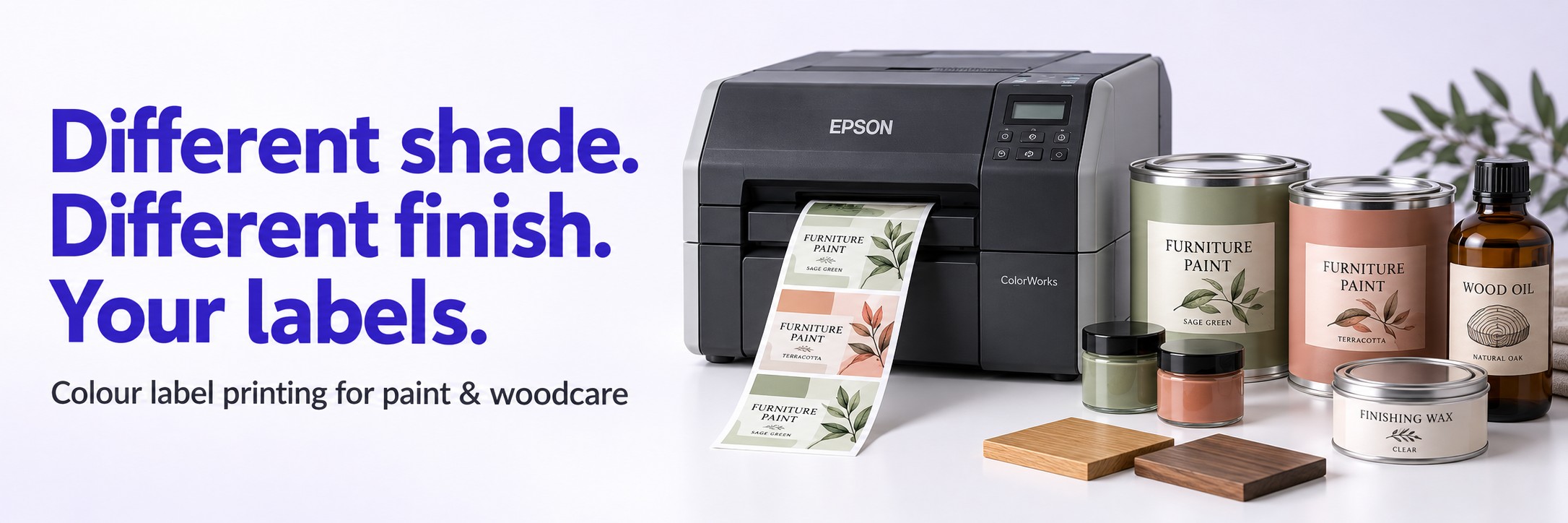
Epson ColorWorks for paint and woodcare brands
Different shade. Different finish. Your labels.
Print colour labels on demand for paint tins, sample pots, wood stains, oils, waxes and specialist coatings.
A new colour collection. Another tin size. A customer’s own-brand range. Every variation can mean another label to order, store and keep up to date.
Epson ColorWorks colour label printers give you the option to produce labels in-house, using your approved artwork and the quantities your production runs need.
Short production runs
Sample pots and trial packs
Own-label ranges
Multiple pack sizes
One product range. Plenty of label variations.
In-house printing is worth exploring when your business handles lots of designs, changing product information or smaller batches across a broad range.
Decorative & Furniture Paint
Create labels for different colour names, finishes and tin sizes without holding a separate stock of every printed design.
Wood Stains & Dyes
Adapt your artwork for shade variants, application instructions and different container sizes across your woodcare range.
Oils, Waxes & Finishes
Produce branded labels for wood oils, finishing waxes, polishes and related surface-care products.
Sample Pots & Test Packs
Print small quantities for colour samples, customer trials and product development without ordering a full label run.
Own-Label Products
Switch between approved customer designs for contract-filled products and retailer-branded ranges.
Specialist Coatings
Manage label variations for primers, sealers, protective coatings and other specialist products.
Print for the batch you’re making
Reduce pre-printed stock: keep suitable blank label media and print individual designs as required.
Support smaller runs: produce labels for trials, limited editions and customer-specific orders.
Update approved artwork: introduce revised product details before the next print run.
Handle range changes: add a new shade, finish or pack size without waiting for another pre-printed label delivery.
Include variable information: use suitable label software to add details such as batch references and barcodes.
Keep printing flexible: explore a complete in-house setup or a printer for samples, urgent work and overflow.
The label needs to suit the container
A label for a small plastic sample pot has different requirements from one applied to a metal tin or a bottle of wood oil. Printer selection is only part of the job.
Container & Adhesive
Consider the container material, shape, surface texture and application conditions. Small curves, seams and contaminated surfaces can affect adhesion.
Handling & Exposure
Choose media with your actual use in mind, including rubbing, moisture and contact with paint, oils or solvents. Test printed samples before committing to a full setup.
Size & Application
Check label dimensions, artwork layout and whether labels will be applied by hand or machine. Existing applicators may require specific roll formats and winding directions.
A printed colour patch is not a paint colour standard.
Printed colours can look different from the finished coating.
Use approved physical swatches or drawdowns where customers
need an accurate representation of the product shade.
Find an Epson ColorWorks setup for your workflow
Tell us about your labels and production process, and we can help you compare Epson ColorWorks options alongside suitable label media and software.
Starting with In-House Printing?
Send us an example label, the dimensions and your approximate usage. We can help you work through printer suitability, media choices and how artwork will be printed.
Already Printing Your Own Labels?
Let us know what you currently use and what you want to improve — whether that is flexibility, print quality, additional capacity or a separate setup for samples.
Product information stays under your control.
Print from approved artwork containing the information required
for your specific formulation and market. A printer does not
determine a product’s classification or make a label compliant
by itself.
Start with one of your existing labels
1
Send an Example
Email a photo or artwork file with the label dimensions, container type and approximate number of labels used.
2
Describe the Job
Tell us how many designs you manage, how labels are applied and whether they encounter moisture, abrasion or product spills.
3
Compare Your Options
We can suggest printer and media options with a quotation, and discuss sample testing for your packaging.
Paint & woodcare label printing questions
Can I print labels for different shades and finishes?
Yes. You can switch between artwork files or use suitable software templates to change product details. Each design must fit the loaded label size and the printer’s capabilities.
Can the same printer handle sample pots and larger tins?
Potentially. It depends on the dimensions of both labels and the printer’s supported media range. Send us your smallest and largest label sizes so we can assess the options.
Will the labels resist paint, oil or solvent spills?
Resistance depends on the complete combination of ink, label material, adhesive, container and chemical exposure. Printed samples should be tested with your actual products and handling conditions.
Can I use the labels with an automatic applicator?
This needs checking before you choose a setup. Your applicator may specify a core size, maximum roll diameter, winding direction, label gap and other media requirements.
Do I have to replace all my outsourced label printing?
No. An in-house printer can also support sample pots, short runs, urgent replacements and own-label work while you continue outsourcing longer runs.
Show us what you need to label
Send your current label, its dimensions and approximate usage to sales@tekdirekt.uk. Include a photo of the container if you can.
We’ll help you explore a suitable colour-label printing setup and provide a price to consider. No calls or meetings needed.