
For contract packers & private-label manufacturers
Colour Label Printing for Contract Packers & Private Label
How many different customers’ labels are you holding in stock?
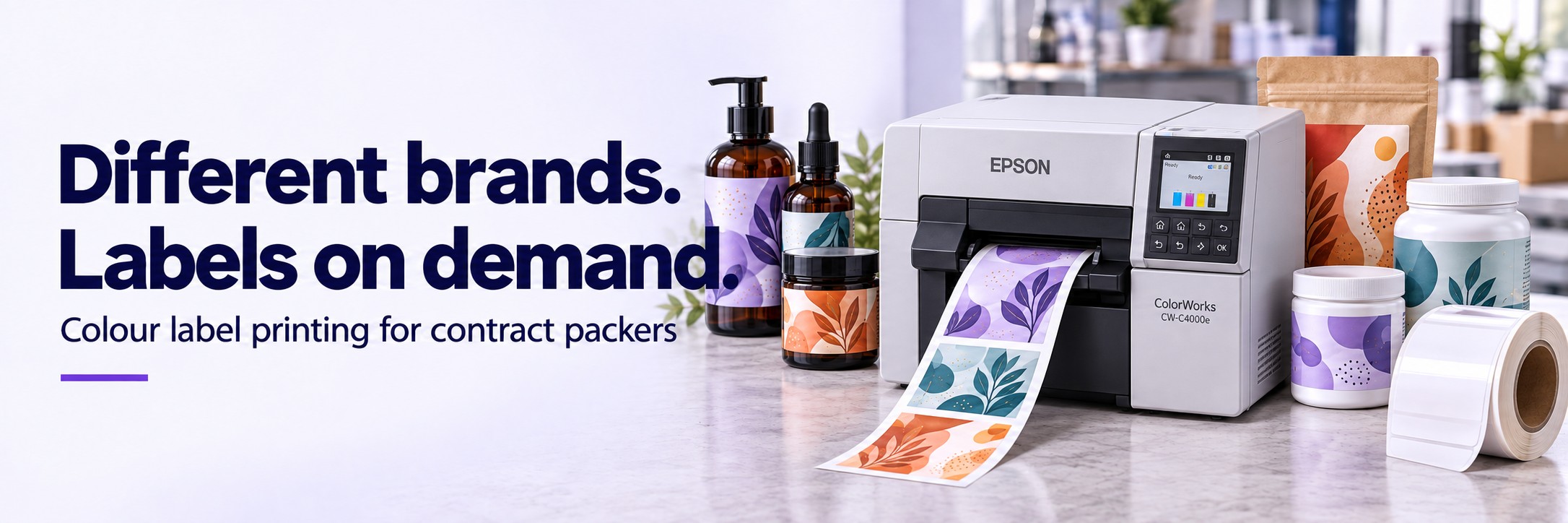
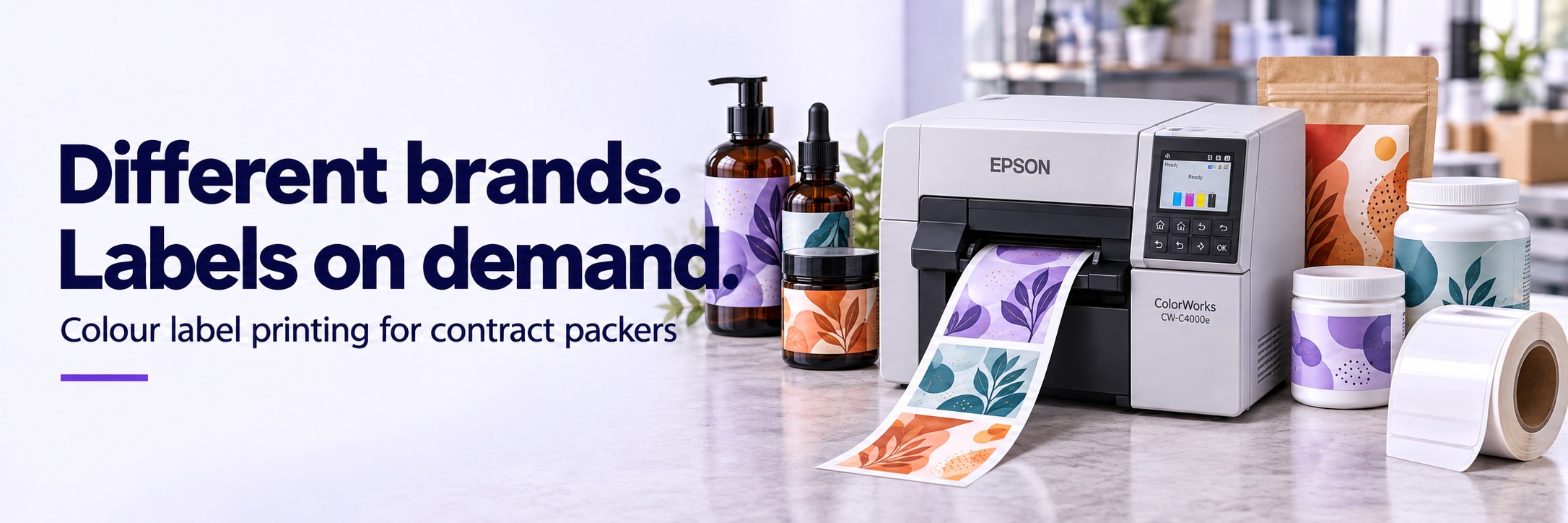
Every brand, product variant and artwork revision can mean another pre-printed roll. Epson ColorWorks gives you a way to produce finished colour labels in-house, when the job is ready.
Bring customer branding and variable product information together on compatible blank labels. Print the quantity for the run, then move to the next approved design.
Send your label dimensions, typical batch quantity and a sample of your artwork. We can start by email.
Different customers. Different artwork. Less pre-printed stock.
A customer changes the design
Update the approved artwork before the next print run, reducing the risk of shelves full of labels carrying the previous version.
A small job needs its own labels
Produce labels for a trial, launch or short repeat order without ordering a large quantity of that finished design from an external printer.
Several brands use a similar pack
Where label size and material requirements match, use the same compatible blank stock for different customers’ designs.
Make the label part of the job
A useful starting point is a repeatable pack format: the same jar, bottle, tub or pouch supplied for several brands. Build an approved template for each customer, select the correct job information and print only after the artwork is signed off.
- Customer logos, colours and product imagery
- Product descriptions, variant names and pack sizes
- Barcodes and QR codes generated through suitable labelling software
- Batch details, dates and other variable fields from your approved data
You still need artwork approval, version control and first-label checks. The printer reproduces the information supplied to it.
Where could it fit in your business?
Food co-packers
Customer-specific labels for sauces, seasonings, confectionery and other packed foods. Keep branding and approved product information together as recipes and pack formats change.
Cosmetics & personal care
Manage different brands, scents, sizes and product ranges across jars and bottles. Compare the printed finish against the customer’s artwork and packaging brief.
Supplement manufacturers
Print customer-specific bottle and tub labels for different formulations and pack quantities. Keep approved text and variable batch information tied to the correct job.
Liquid filling & contract bottling
Consider on-demand labels for trial batches, specialist products and shorter runs. Match the label material and adhesive to the container and its storage conditions.
Which Epson ColorWorks printer should you consider?
Start with the label width and the time available to print each batch. These three ranges cover different requirements; the right choice also depends on media, finish and how labels will be applied.
ColorWorks C4000e
Compact desktop colour printing.
A starting point for short runs and a dedicated label-printing workstation. Supports a maximum print width of 108 mm and includes an auto-cutter.
Consider it when compact size and a straightforward desktop workflow matter.
ColorWorks C6000 Series
Flexible 4-inch production labelling.
Supports a maximum print width of 108 mm. Ae models have an auto-cutter; Pe models have a peeler for applications that need labels presented individually.
Consider it for varied product labels and workflows with more specific media-handling requirements.
ColorWorks C6500 Series
Wider labels for larger packs.
Supports a maximum print width of 212 mm, giving more room for branding and detailed information. Auto-cutter and peeler versions are available.
Consider it when your artwork needs a wider label than the 4-inch models can produce.
Print width is different from overall media width. Confirm the exact printer variant, roll specification and ink/media combination before ordering. Print speed varies with the artwork and quality setting; an applicator or production-line integration is a separate requirement.
Explore the colour label printer rangeStart with one label family
01 / Choose the job
Pick a recurring format
Look for a pack used across several customers or variants, particularly where artwork changes or short runs create leftover labels.
02 / Check the result
Test the complete label
Check colour, text, barcode readability, adhesion and handling on the actual container. Include any moisture, oils or temperature exposure.
03 / Compare the cost
Use your real quantities
Compare printer, ink, blank media, maintenance and operator time with your current label orders, storage and obsolete stock.
Questions about in-house label printing
Can we print labels for several customers?
Yes. You can use different approved designs for different customers. If their label dimensions, finish and application requirements match, those designs may share the same blank media.
Will one roll type cover every product?
Not necessarily. A chilled bottle, a cosmetic jar and a chemical container can require different materials and adhesives. Specify the blank stock for each application, then standardise where it makes sense.
Can we keep using outsourced labels?
Yes. In-house printing can cover short runs, trials and changing designs alongside externally printed labels for stable, high-volume products or specialist finishes. Compare each type of job separately.
Will the printer match our customers’ brand colours?
ColorWorks offers colour-management tools, but the finished result depends on artwork, settings, ink and media. Approve a printed sample where colour matching matters. Check specialist requirements such as metallic effects or white ink separately.
What should we send for a recommendation?
Send the label width and height, container type, labels per batch, approximate daily volume and a sample design. Mention the required finish, storage conditions, software and whether labels are applied by hand or machine.